

Delete Entries and Assets in Bulk
To delete entries and assets found in your search results in bulk, log in to your Contentstack account and perform the following steps:
- Navigate to your stack and select the “Entries” or “Assets” module.
- Search for the entries and assets you want to delete. You can use Basic Search, Advanced Search, Filters, and Views to refine your search results.
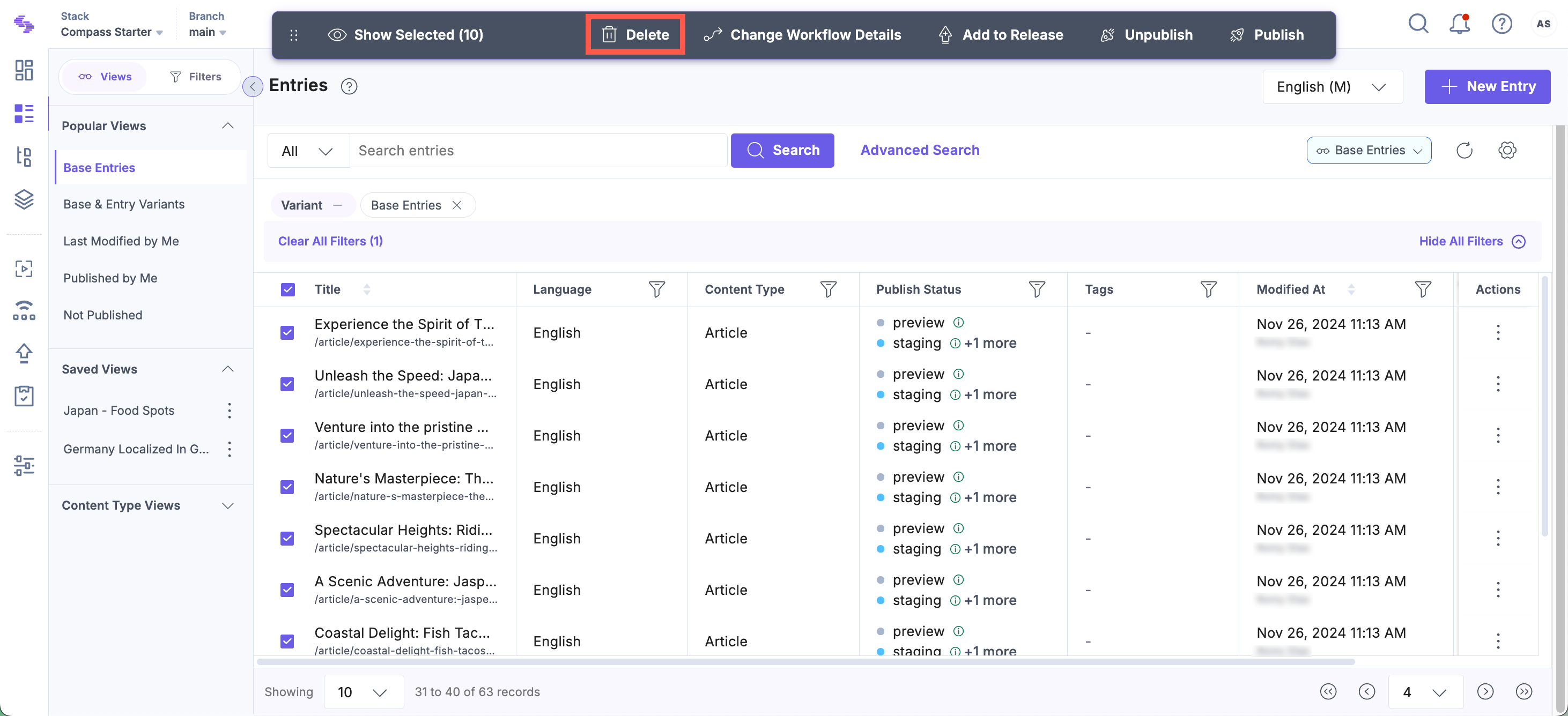
- From the search results, select the entries or assets you want to delete. Click the Delete button on the floating bar at the top.
- In the modal that appears, click the Delete button.
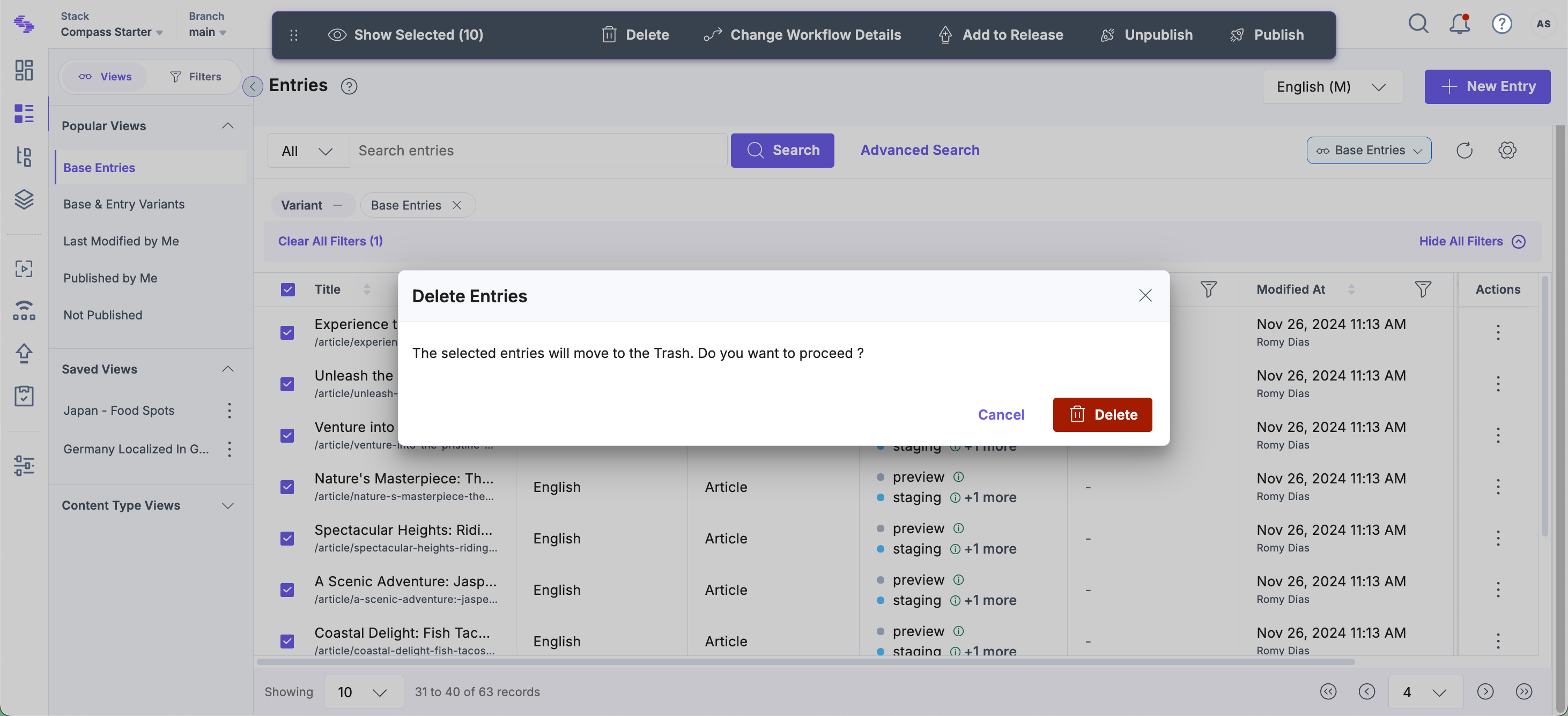
Note: Deleted entries and assets are moved to the trash and remain there for 14 days before being permanently deleted.
Limitations for Deleting Entries and Assets in Bulk
You cannot delete all entries or assets in a stack at once. You can only select and delete up to 100 items at a time. To remove more than 10 items, repeat the process in batches.
Note: If you need to delete more entries or assets at once than your current Contentstack plan allows, contact the support team to upgrade to a higher-tier plan with a larger batch deletion limit.
Was this article helpful?
More articles in "Bulk Operations on Search Results"
