

About Teams
Teams makes it easier to manage roles and permissions by organizing users into groups. Instead of assigning roles individually or at the stack level, you can assign roles directly to a team. This ensures that all users within a team share the same set of role permissions.
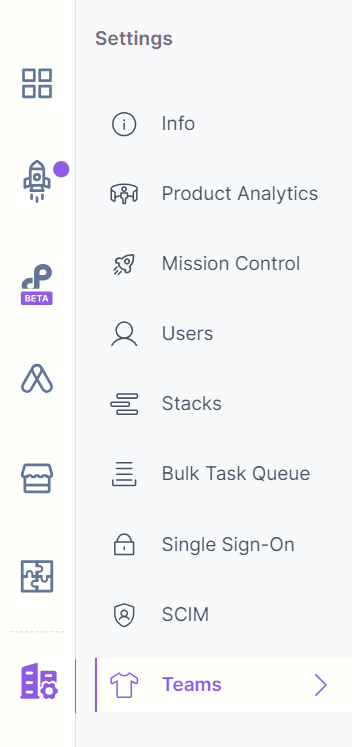
You can find Teams under the “Stack Settings” navigation panel.
Key Features
Here are the key features of Teams:
- Teams is an Organization-wide feature and can be accessed through Organization Settings.
- Only owners and admins currently have permission to manage teams.
- Teams let you assign both Organization-level and stack-level roles to the users.
- Once a team is set up, members can be added and assigned roles.
- Roles assigned to a team will also reflect under the Users & Roles module.
- Users can be invited to the team, and if they are new to Contentstack, they will receive a link to set up an account.
- A user can be part of multiple teams and can inherit roles from all those teams. For example, if a user is part of two teams with different roles for the same stack, they will inherit both roles.
Note: If a user is the owner of a stack, then the Owner's permission takes precedence over other stack-level roles for the user.
- Teams can be accessed and updated by multiple admins/owners.
Note: Should you have any queries or require guidance in getting started with Teams, our support team is here to help.
Was this article helpful?
More articles in "Work with Teams"
