

Manage In-App Notifications
Stay informed about crucial account activities with Notifications in Contentstack. This feature helps you keep track of significant updates and actions within your organization, ensuring timely responses and informed decision-making.
What You Will Learn
How to access notifications.
How to view and interact with notifications.
How to group and sort notifications.
Access Notifications
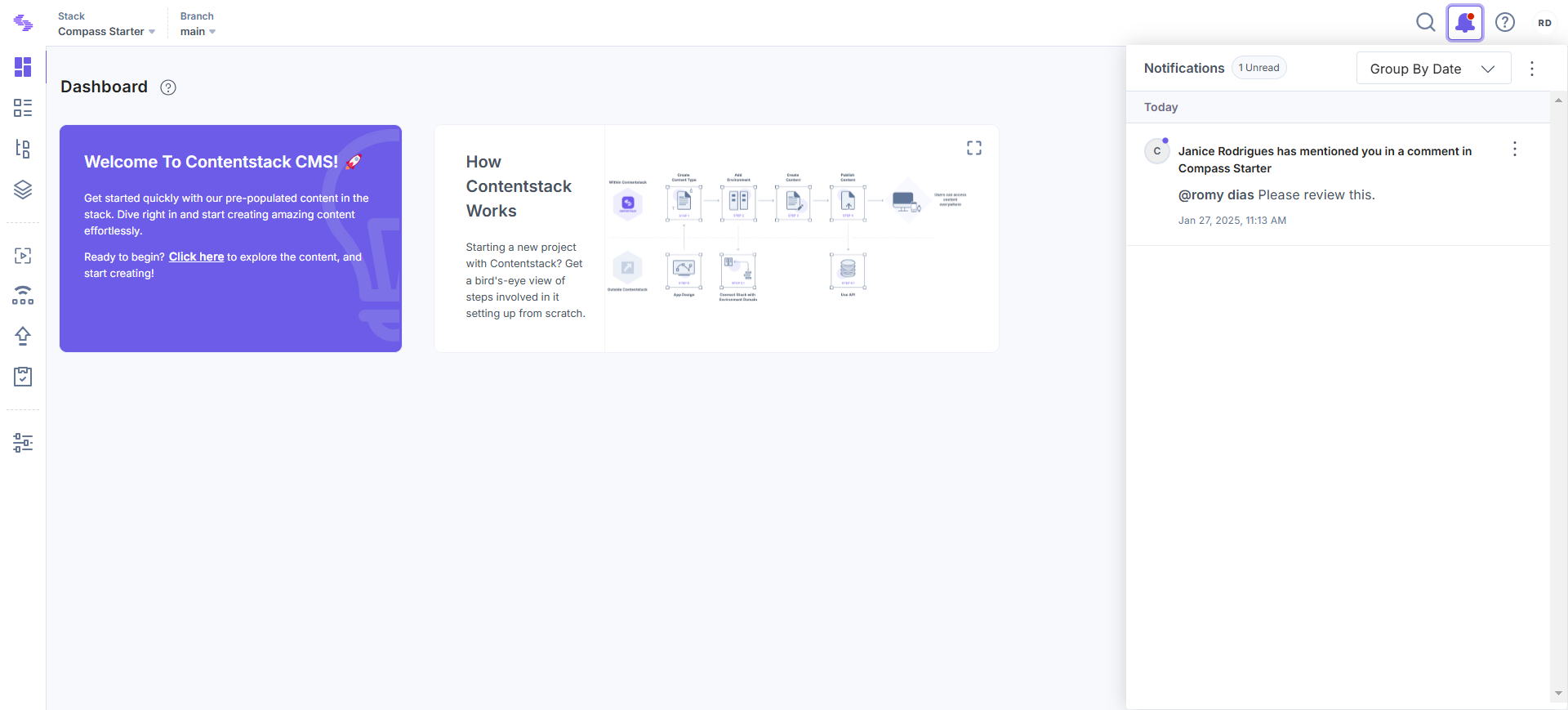
You can access notifications by clicking the bell icon in the top right corner of the screen. When new notifications are available, a red dot appears on the bell icon, prompting you to check the updates.
View and Interact with Notifications
Notifications provide detailed insights into various account activities, such as mentions in discussions, which can be accessed by clicking directly on the notification. Some notifications, like app installation requests or collaboration invitations, include actionable buttons that let you respond immediately.
Note: Only the Organization Owner and Admins can view organization-level notifications.
You can take control of your notifications with these simple actions:
- Mark as Read: Use the ellipsis (three dots) next to each notification to mark individual notifications as read.
- Delete: Use the ellipsis (three dots) next to each notification to delete individual notifications.
- Mark All Read: Quickly clear all unread notifications by selecting this option from the three dots menu.
- Delete All: Delete all notifications at once for better organization by selecting this option from the three dots menu.
A red dot on the bell icon indicates unread notifications, while individual notifications are marked with a purple dot until they are read.
Grouping and Sorting Notifications
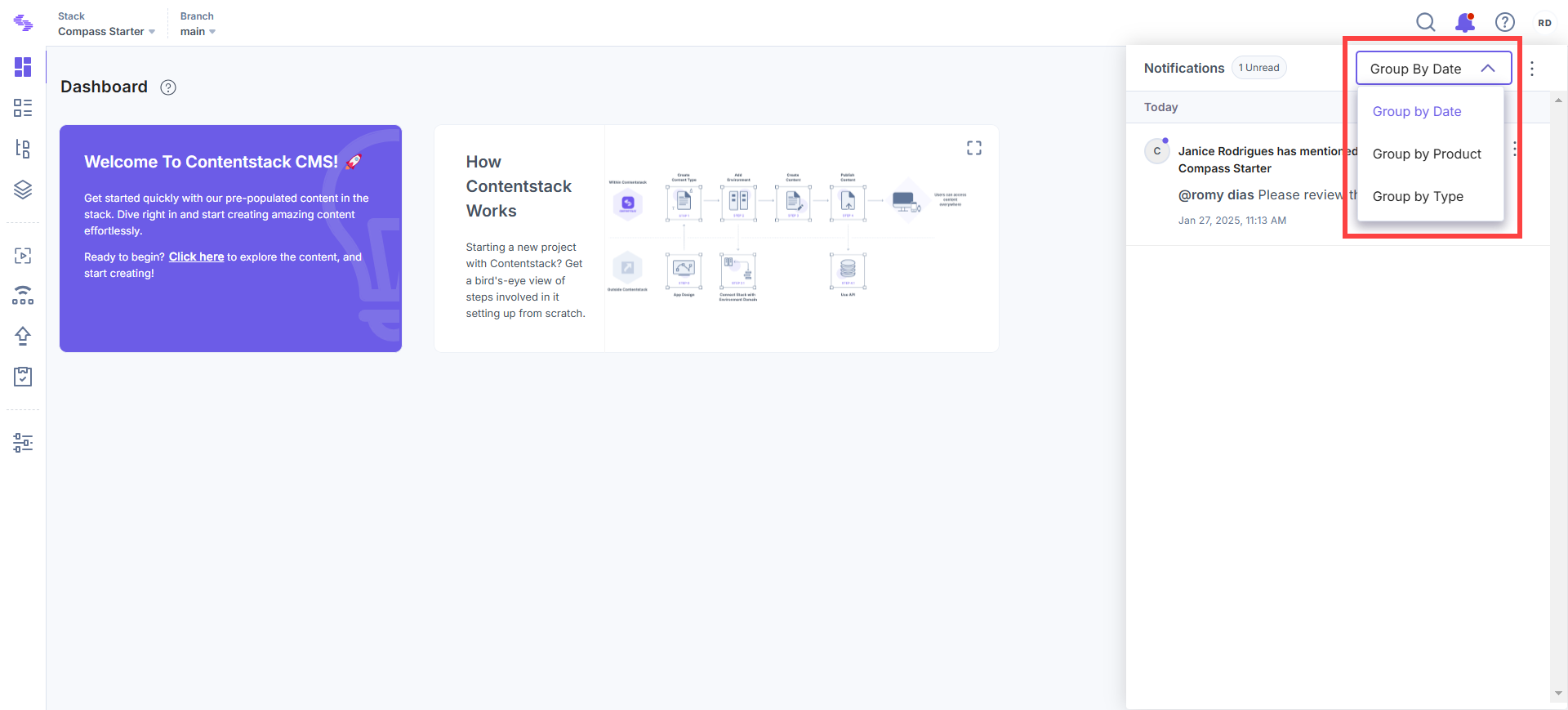
To help you manage notifications effectively, Contentstack offers sorting and grouping options. You can organize notifications by:
- Date: Sorts notifications in chronological order, making it easy to find the latest updates.
- Product: Groups notifications based on the relevant product (e.g., Contentstack App, Automate, Marketplace).
- Type: Categorizes notifications into different types, such as:
- Alerts: Important updates or critical changes to your account.
- Mentions: Notifications when you are mentioned in a comment or discussion.
- Requests: Collaboration invitations, app installation requests, and access requests.
- Comments: Comments and feedback from collaborators.
With Notifications, you gain a comprehensive overview of the platform, ensuring you stay ahead of all activities.
