

Import a Webhook
You can create a new webhook or update an existing webhook by importing a JSON file with the webhook data.
Import a new webhook
To import a webhook, log in to your Contentstack account, go to your stack, and Perform the steps given below:
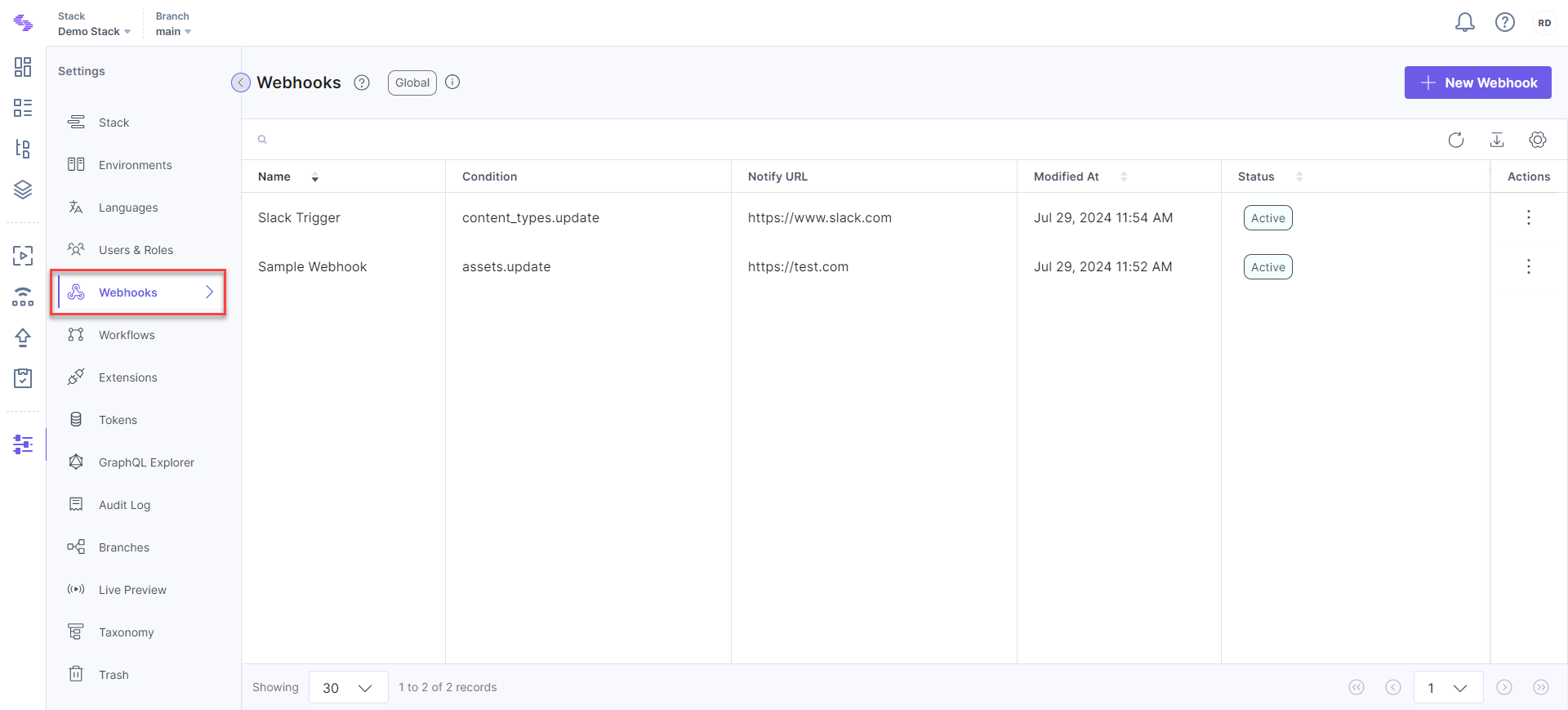
- Click the “Settings” icon (press “S”) and select Webhooks (press “alt + W” for Windows OS, and “option + W” for Mac OS).
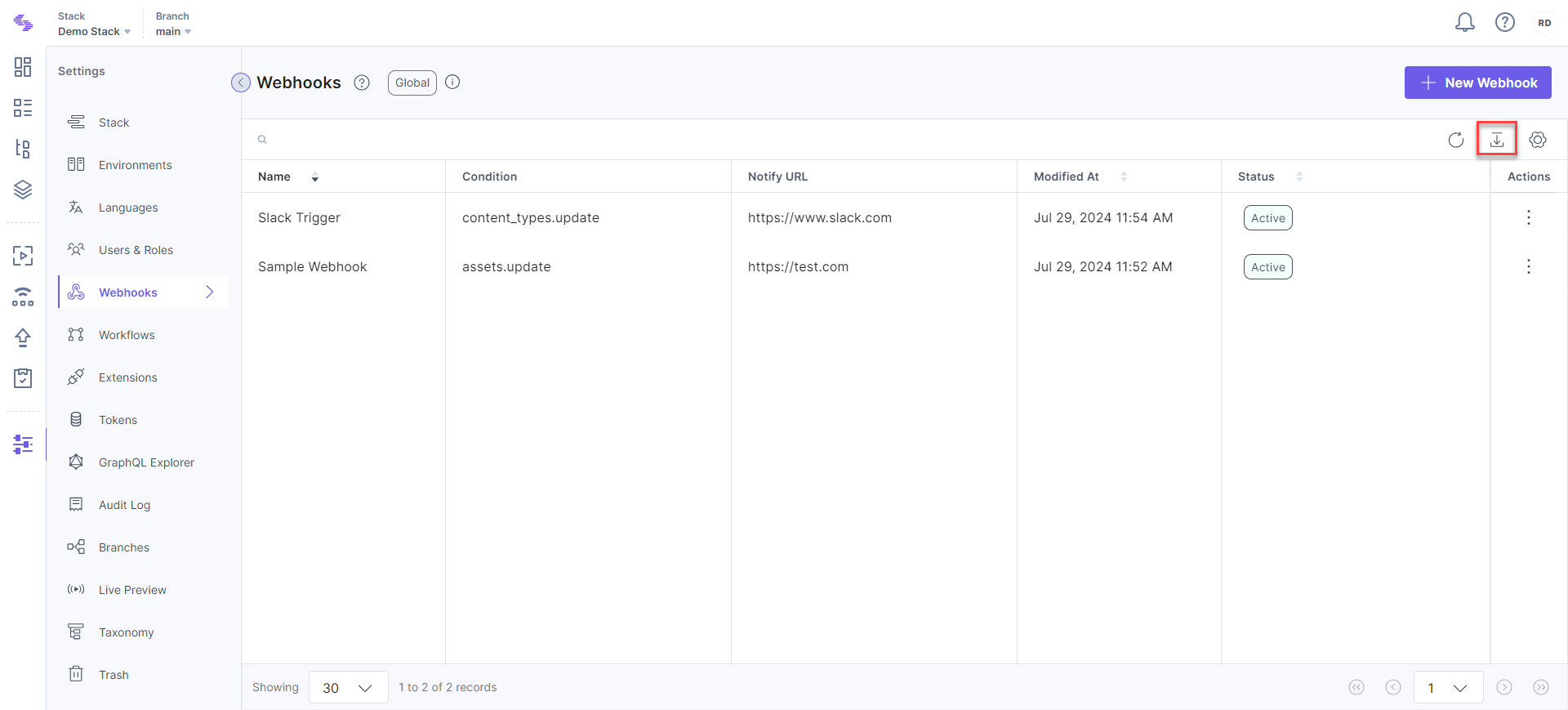
- Click the "Import Webhook" icon on the top right side of the page.
- Browse and select the appropriate JSON file and click Import.
This imports your webhook.
Update a webhook by importing JSON file
Open the webhook that you need to update, and perform the following steps:
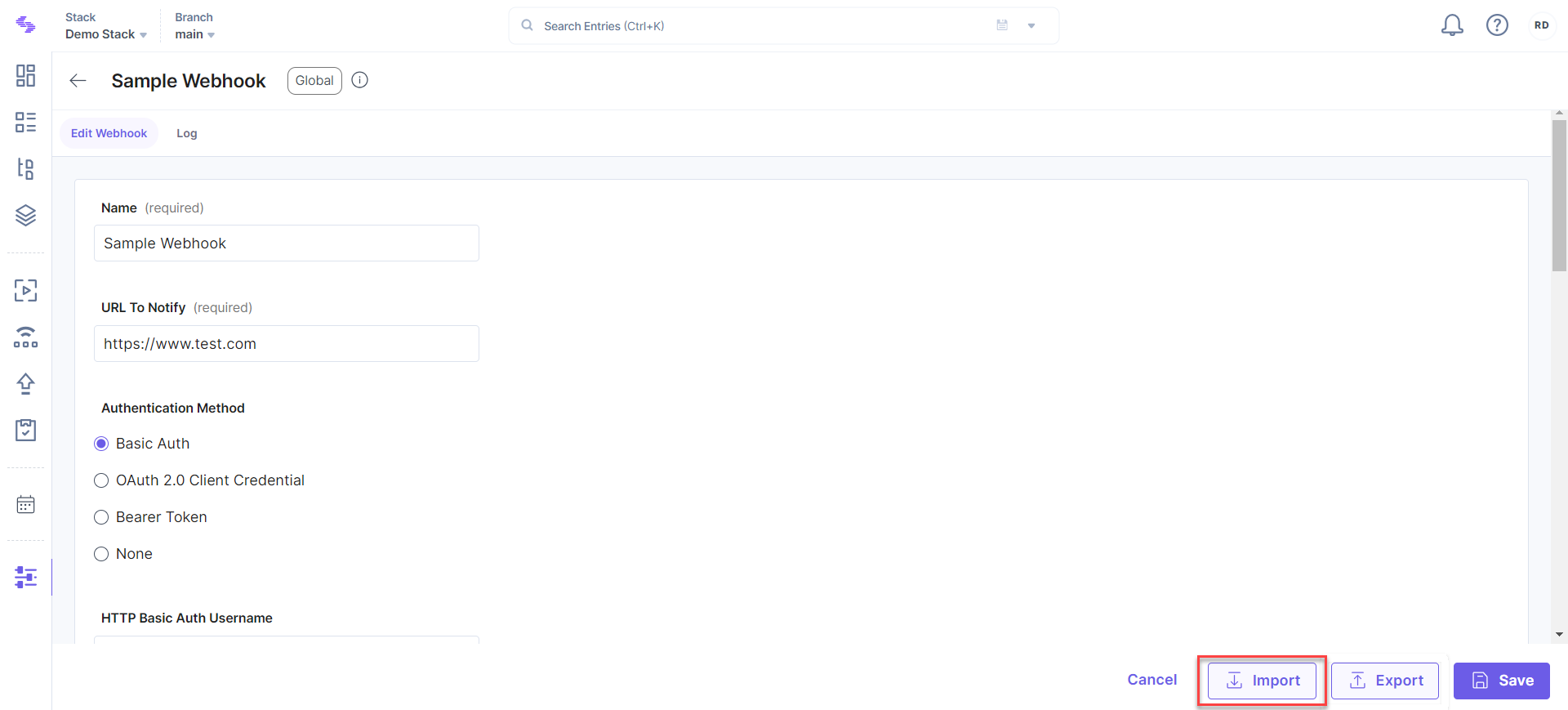
- Click the Import button available at the bottom of the webhook page.
- Browse and select the appropriate JSON file and click Import.
This will update your existing webhook.
API Reference
To import the JSON body of a webhook in your stack via API, refer to the Import a webhook API request.
Was this article helpful?
More articles in "Work with Webhooks"
