

Update a Workflow
You can update an existing workflow in Contentstack to modify its configuration as your content processes evolve. Update workflow details such as the name, description, associated branches, content types, or stage-level rules to match your team’s publishing and review needs.
Note: By default, the Owner, Admin, and Developer roles can update workflows in a stack.
To update a workflow in your stack, log in to your Contentstack account and perform the following steps:
- Go to your stack and click the “Settings” icon or use the shortcut key “S” (for both Windows and Mac users).
- Select Workflows (press Alt + F on Windows or Option + F on Mac).
- Under the Workflows tab, click the workflow you want to update from the list of existing workflows.
- Make the required changes to your workflow. For example, you can:
- Edit the workflow name or description
- Add or remove branch(es)
- Select or deselect content types
- Add, edit, or delete workflow stages
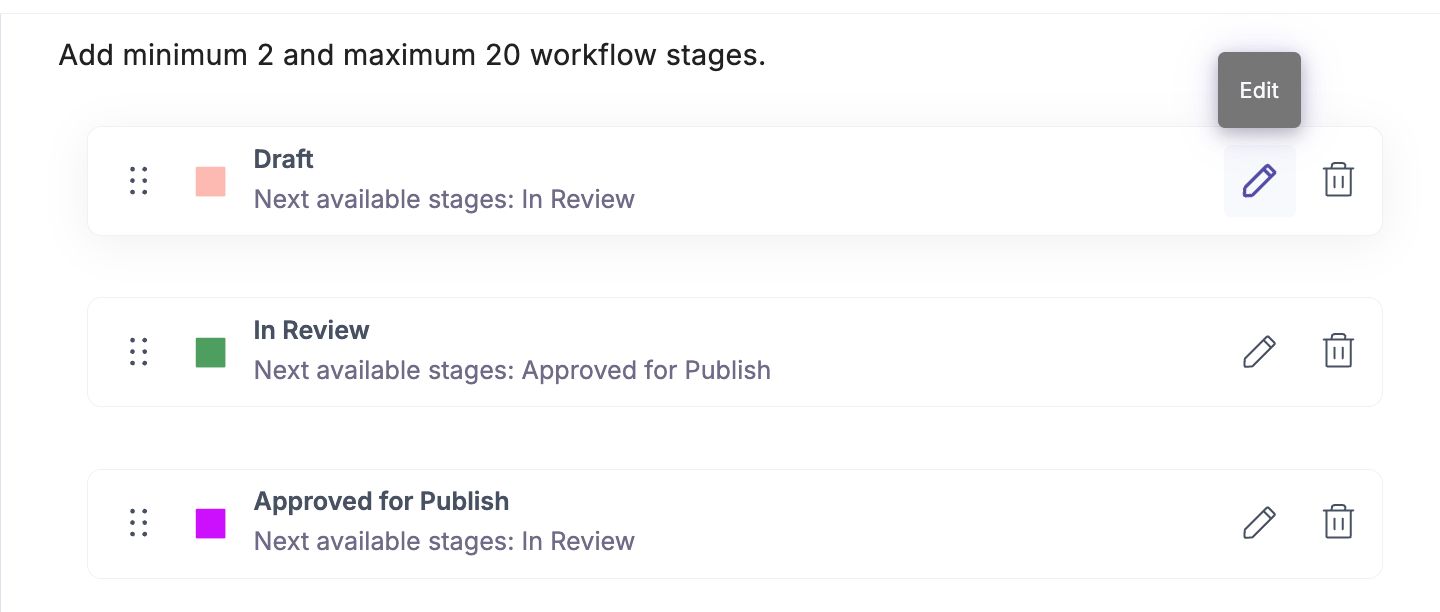
- To edit a workflow stage, click the Edit icon next to the stage name and make changes as needed.
- Within the Stage Transition and Access Rules section, you can enable the Prevent self-advancement toggle to ensure independent review and compliance:
- The user who moved an entry into the current stage cannot move it to the next stage.
- At least two distinct users or a multi-member role must have permission to advance the entry.
- If only one user or a single-member role is assigned, a validation message prompts you to add additional approvers.

Tip: Enable Prevent self-advancement for sensitive or compliance-driven workflows to maintain editorial accountability.
- To remove a workflow stage, click the Delete icon.
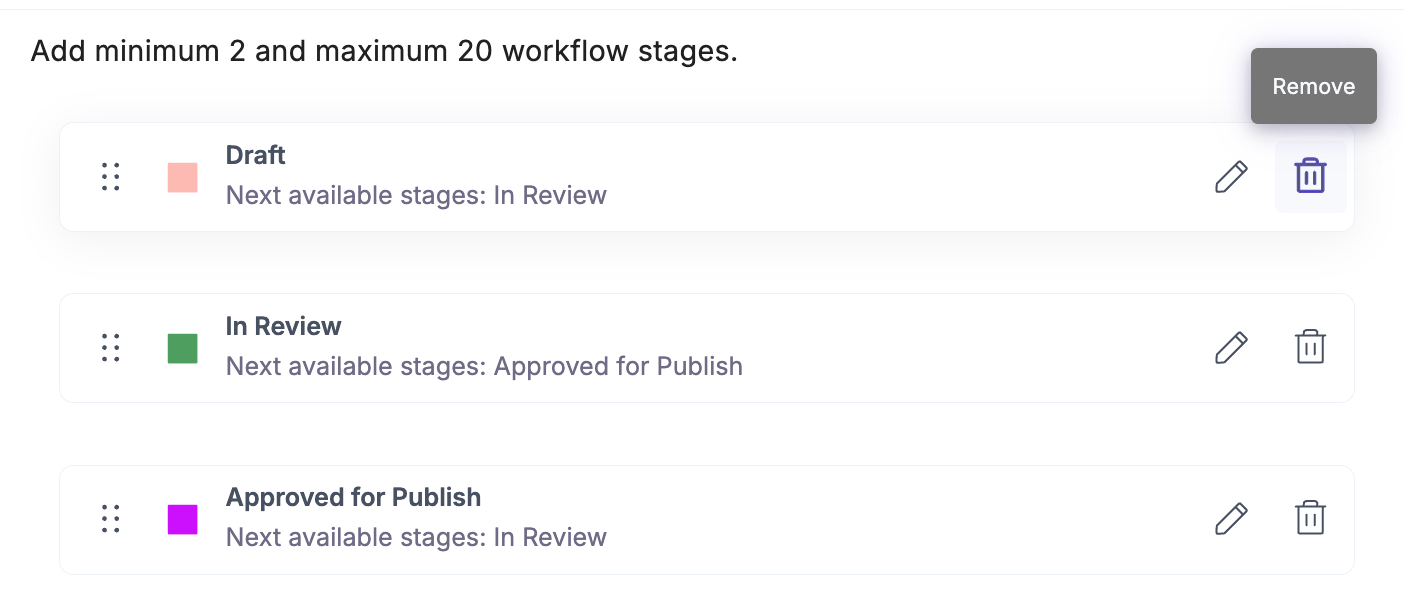
Note: Deleting a stage permanently removes it from the workflow. If any entries are currently in that stage, they will no longer be associated with a workflow stage after deletion. You may need to manually move or reassign those entries to another stage to maintain continuity in your workflow process.
- Click Save to apply your updates.
The updated workflow settings automatically apply to entries associated with the relevant content types.
API Reference
To update a workflow and add stages via API, refer to the Update a workflow API request.
More articles in "Set Up Workflows"
