

Default Dashboard Extensions
The Dashboard provides two extensions by default:
- Recently Modified Entries
- Recently Modified Assets
Recently Modified Entries
The Recently Modified Entries extension displays the list of entries that were recently modified by any user of the stack. At any time you will be able to view a maximum of 10 recently modified entries along with the following details:
- Content type to which the entry belongs
- Name of the user who modified the entry
- Date and time at which the entry was modified
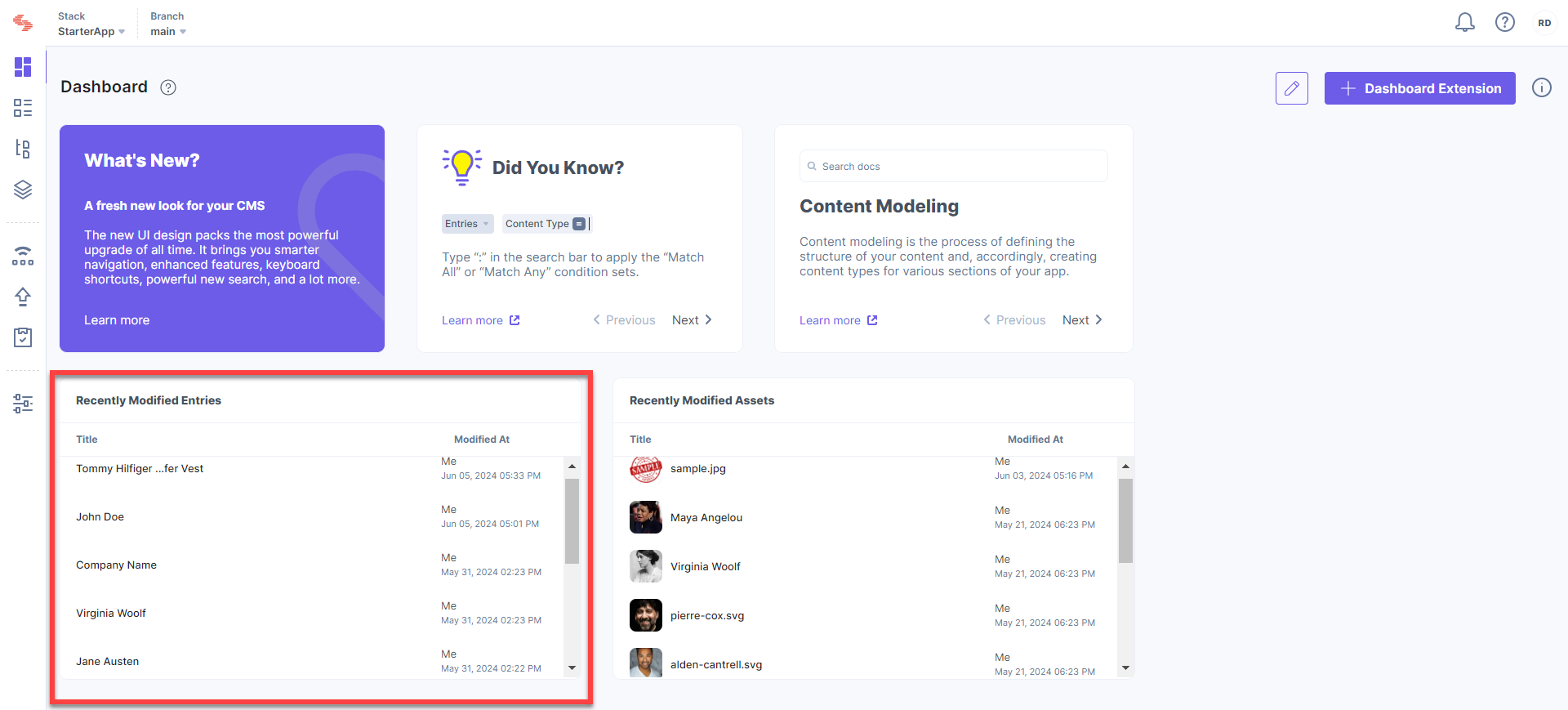
Clicking on an entry will direct you to the entry page.
Recently Modified Assets
The Recently Modified Assets extension displays the list of assets that were recently modified by any user of the stack. At any time, you will be able to view a maximum of 10 recently modified assets along with the following details:
- Title of the asset
- Name of the user who modified the asset
- Date and time at which the asset was modified
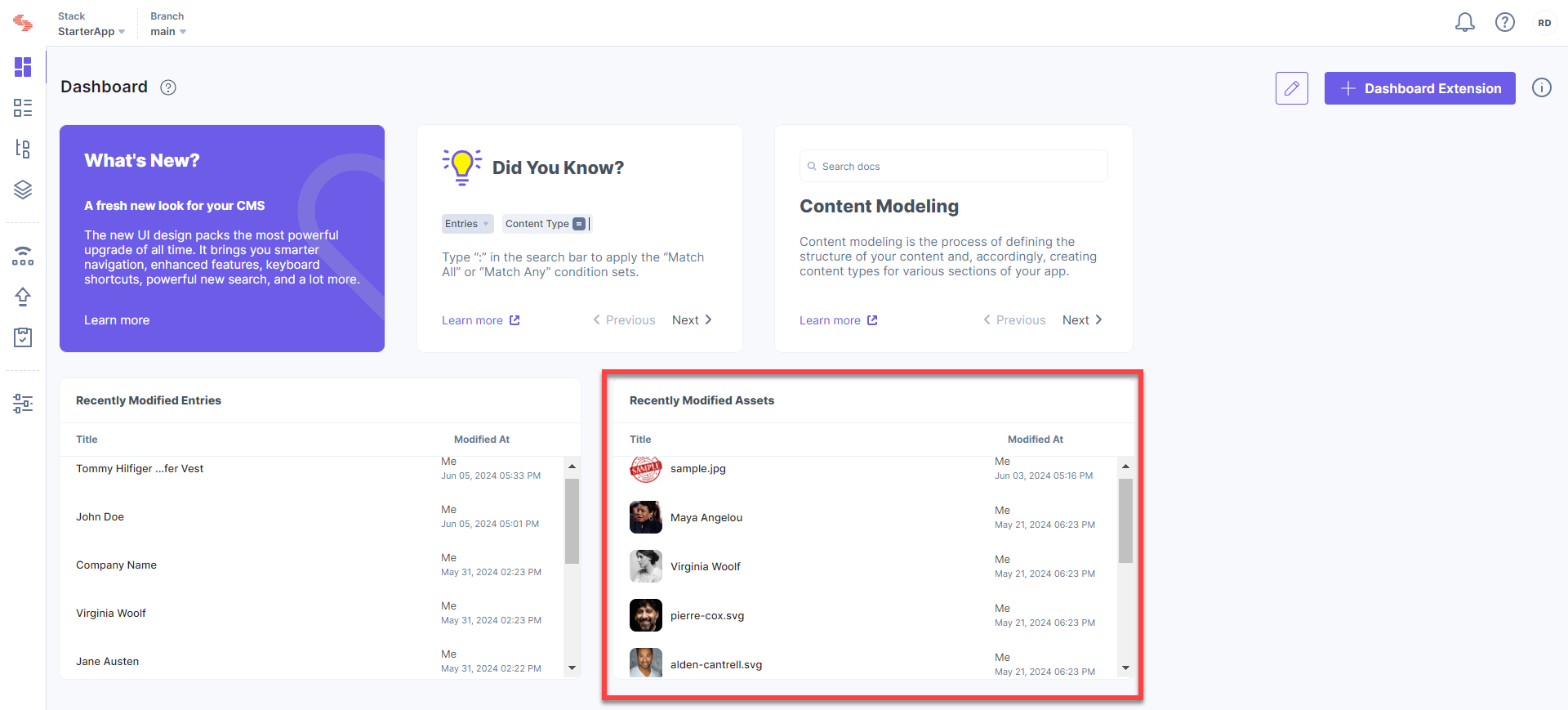
Clicking on an asset will direct you to the Asset Details page.
Access the Stack Dashboard
The Dashboard is the stack’s homepage. To access the Dashboard, follow the steps given below:
- Log in to your Contentstack account.
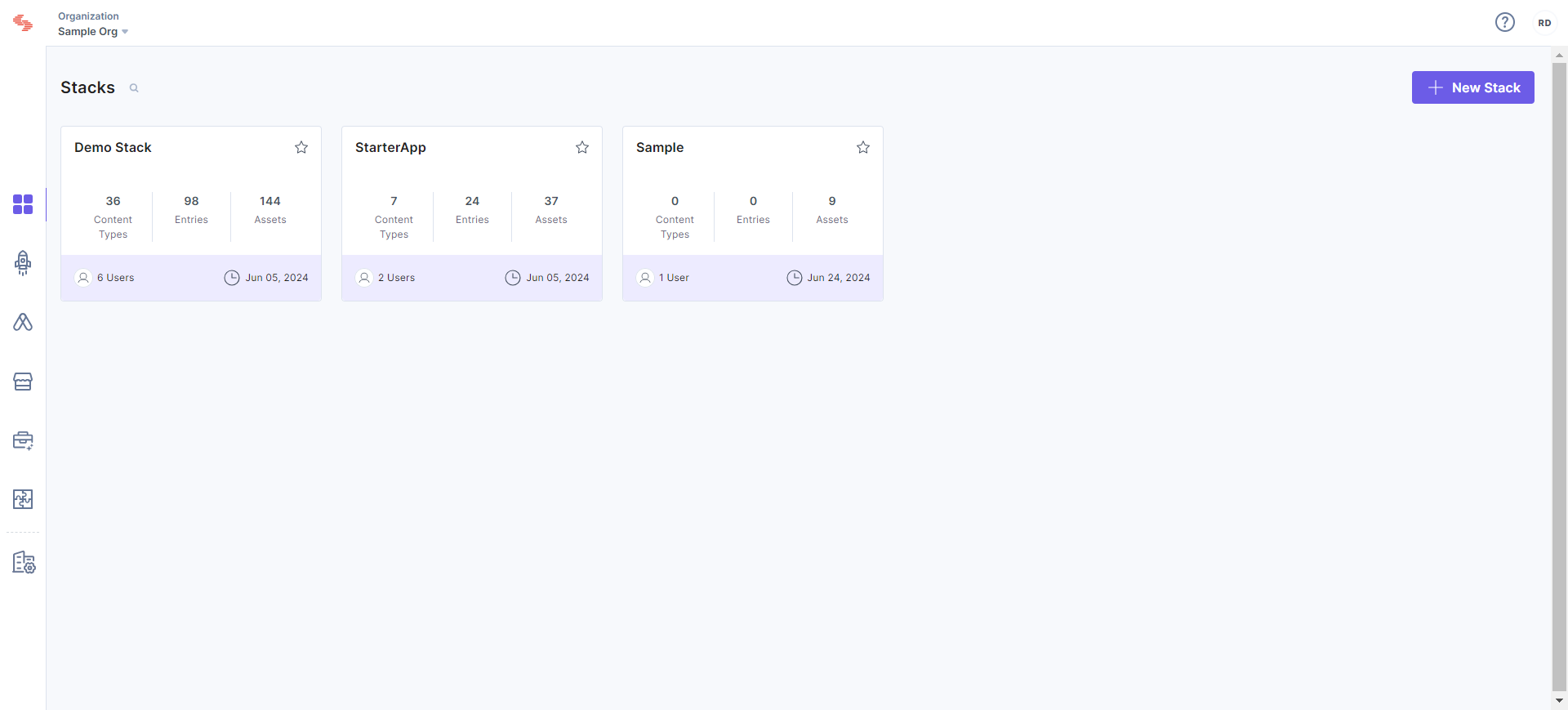
- You will see the stacks that you have access to. Click on any stack of your choice.
- This will take you to the homepage of the stack, i.e., the Dashboard.
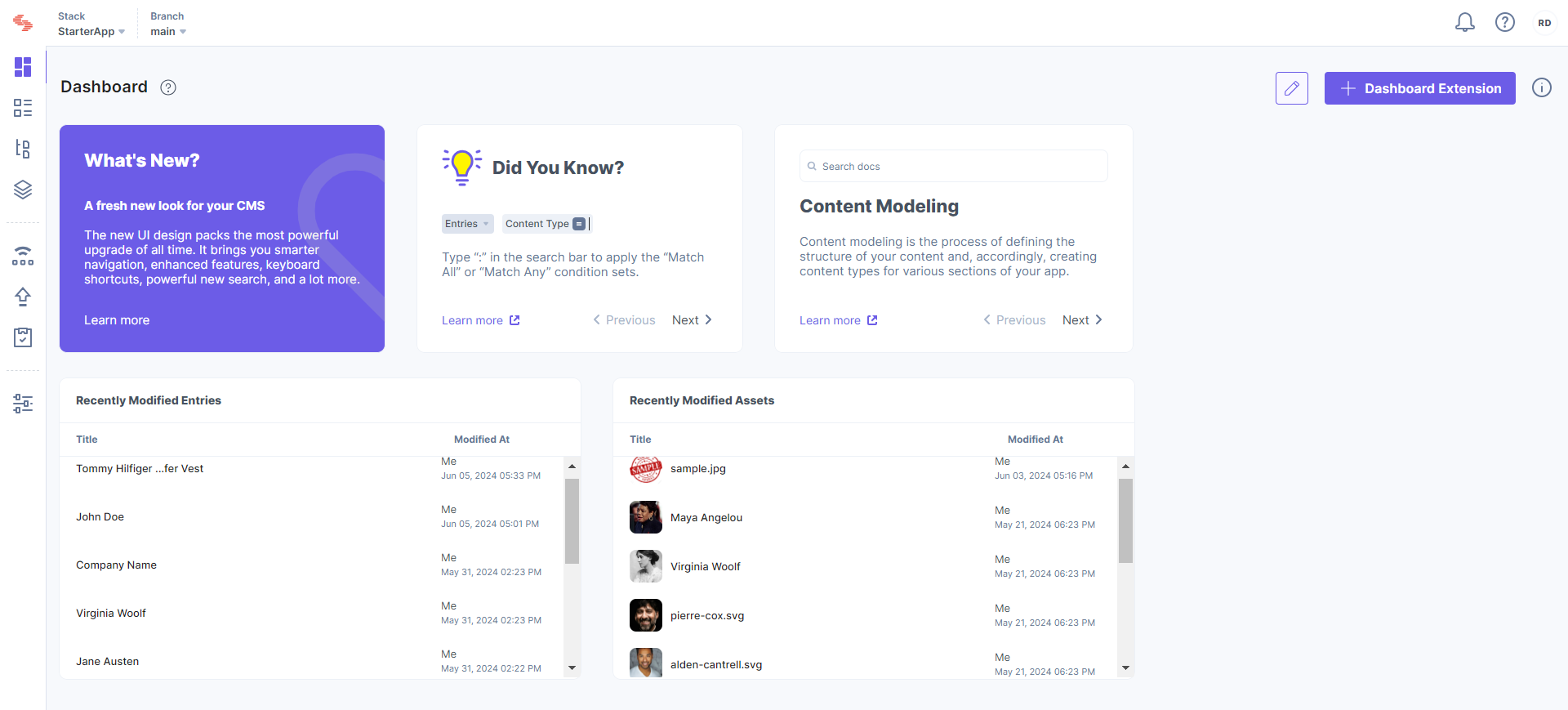
The Dashboard page has the same default extensions that we just discussed above.
Additional Resource: Along with default dashboard extensions, Contentstack provides you the flexibility to create a custom dashboard extension. Optionally, you can refer to the documentation on Google Analytics Dashboard Extension to get started with custom dashboard extensions.
More articles in "Stack Dashboard"
