

Customize Your Dashboard View
The dashboard is the first screen you see when you log in to your stack. Contentstack allows you to customize your dashboard view by adding, removing , and sorting extensions according to your preferences. Let’s understand how these customization features work.
Add or Remove Dashboard Extensions
To add or remove dashboard extensions on your stack dashboard, log in to your Contentstack account and perform the following steps:
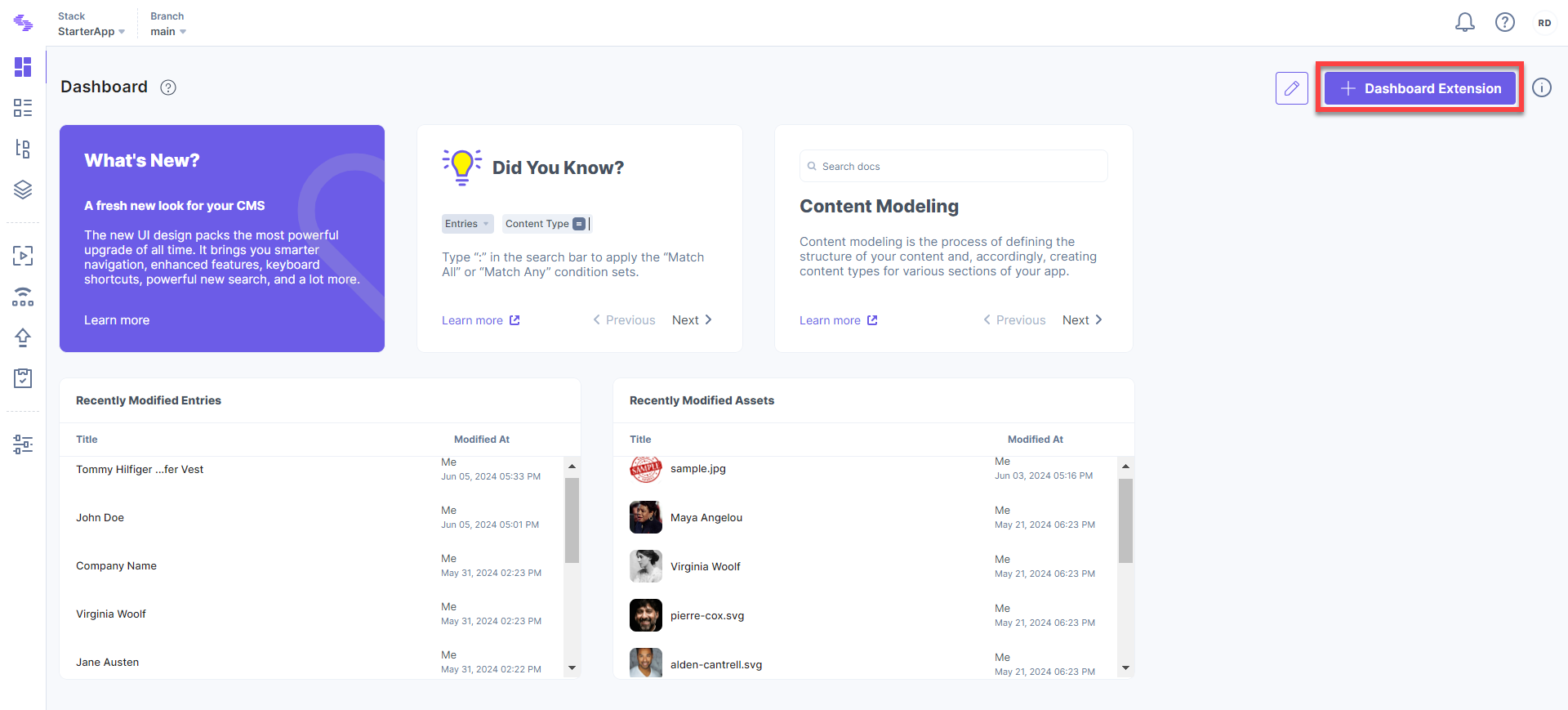
- Select your stack and click the + Dashboard Extension located at the top right of your dashboard page.
- To add a widget or extension, hover over the desired item and click + Add To Dashboard.
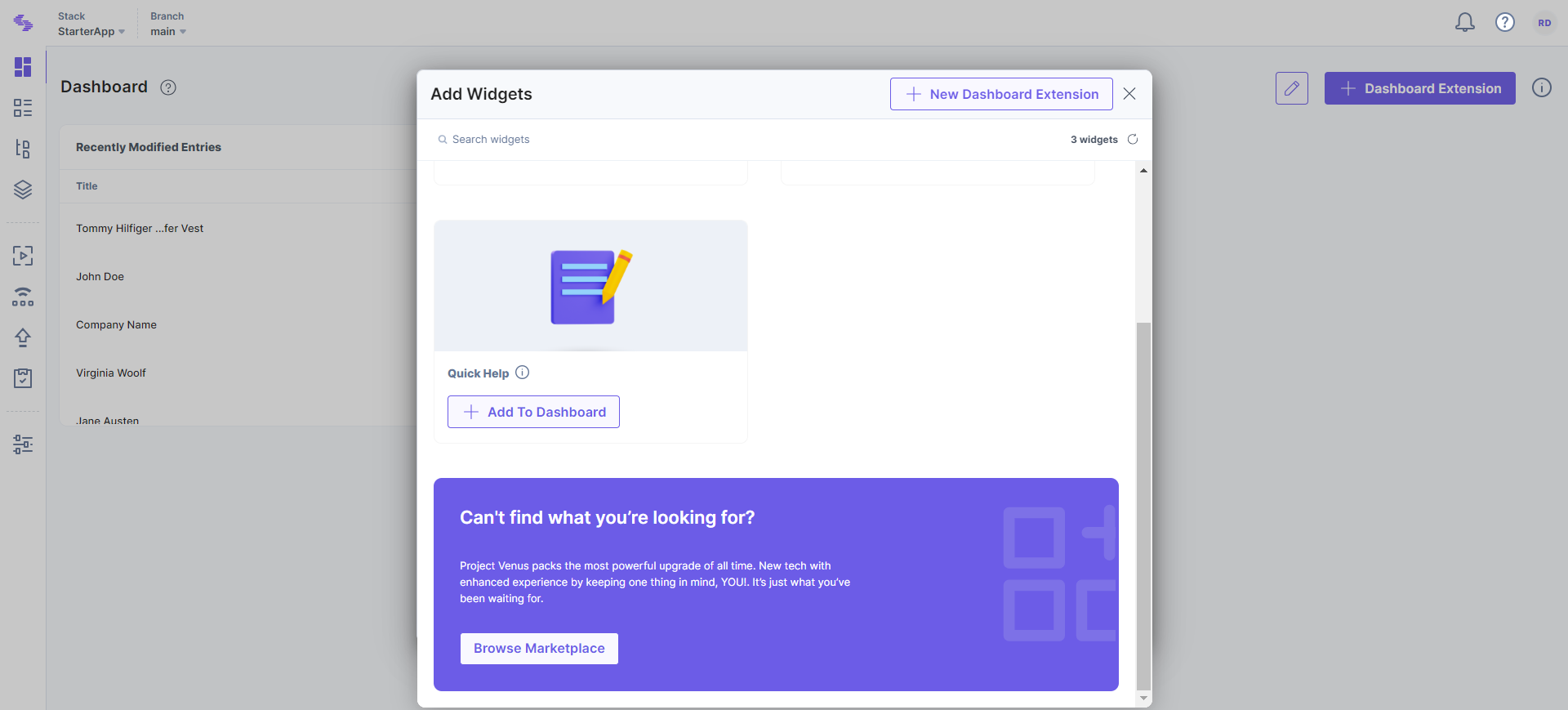
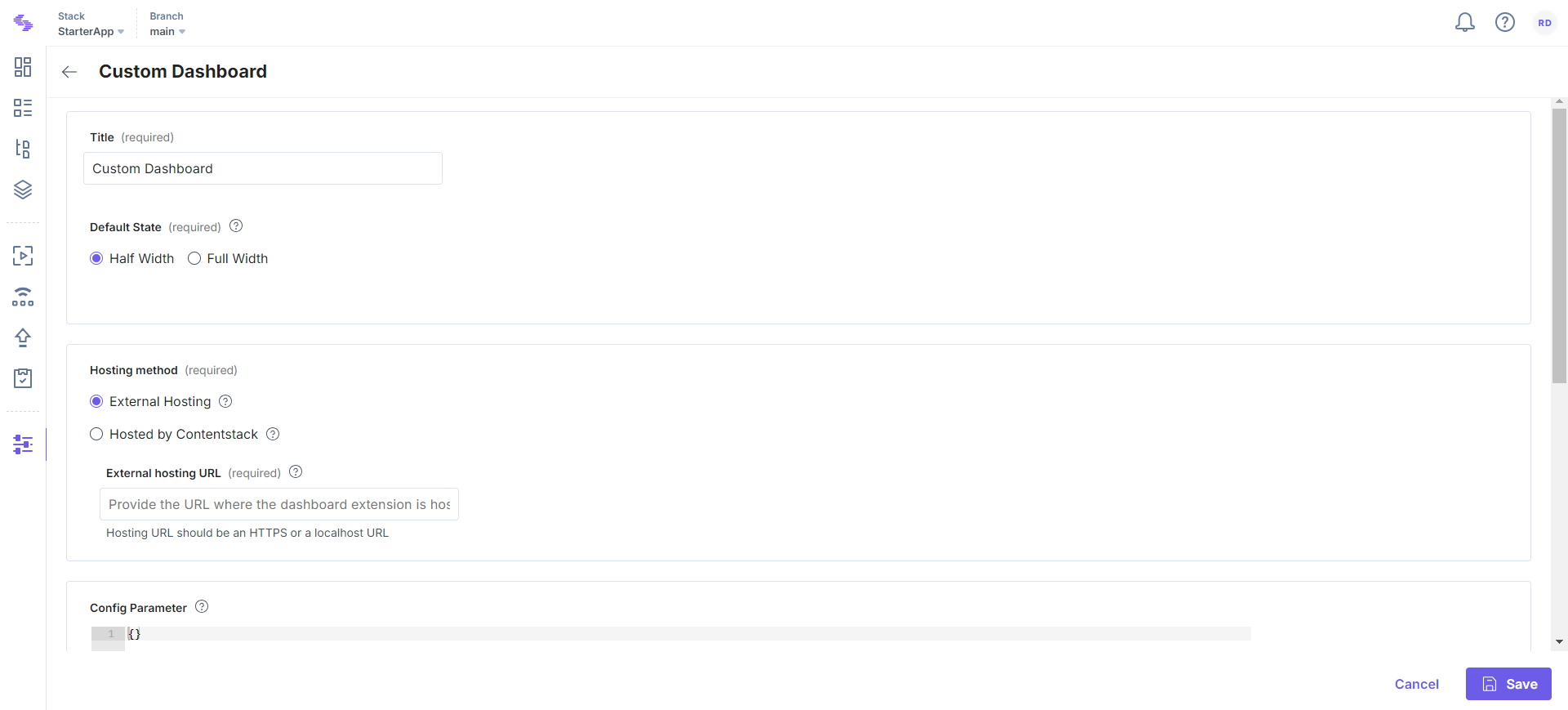
Alternatively, you can also create a new dashboard extension by clicking + New Dashboard Extension or explore the Marketplace by clicking Browse Marketplace to install prebuilt or third-party extensions.
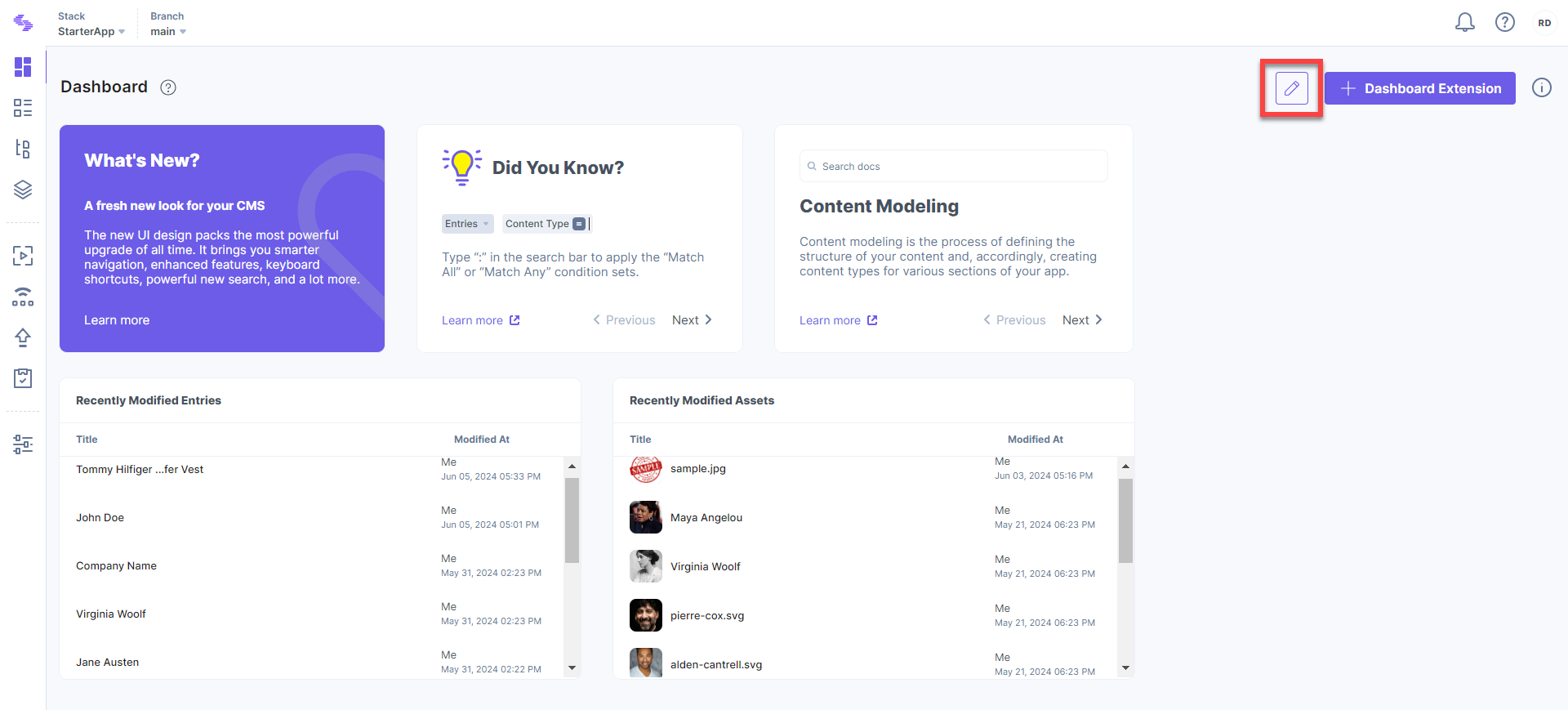
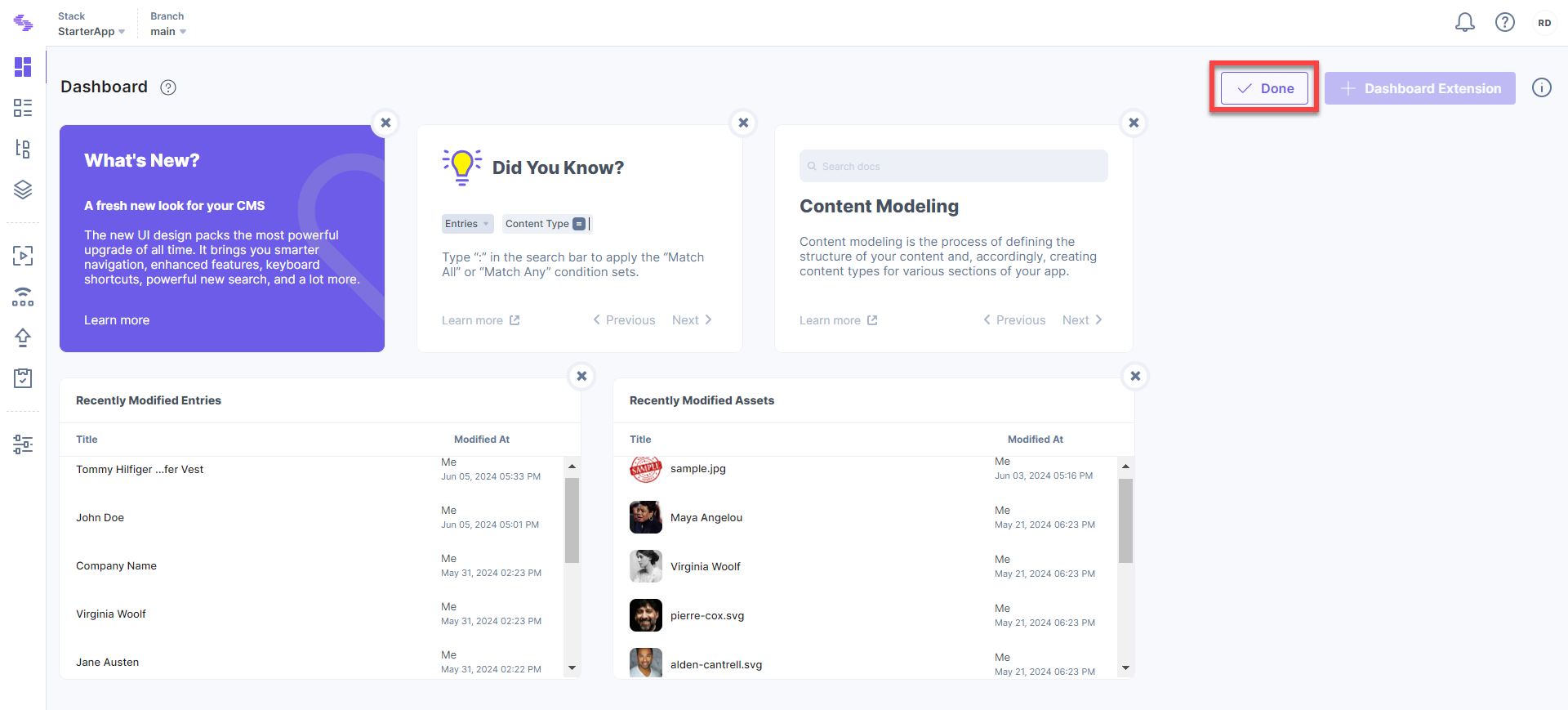
- To remove a widget or extension, click the 'Edit Dashboard' icon at the top right of the dashboard page.
- Click the 'X' on the extensions you wish to remove. For example, to remove the Recently Modified Assets extension, click the 'X' mark. Click Done to apply the changes.
Additional Resource: For more details, refer to our guides on using Google Analytics and Content Type Visualizer to create customized dashboards.
Sort Dashboard Extensions
To sort the extensions on your stack dashboard, perform the following steps:
- Click the 'Edit Dashboard' icon located at the top right of the dashboard page.
- Drag and drop the extensions to arrange them as required.
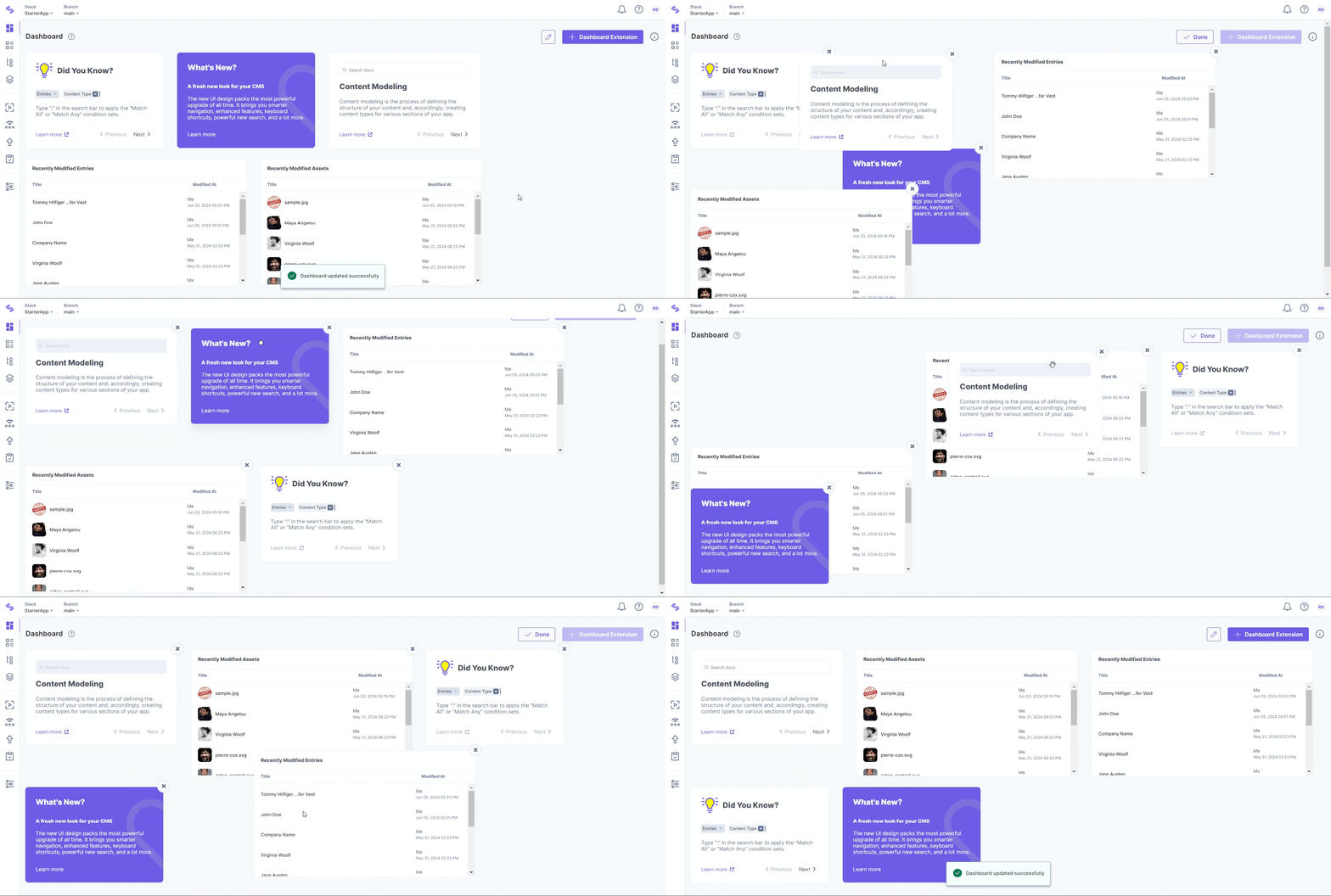
- Click Done to save the changes.
Note: Any changes you save (such as adding or removing extensions) will apply across all browsers and devices you use.
Contentstack also allows you to create customized dashboard extensions for further personalization of your dashboard.
More articles in "Stack Dashboard"
