

Change Password
Regularly updating your password helps protect your Contentstack account from unauthorized access. It is recommended to choose a strong, unique password that is not reused across other platforms.
Contentstack allows users to update their password directly from their profile settings.
Note: Changing your password signs you out of all sessions across browsers, tabs, and devices.
To change your password, log in to your Contentstack account and perform the following steps:
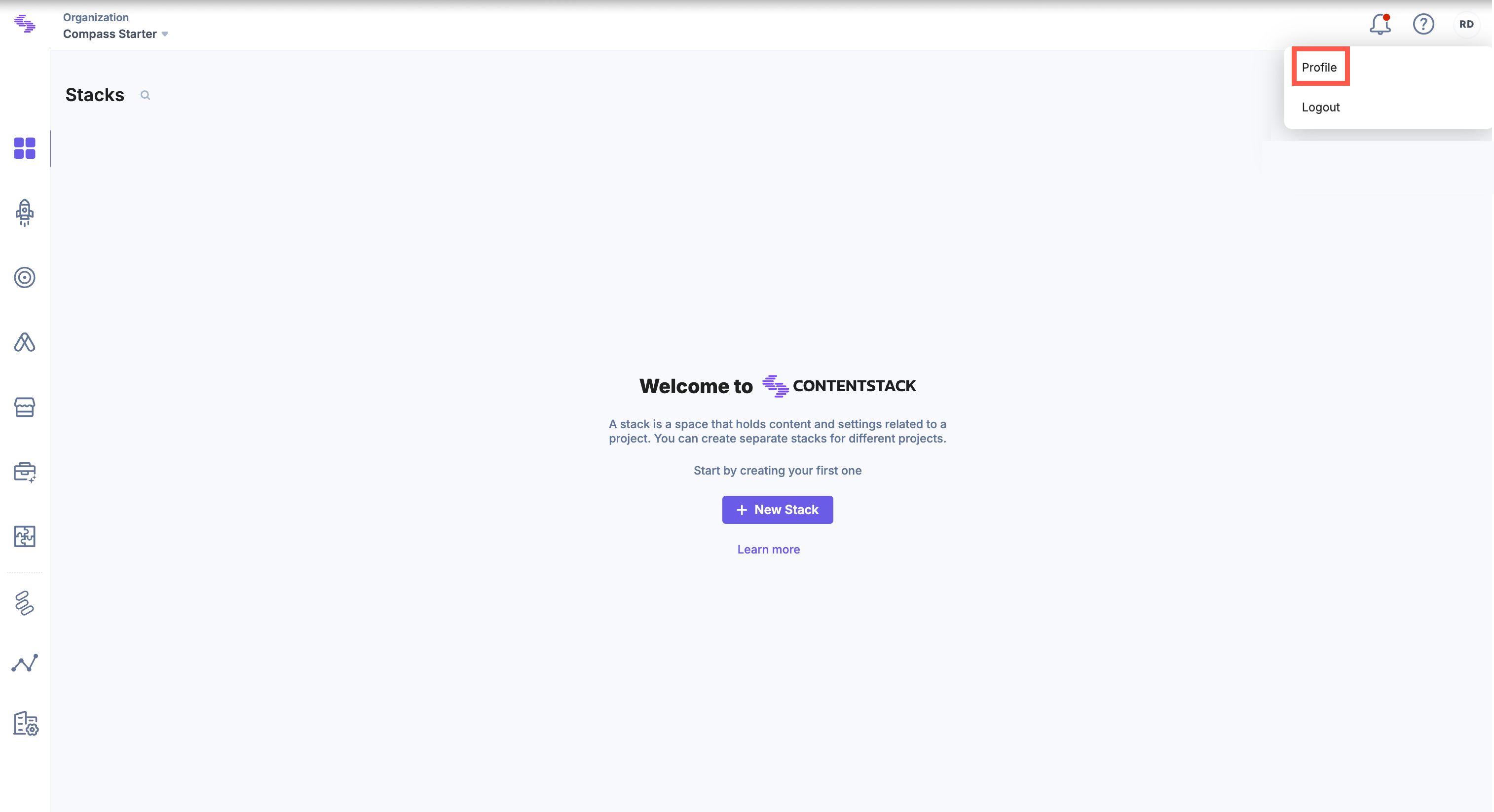
- Click the "Profile" icon in the top-right corner of the dashboard and select Profile from the dropdown.
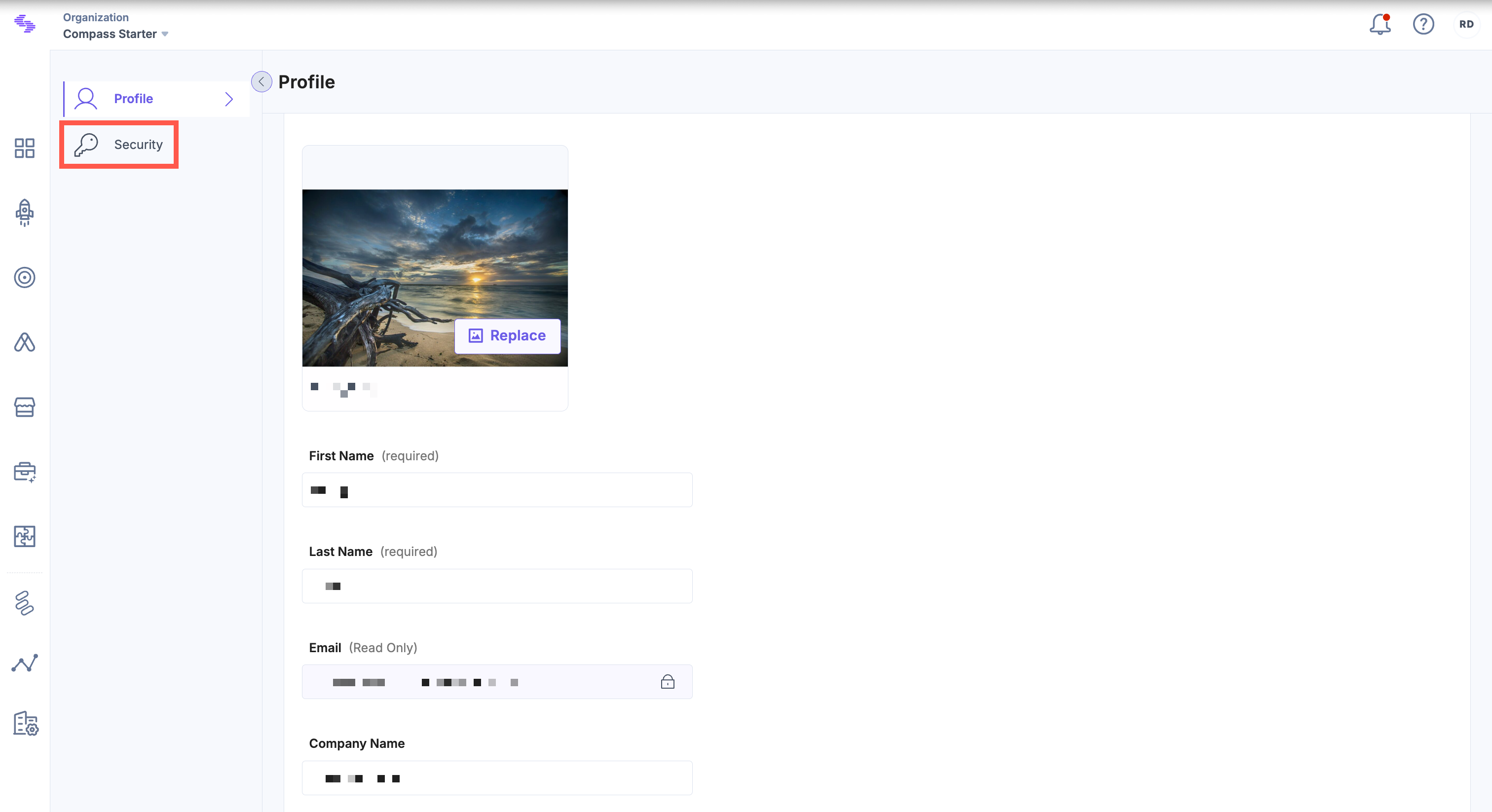
- In the Profile section, click the Security tab in the left navigation panel.
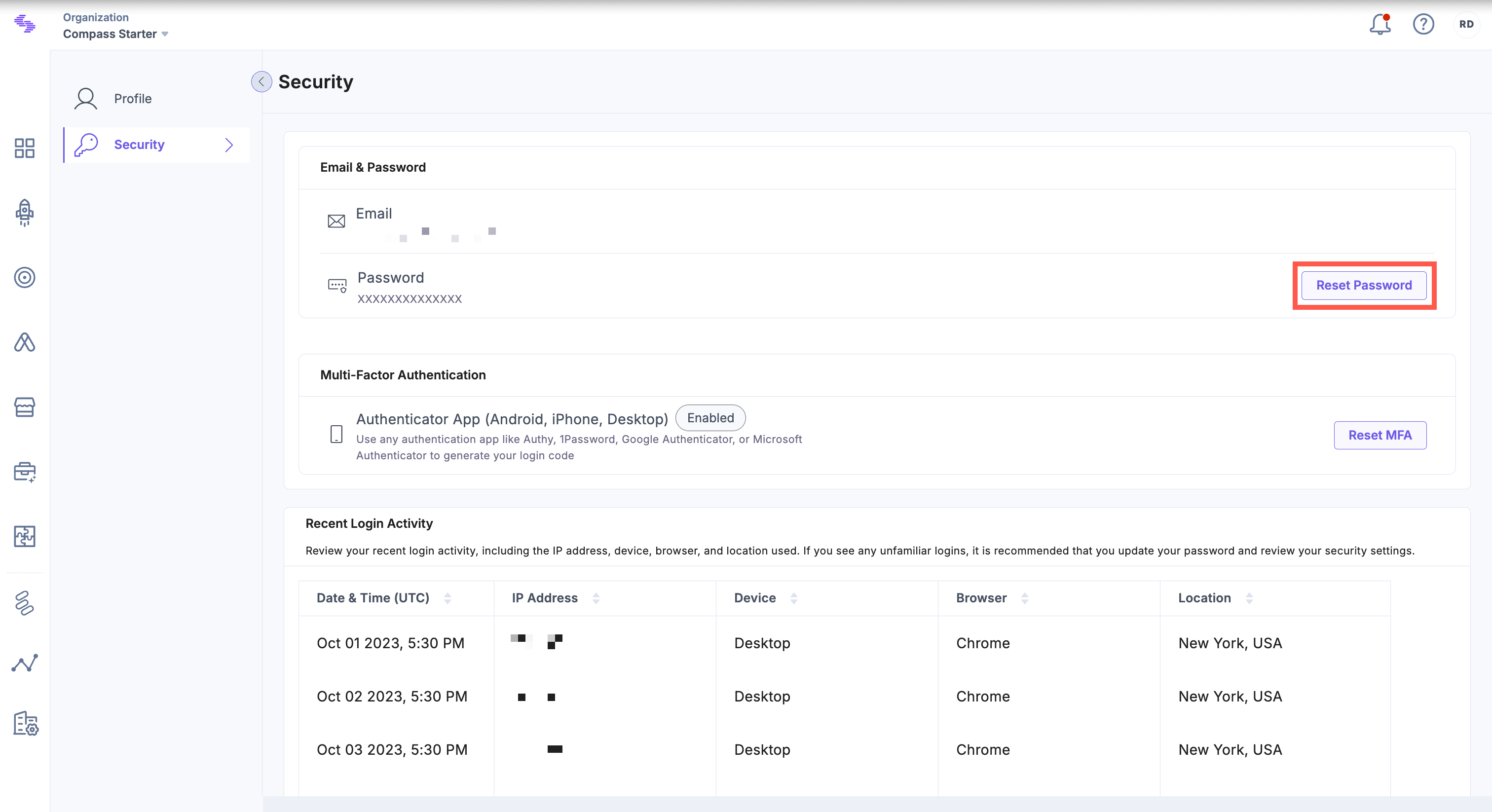
- Under Email & Password, click Reset Password.
- In the Reset Password modal, enter your current password in the Old Password field. Type your new password in the New Password field. Re-enter your password in the Confirm Password field.
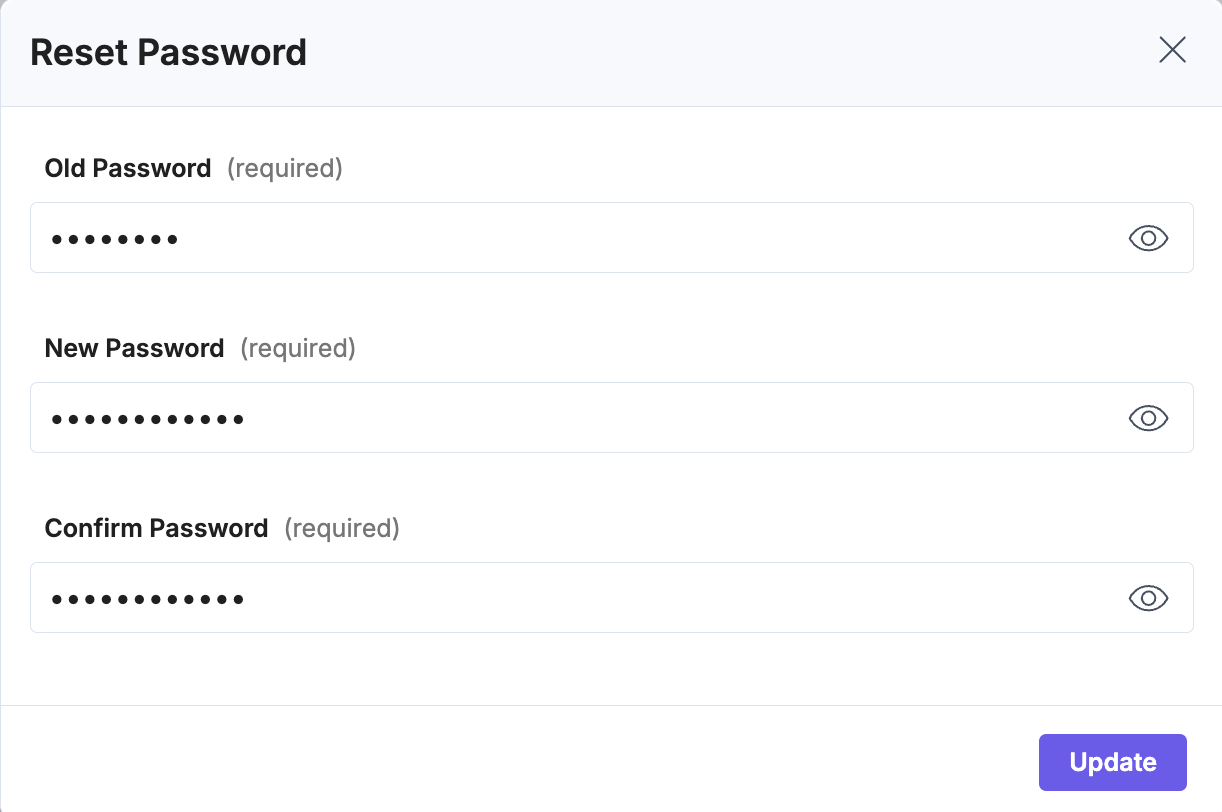
Note: Ensure the new password meets your organization’s password policy.
- Click Update to apply the new password.
Use the new credentials for your next login.
Tip: For security, avoid reusing old passwords and consider enabling Multi-Factor Authentication (MFA) for an extra layer of protection.
Additional Resource: If you do not remember your password, refer to the Forgot (Reset) Password document for more information.
API Reference
To reset your password via API, refer to the Reset Password API request.
More articles in "Manage Your Password-Related Security"
