

Unlocalize an Entry
When a localized entry is unlocalized, it loses its localized content and starts inheriting data from the fallback locale.
Note: If there is no data in the fallback locale, the entry inherits content from the master locale entry.
Once you have created an entry and localized it in a particular language, you can unlocalize it by performing the following steps:
- Open the entry, navigate to the language selector dropdown at the top, and select the language of which you want to unlocalize the entry.
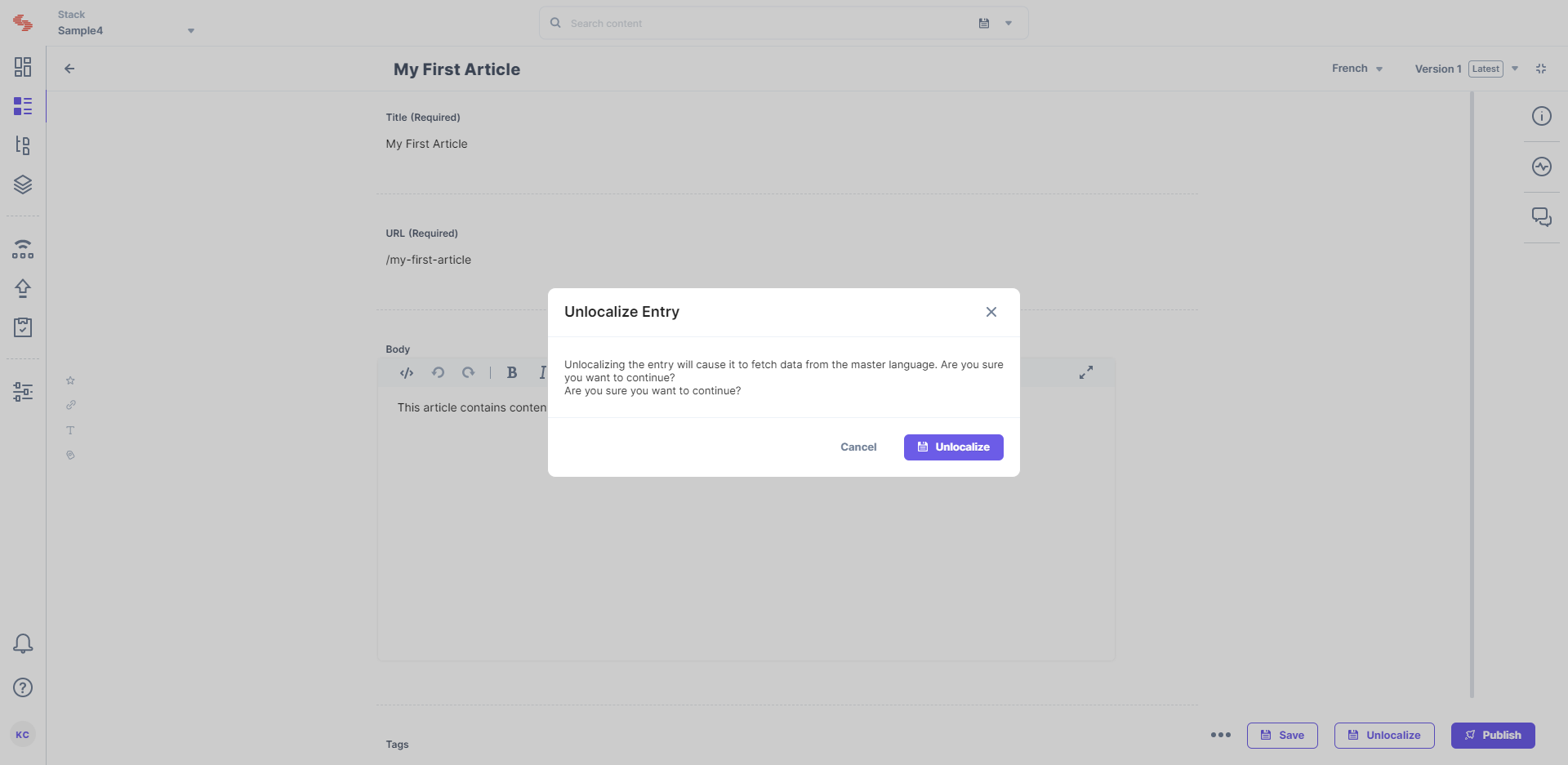
- The localized copy of the entry in that language will open. Click on the Unlocalize button located at the bottom of the page.
- Confirm your action by clicking on Unlocalize.
Alternatively, you can also unlocalize an entry from the list page. To do so, perform the steps given below:
- On the Entries list page, locate the entry you want to publish and click the “ellipsis” (three dots) under the Actions column.
- From the dropdown menu that appears, select Delete.
- Click on Delete again to confirm your action.
This will delete the localized content of the entry and will start reflecting the content of the entry in the fallback language.
Note: The Unlocalize button (inside the Entry Editor) and the Delete button (in the Entry list page) though named differently, share the same core function within the system i.e., removing the specific localized content. You can restore/retrieve both deleted as well as unlocalized entries from Trash within 14 days after deletion before they are permanently deleted.
Difference Between Deleting And Unlocalizing An Entry
To grasp the difference between these terms and why they exist, let’s break it down.
When you delete an entry, you not only erase its existence but also unpublish it from the environment, regardless of the language setting. This means, if you try to open the web page of the deleted entry, you will NOT be able to see any content.
Note: If you delete the master entry, you will also delete and unpublish ALL the localized versions of the entry from ALL environments.
On the other hand, unlocalizing an entry lets you delete only the localized version of the entry. However, if you open the web page of the unlocalized entry, there are chances you might be able to view some content provided you had assigned a fallback language to the unlocalized entry’s locale.
Despite their apparent dissimilarity, both actions share a common underlying process i.e., deletion of the entry. The difference in the naming choice reflects the user interface design preferences, highlighting the different aspects of the same action (which is, removing/deleting the localized content) while ensuring consistent functionality.
Additionally, the term “Unlocalize” makes it easier for content managers to understand that the action works opposite to the action of “Localizing,” i.e., removal of the language-specific content.
API Reference
Here are the links to the API requests related to this action:
More articles in "Localization in Contentstack"
