

How to Import a Content Model
The Contentstack Content Models are a blueprint or schema of a content type that defines the structure, fields, and relationships of the content. It is a visual representation of the content type and helps content editors and developers to create and manage content in a structured and organized manner. Content Models allow you to define custom fields, data types, validation rules, and other settings that are specific to the content structure. It enables complete control over how the content is structured and ensures consistency across all the content entries.
With the Contentstack Marketplace Content Models, you can import, view and edit their schema, and use them within your stack. The Content Models include the Content Types, Global Fields, Labels, and Extensions.
Prerequisites
- Contentstack account
- Access to the Contentstack Organization/Stack as the Owner/Admin or Stack Developer
Import Content Models to your Stack via Marketplace
Let's follow this step-by-step guide to import and configure Content Models within your stack.
- Log in to your Contentstack account.
- In the left-hand side primary navigation, click the Marketplace icon to go to the Marketplace.
- Click Content Models from the left panel.
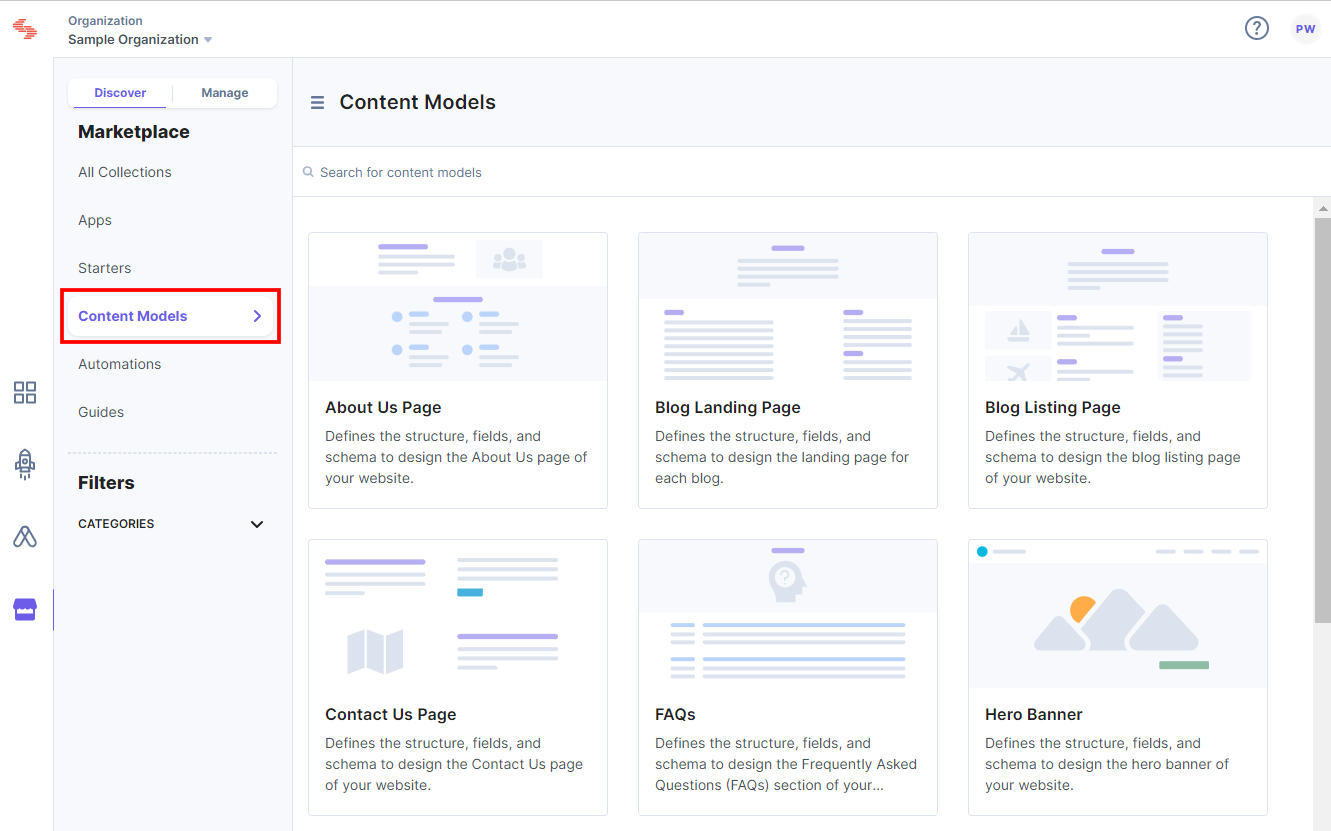
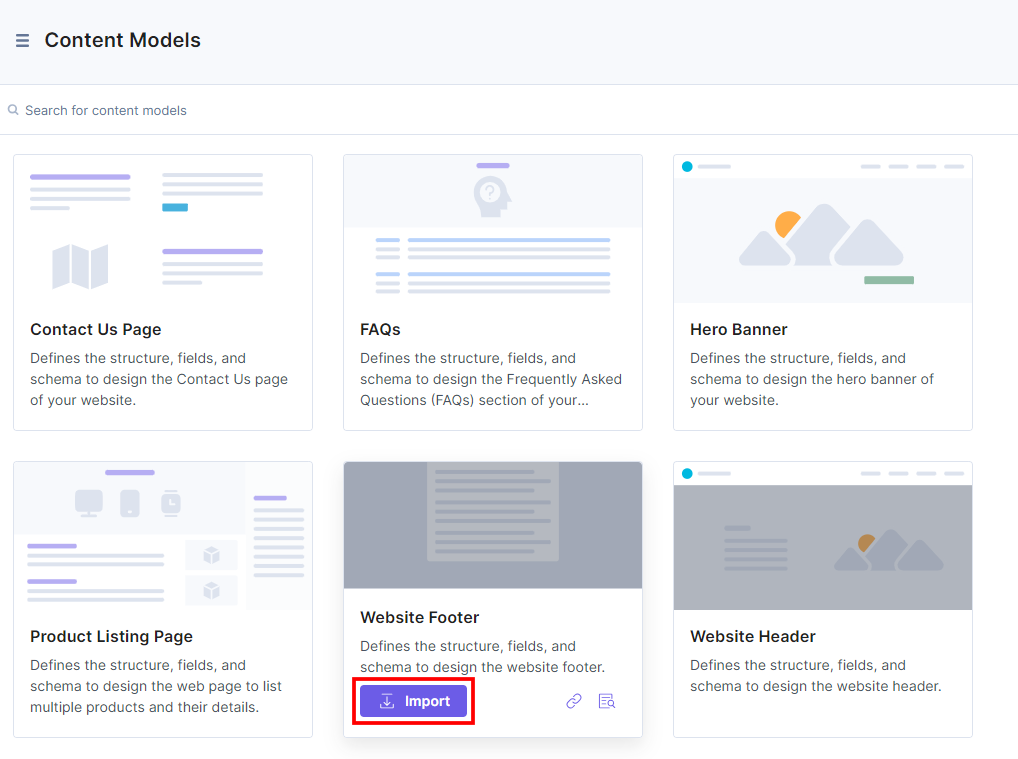
- Within the Content Models, you see all the available content models. Hover over the Content Model you want to import in your stack, then click the Import button.
For example, import the Website Footer Content Model.
- In the popup window, authenticate the access by clicking the Authorize button and then you can see the steps to import and view the content model within the stack.
- Select the Stack Name you want to import the content model to and click the Import Content Model button.
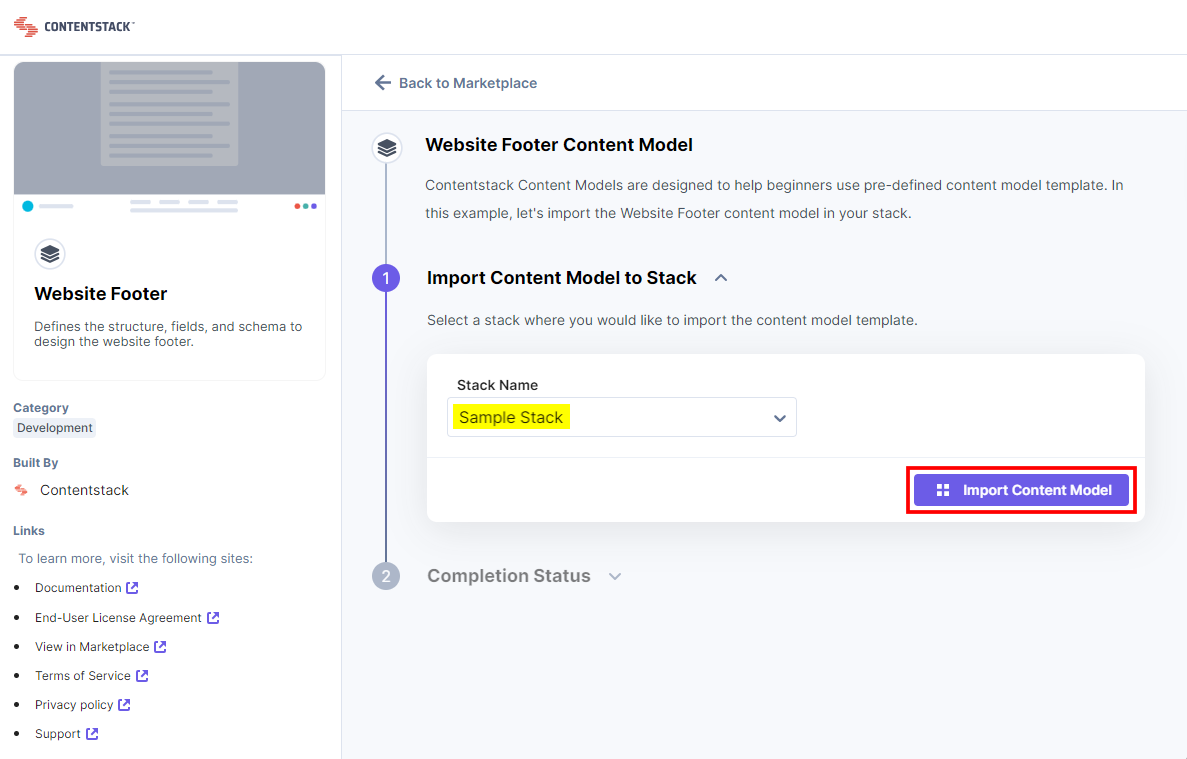
Note: If the Content Model already exists within the stack, you can rename the Content Types, Global Fields, and Labels and import them again by clicking the Import Content Model button.
- While importing the Content Model to your stack, you can also view Logs.
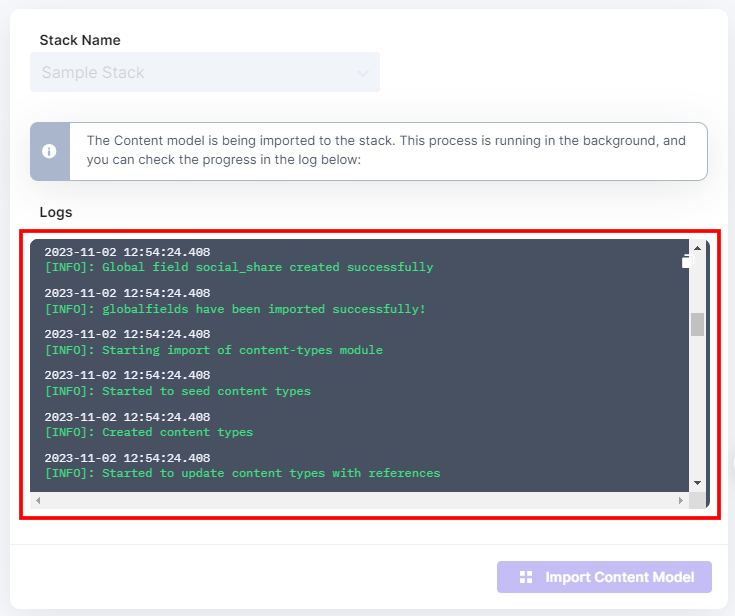
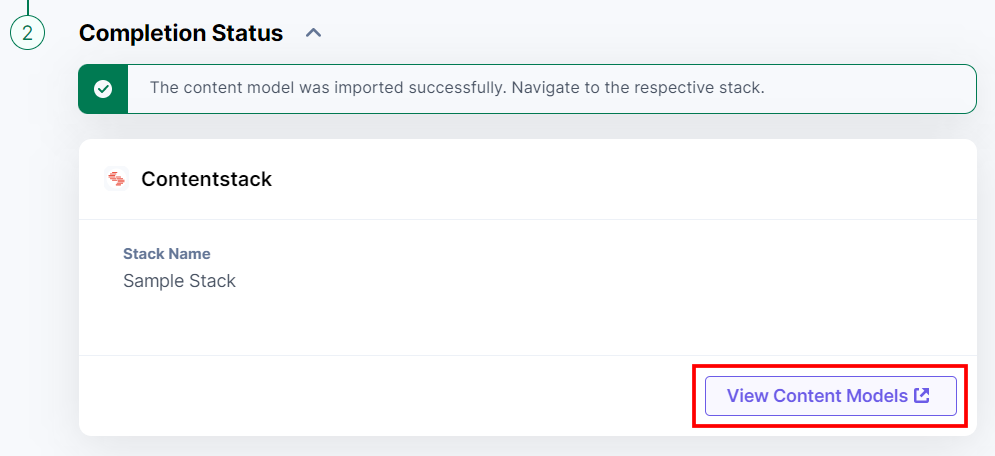
After successful import, you can see a confirmation message.

- Now, click the View Content Models button to navigate to the Content Models section of the stack where you have imported the content model.
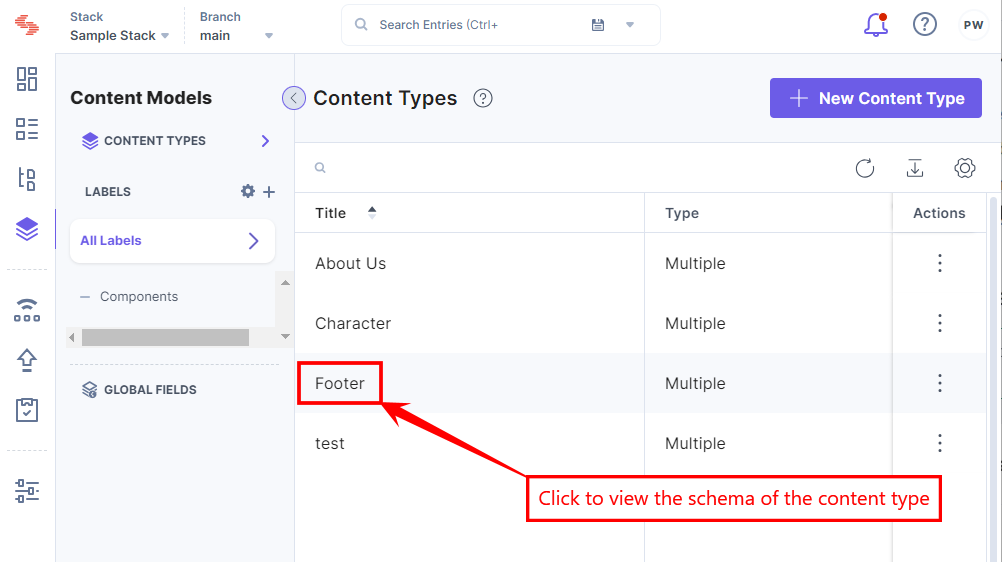
You can see the imported Footer content type in the Content Model section of your stack.
- Click the Footer content type to view the schema for the content type.
- To create an entry for this content type, click Entries in the left navigation panel.
- Click the + New Entry button to create a new entry.
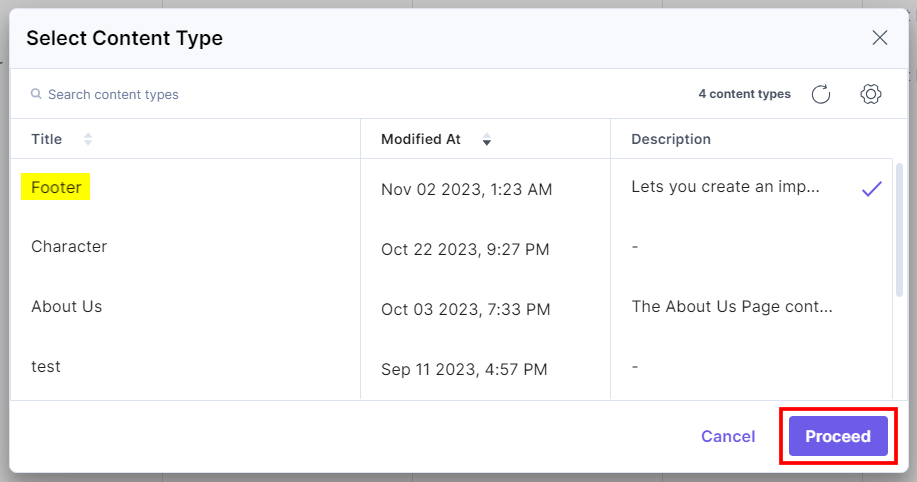
- Select the Footer content type from the list of content types displayed and click the Proceed button.
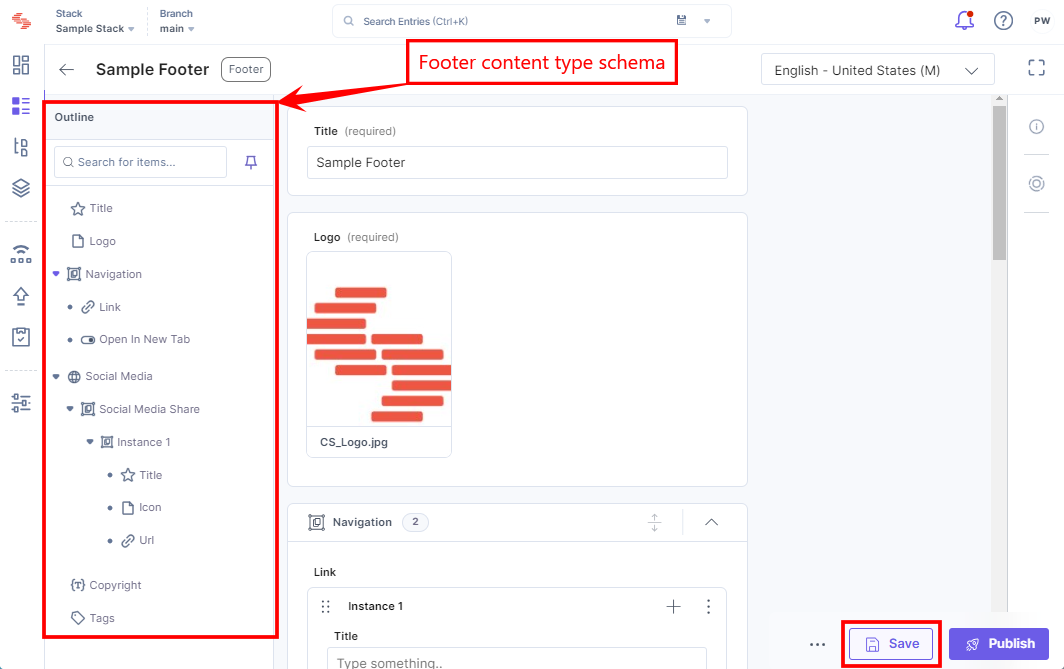
You have created an entry for the Footer content type.
- Enter the required content, then Save and Publish the entry.
Alternatively, you can import the prebuilt Content Models by clicking the + New Content Type button and then click Use Prebuilt within your stack via the CMS. For more information, please refer to the Import Content Models to your Stack documentation.
More articles in "Understanding Content Models"
