

Authorized Apps
While authorizing a Contentstack App, the app requests permissions from the user to perform a set of operations on behalf of the user. The app receives an access token after a user authenticates and authorizes access, then passes it as a credential when it calls the Contentstack APIs.
All users can manage the Authorized app’s access to their Contentstack data from Marketplace. The apps that have permission to access Contentstack data are listed under Marketplace > Manage > Authorized Apps section.
Users can get information about each app and revoke the app’s access. The organization admin can manage apps authorized by all organization members, and members can manage only those app's authorized by themselves.
Revoke Permissions of an App
To revoke permissions for an app, follow the below steps:
- Log in to your Contentstack account.
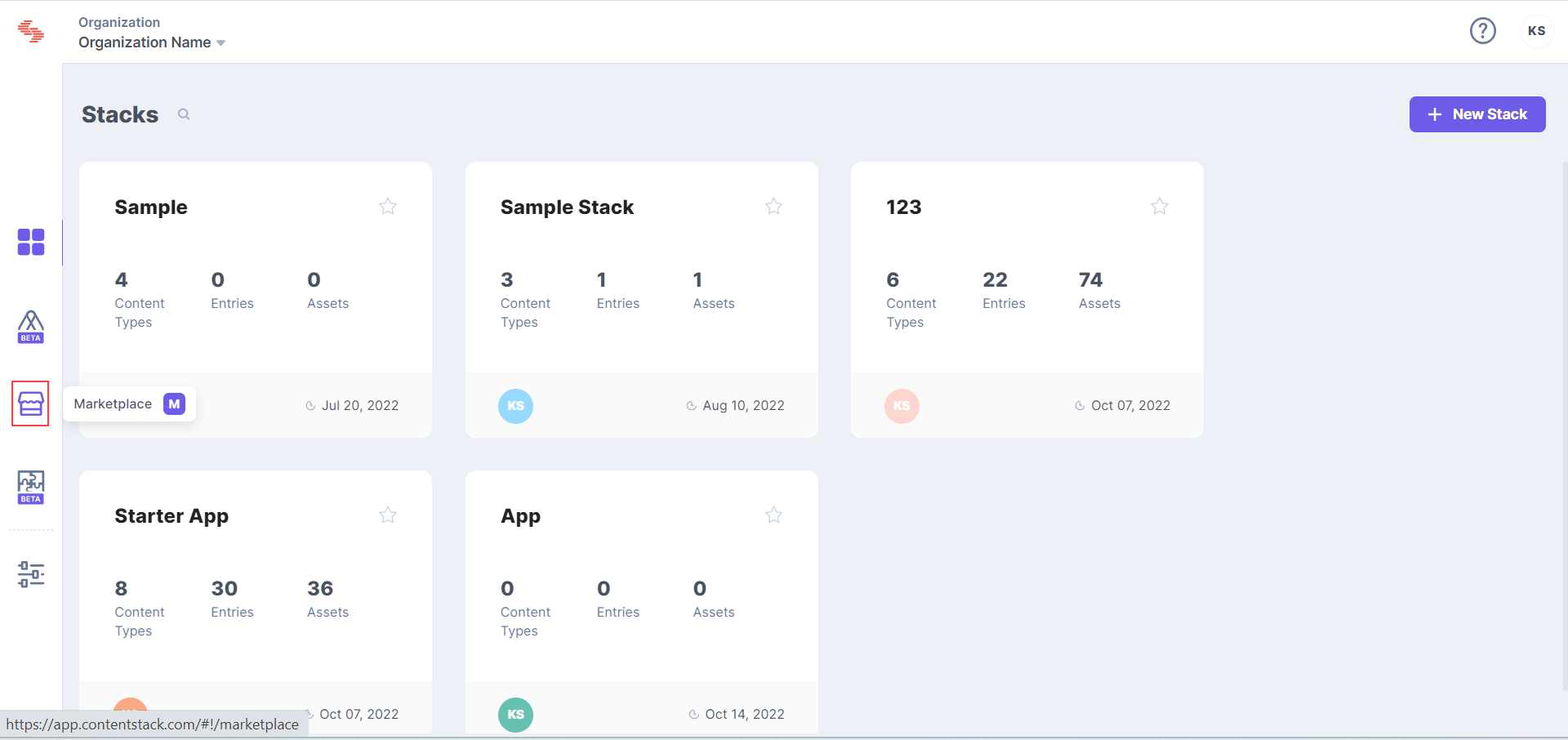
- In the left-hand side primary navigation, click the Marketplace icon to go to the Marketplace.
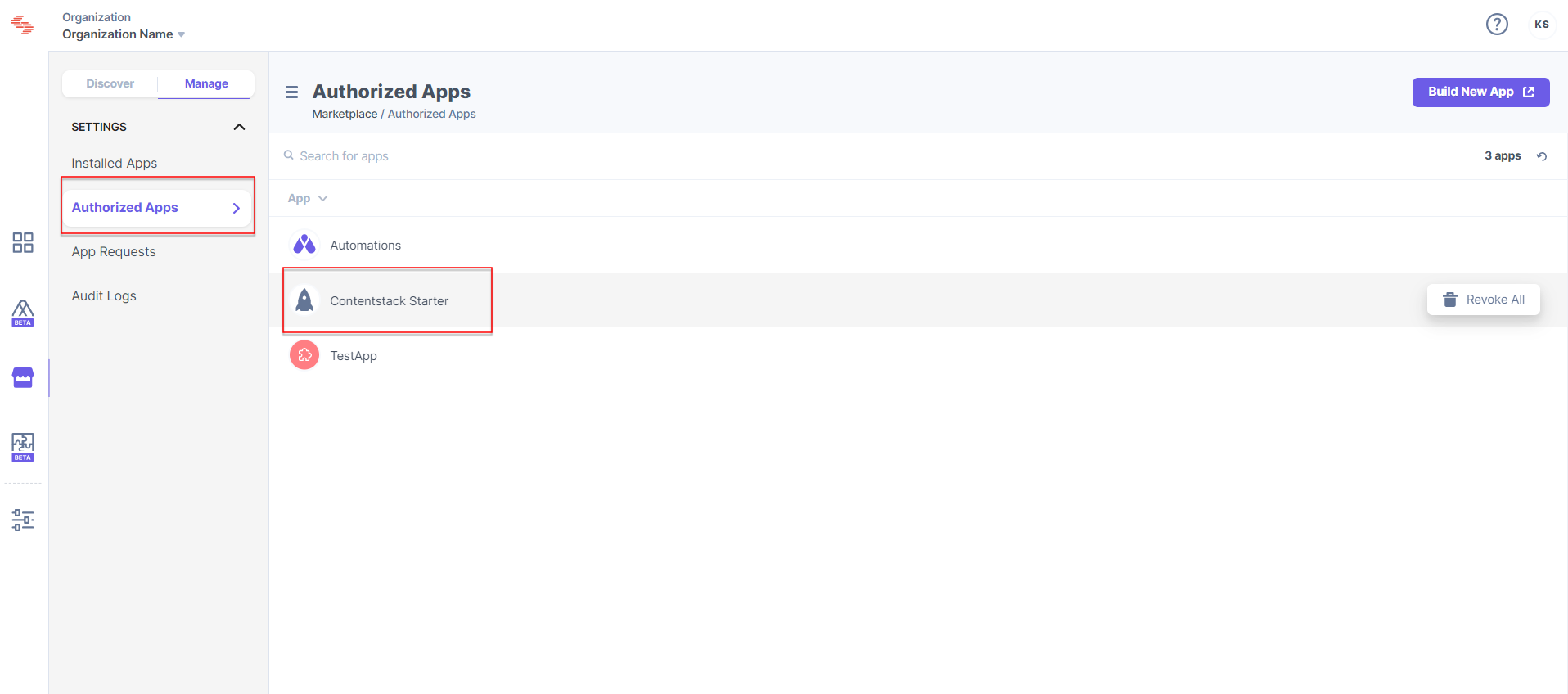
- Go to Manage > Authorized Apps
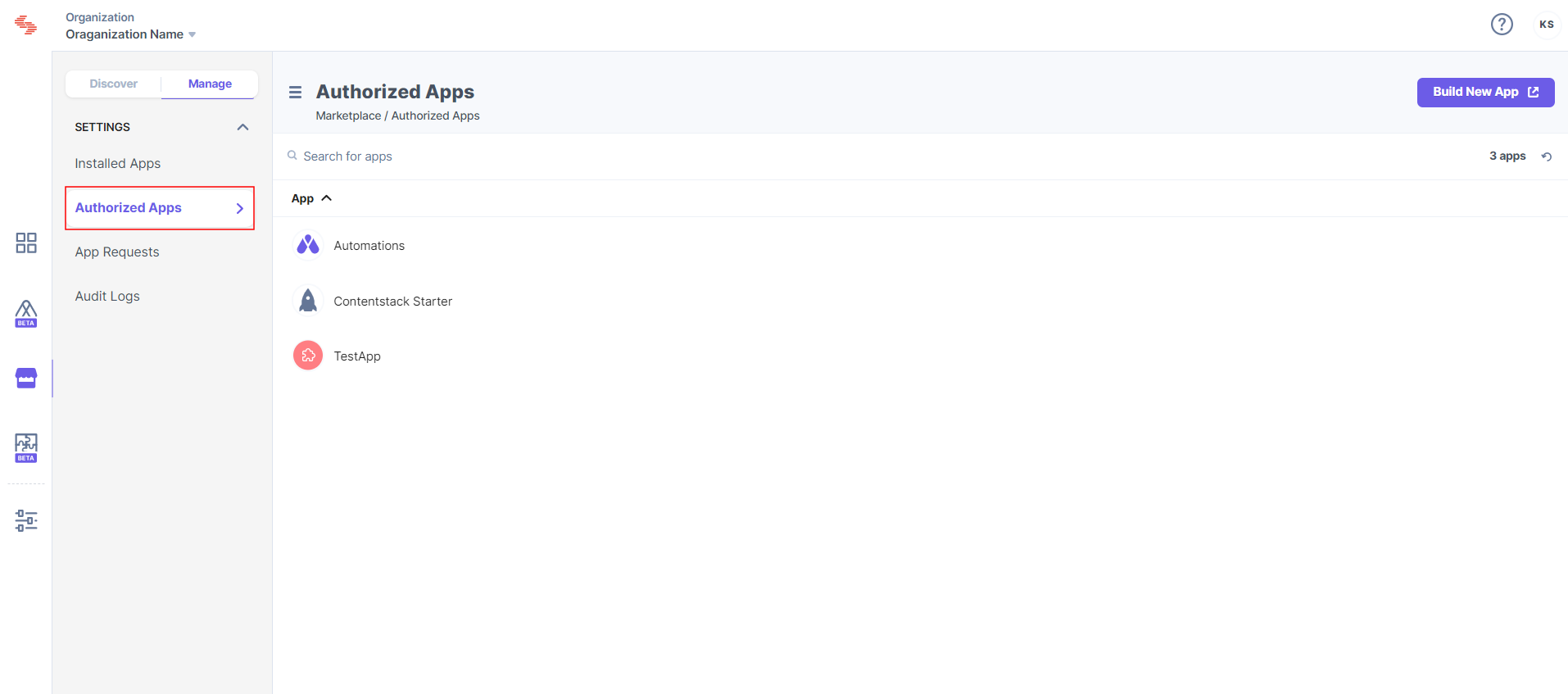
- Under the Authorized Apps section, click the app for which you want to revoke the permissions.
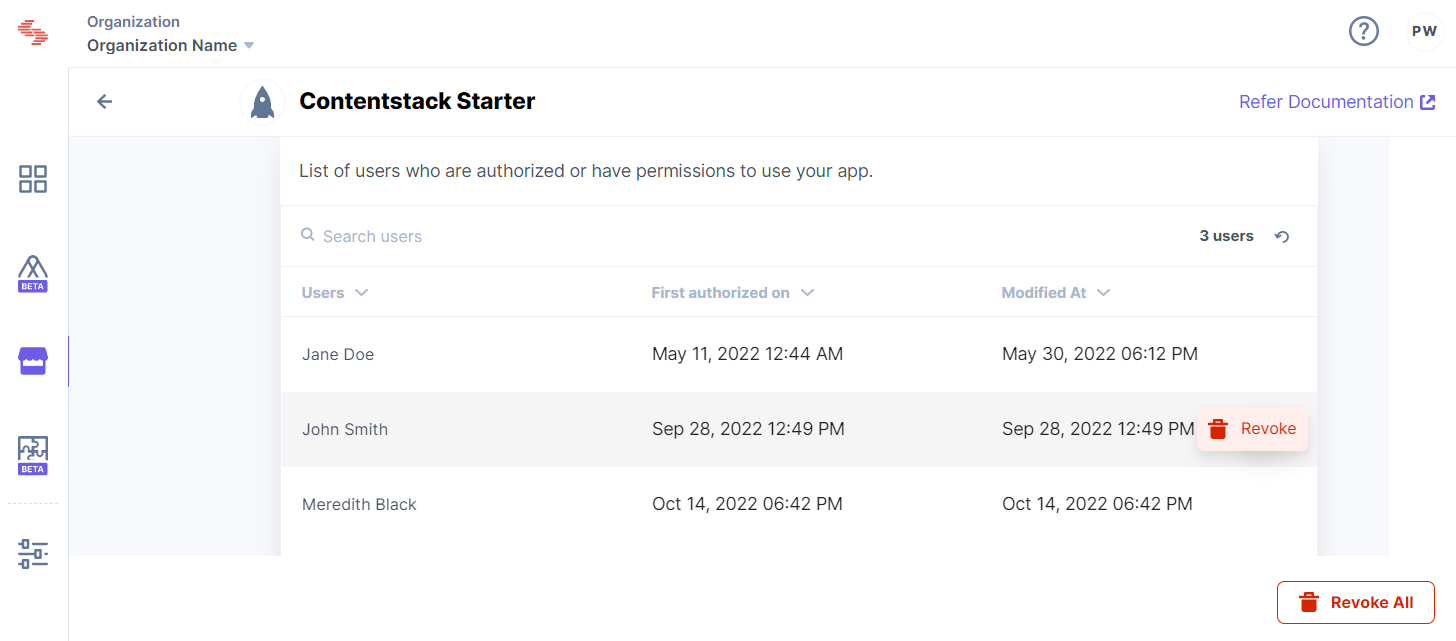
- On the page that appears, click the user whose permission you want to revoke.
- Click the Revoke button to proceed. After you revoke the app, it can no longer access your data.
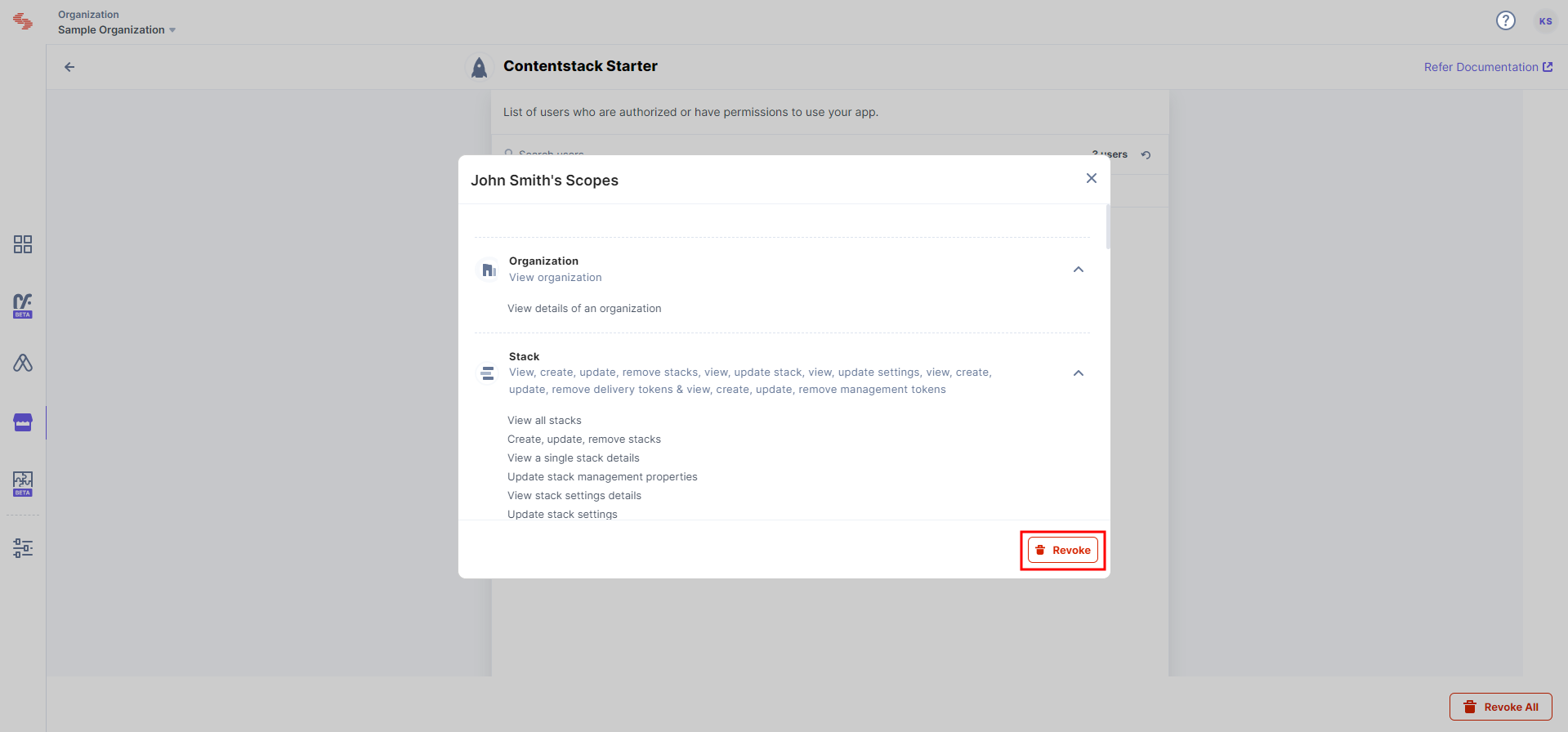 If you are a non-admin user of the organization, you will see the permissions authorized by only you. On the page that appears, click the Revoke button to revoke the access token.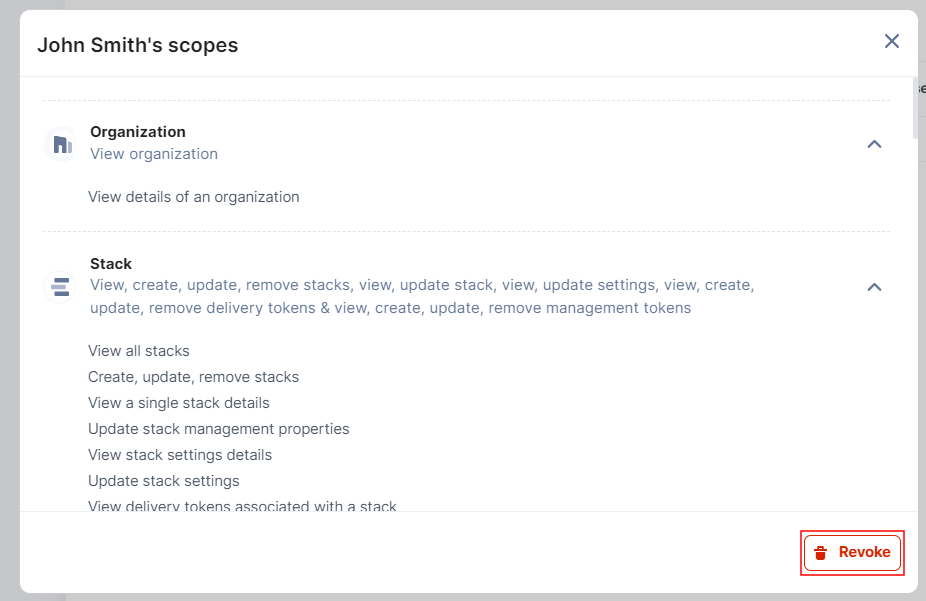
-
You can also revoke the permissions of all users by clicking the Revoke All button.
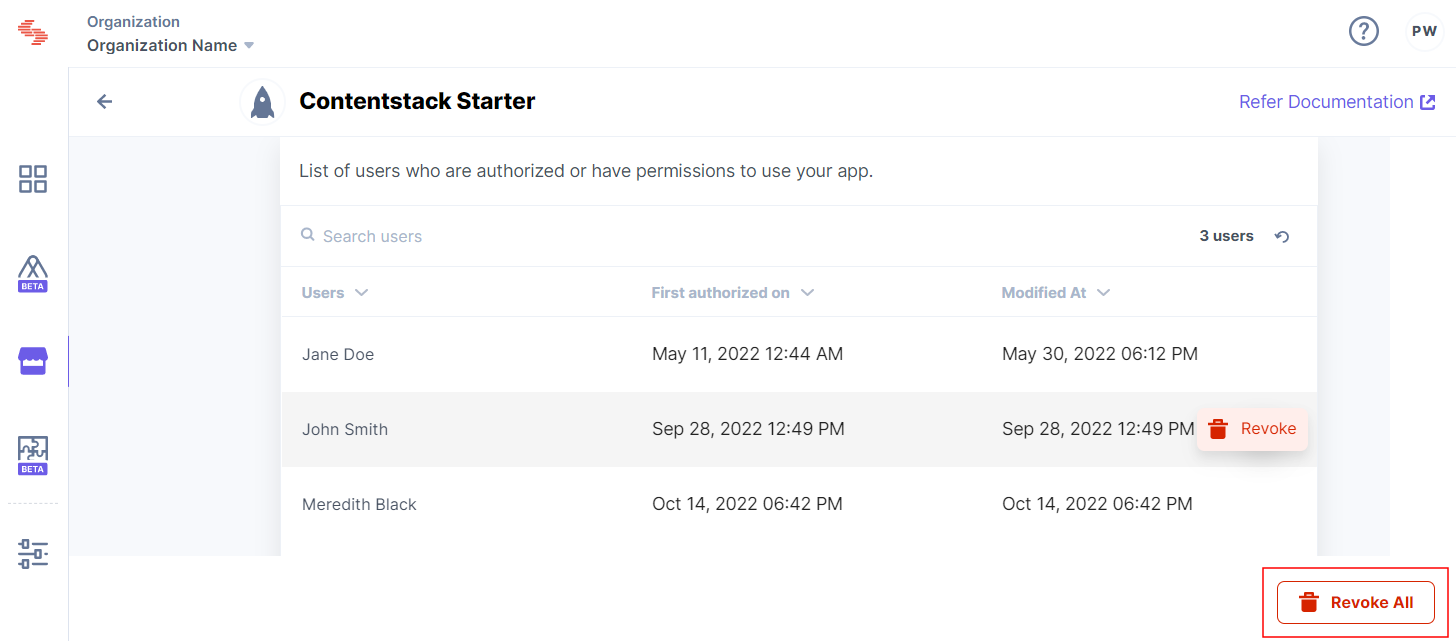
Revoking Permissions for Contentstack Starter
Follow the steps below to revoke the permissions for Contentstack Starter:
- In the left-panel, under the Manage section, click Authorized Apps.
- Click Contentstack Starter to view the authorized access tokens.
- Click the Revoke button.
More articles in "Managing Apps"
