

Edit a Global Field
Once created, you can edit a Global field anytime. However, removing a field, changing its data type, or enabling the Multiple attribute may result in data loss.
Additional Resource: If a Global field is used in published entries within a content type, modifying its schema may cause data loss in those entries. To avoid issues, refer to the content type change management guide for best practices on updating content type schemas without impacting live content.
To edit a Global field, log in to your Contentstack account, and perform the following steps:
- Go to your stack where you want to edit a Global field.
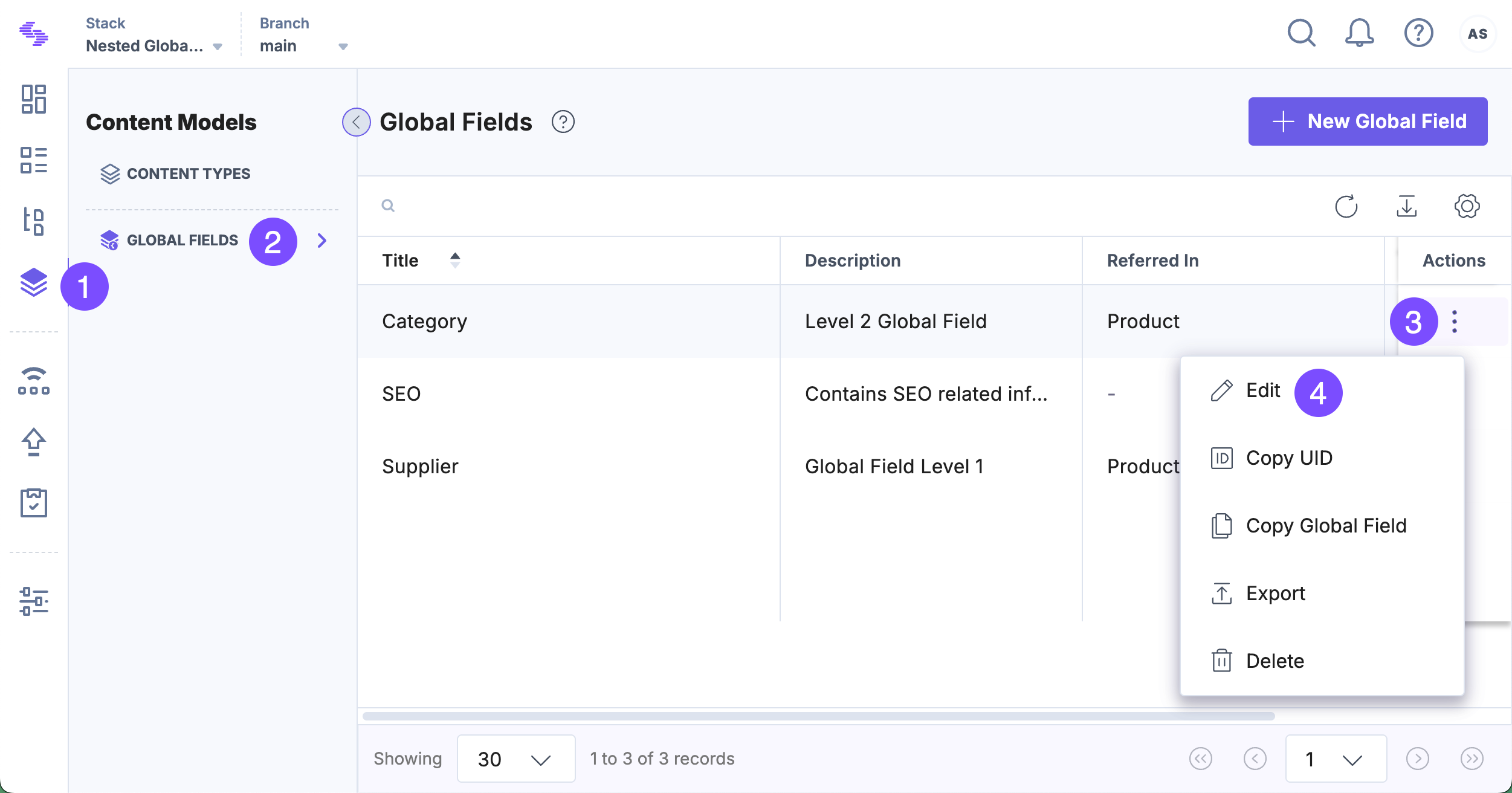
- Click the Content Models icon in the left navigation panel and select Global Fields in the left panel.
- Locate the Global field you want to edit. Click the vertical ellipsis in the Actions column next to it and select Edit.
- Modify the Name or Description as needed.
- To edit the fields inside the Global field, click its title.
- Make the necessary changes to the Global field schema.
Note: Changing or removing a field in a Global field increases the version number of all entries where the Global field is used.
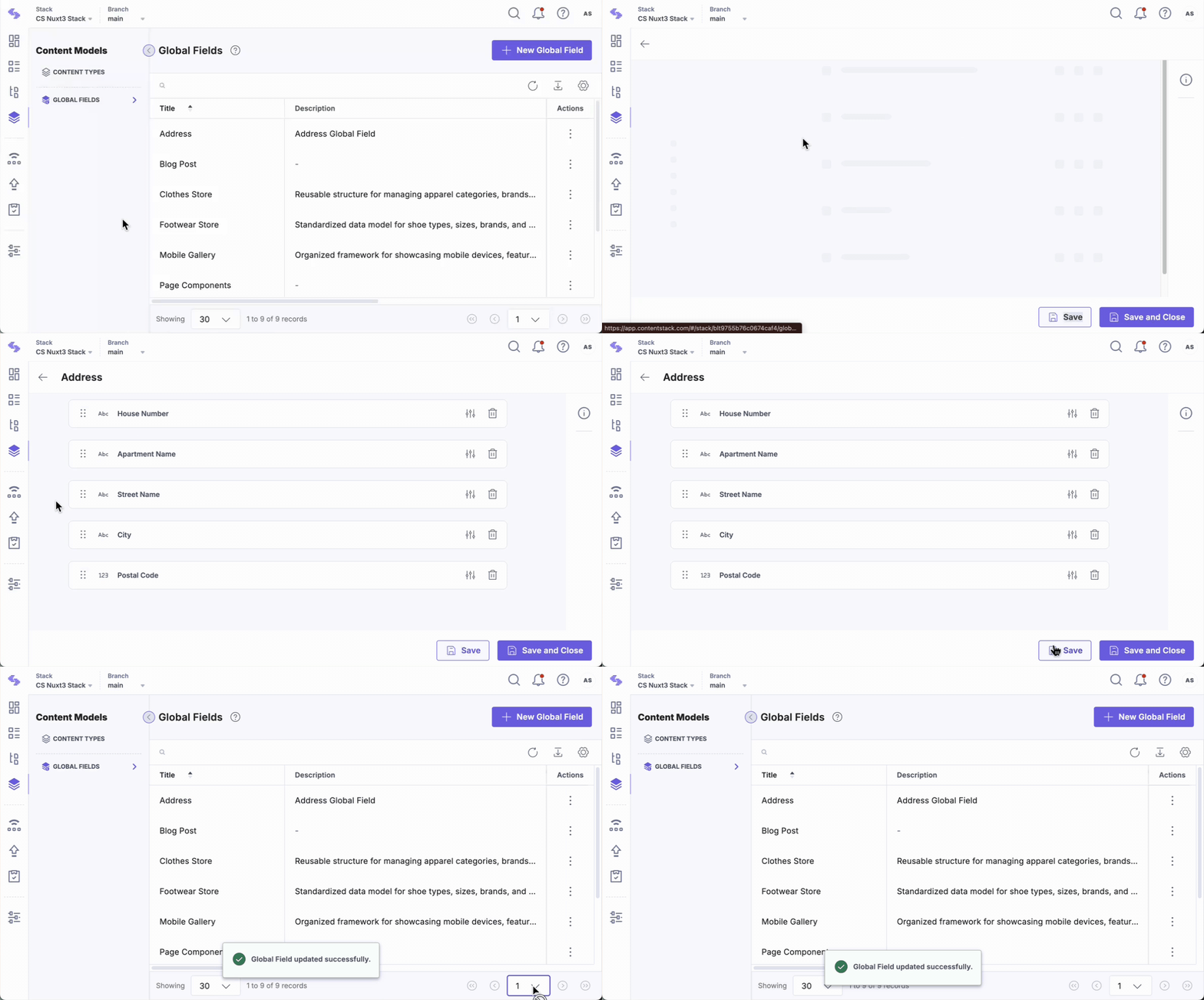
- Click Save or Save and Close to apply the changes.
Warning:
- Enabling the Multiple attribute for any field within a Global field will permanently erase that field’s data in all existing entries.
- When modifying nested Global fields, carefully assess the impact to prevent unintended data loss.
API Reference
To edit a Global field via API, refer to the Update Global Field API request.
More articles in "Work with Global Field"
