

Configuring an App
As soon as you install an app, you are redirected to the App Configuration screen. Without providing configuration details, you might not be able to use it.
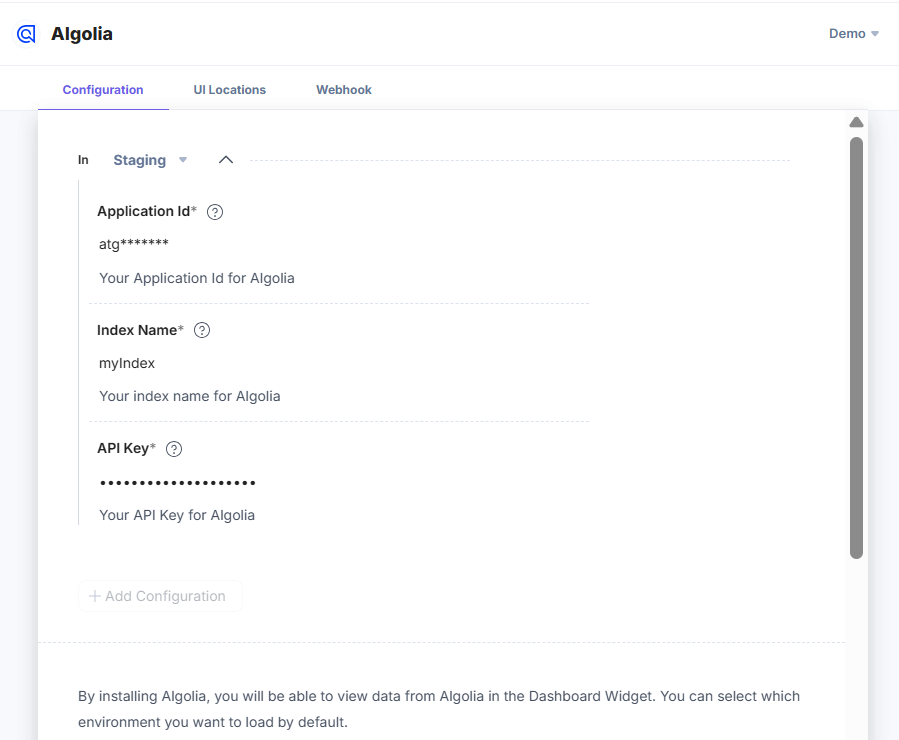
Lets see an example of configuring an Algolia app.
Here, you need to provide the configuration details of your Algolia account such as the Application ID, Index Name, and the API Key to let your app fetch details to and from Algolia.
These details are configured when you set up your respective app configurations.
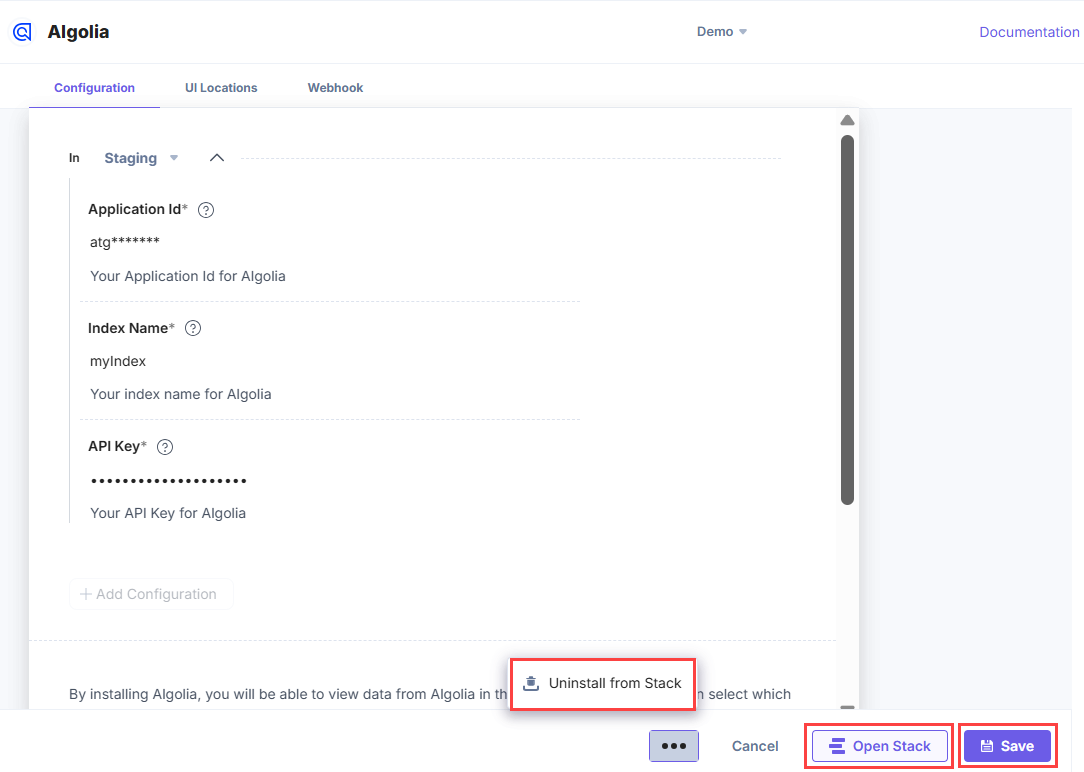
Once done, you can choose one of the following actions:
- Simply Save the configuration details
- Click Open Stack to directly navigate to the stack.
- Click the “More Options” icon (three ellipses) and select Uninstall the App to uninstall your app from the stack.
Was this article helpful?
More articles in "Working with Developer Hub"
