

Edit a Management Token
In Contentstack, you can update the management token details after it is generated. However, you cannot modify the token value itself.
To edit an existing management token, log in to your Contentstack account, go to your stack, and perform the following steps:
- Click the “Settings” icon in the left navigation panel.
- Select Tokens from the list.
- Navigate to the Management Tokens tab and click a management token you want to edit.
Update the necessary fields such as name, description, selected branches or aliases (scope), stack-level permissions (read/write), expiration date, or manage rate limits.
Note: Manage Rate Limits is a plan-based feature. For more details, contact our support team.
- Click Save to apply the changes.
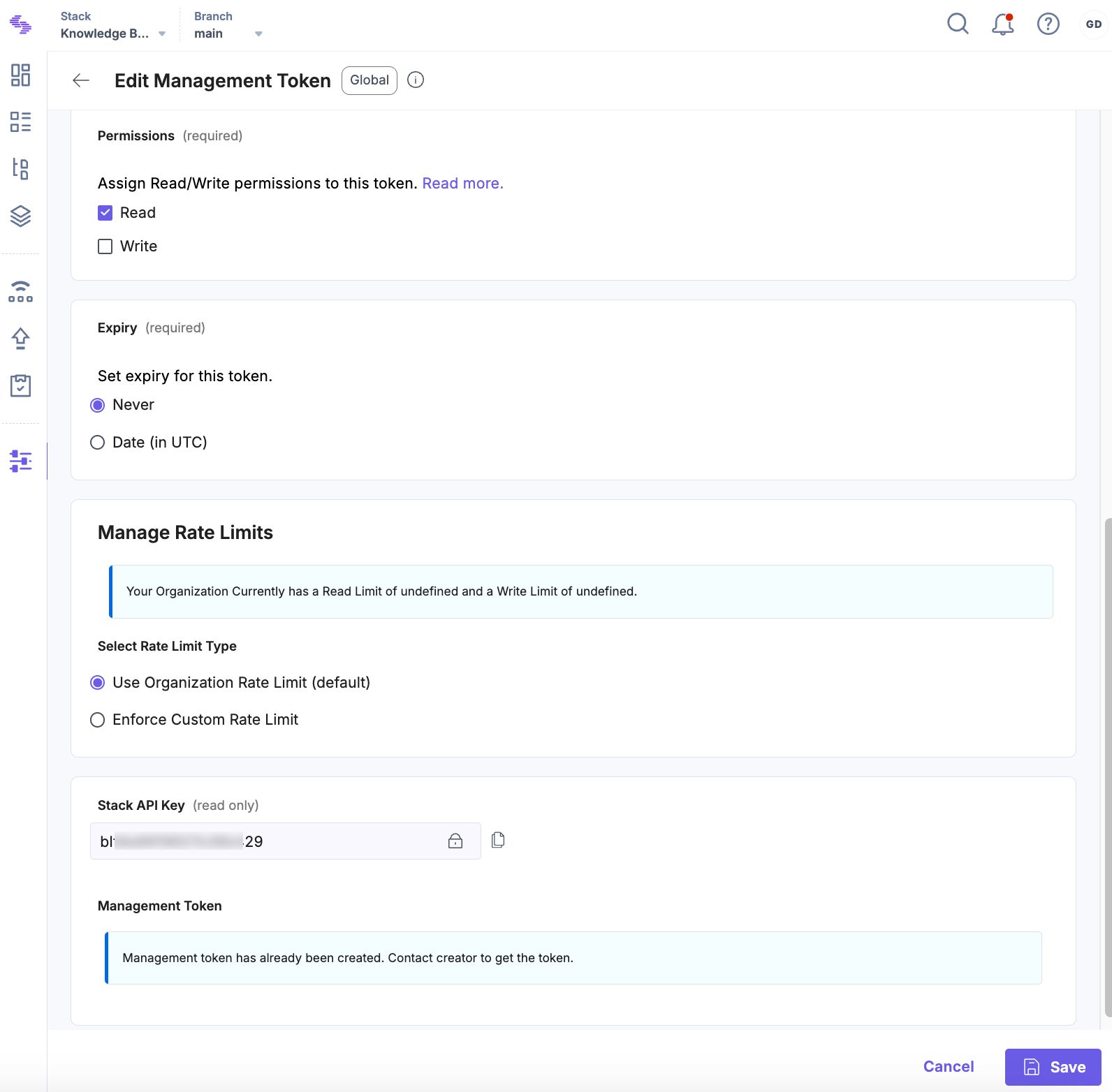
Note: You can update most details of a management token, but you can't view or change the token string after you create it. If you need a new token value, you must generate a new management token.
Was this article helpful?
More articles in "Work with Management Tokens"
