

File
The File field enables users to upload and use files in an entry. The File field can be used to add assets, such as images, videos, PDFs, and audio files to your entries.
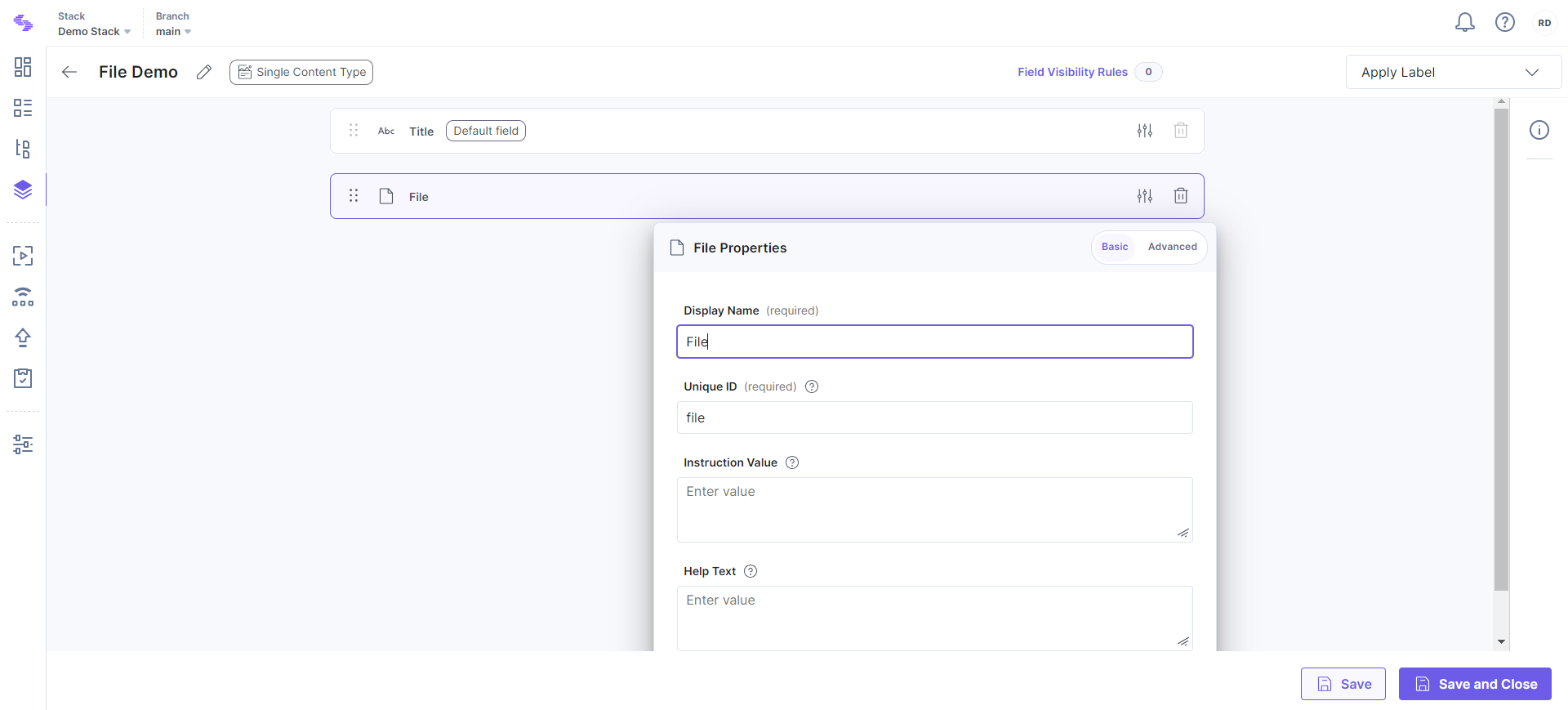
The File field possesses certain properties that you can change at any time as per your requirements. The properties that can be modified are “Display Name,” “Unique ID,” “Instruction Value,” “Help Text,” “Mandatory,” “Multiple,” “Allow Images Only,” “Non-localizable,” “Allowed file type(s),” and “File size limit (MB).”
Note: If you select the Multiple property for this field and mentioned a number, for example 5, in the Set Maximum Limit sub-property, then at once you can upload only those numbers of files.
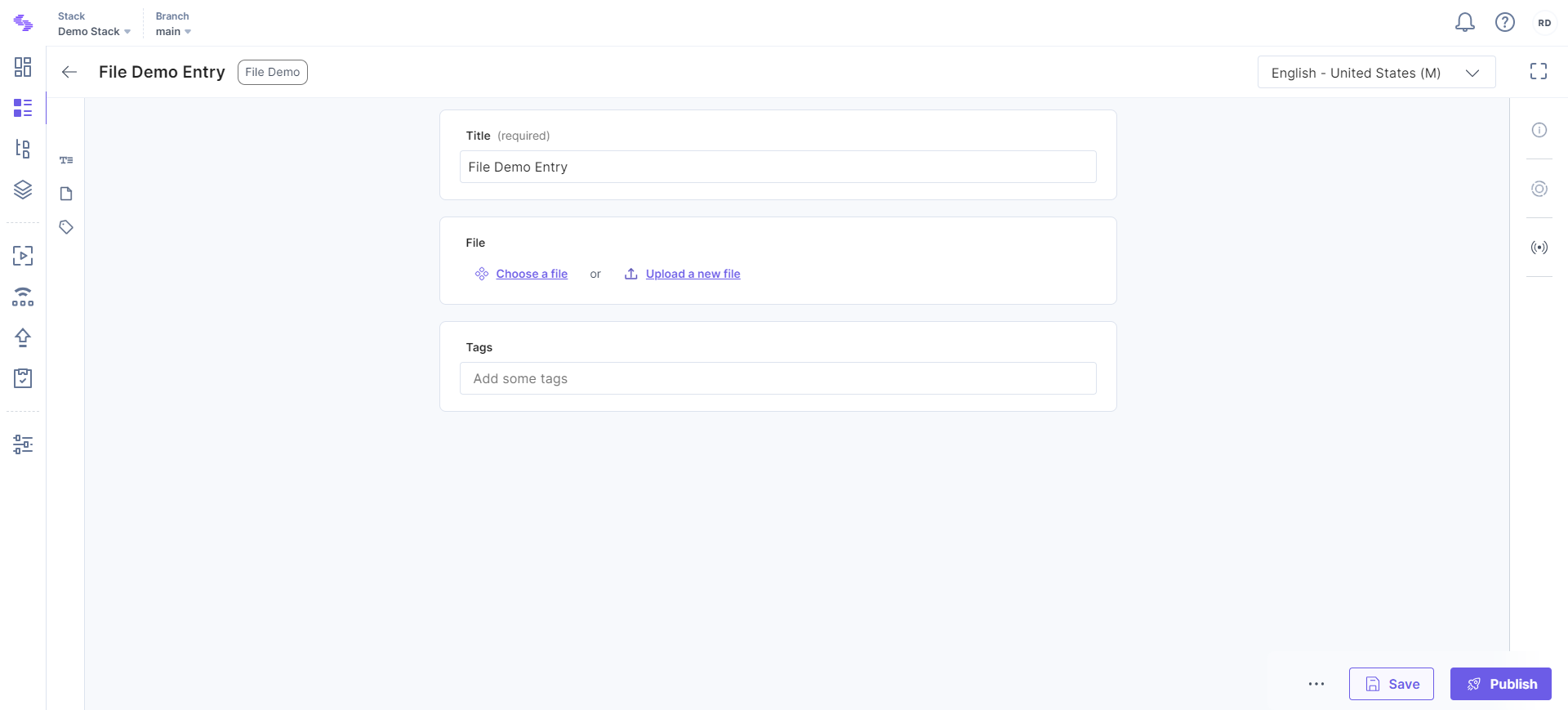
After adding this field in content type, you will see it on your entry page as shown below:
- If you want to hide/show a field when certain conditions are met, you can use Field Visibility Rules.
- To learn how you can use a field for a given scenario, we recommend you to check out our Content Modeling guide.
- Editing any current field in existing Content Type might result in data loss. To prevent data loss, make sure to check out our Content Type Change Management guide.
More articles in "Fields"
