

Date
The Date field enables users to select a specific date and time through a calendar UI. It uses the ISO 8601 format (YYYY-MM-DDTHH:MM:SSZ) and supports timezone settings for accurate scheduling across different regions and user locales.
Key Features
- Displays a calendar with date and time pickers on the entry page.
- Optionally hides the time picker using the Hide Time property under the field settings.
- Supports time zone configurations based on user locale and stack settings.
Configurable Properties
You can edit the following field properties at any time:
Additionally, toggleable settings include:
Warning: Changing the configuration of an existing field in a published Content Type may result in data loss. To avoid this, refer to the Content Type Change Management guide.
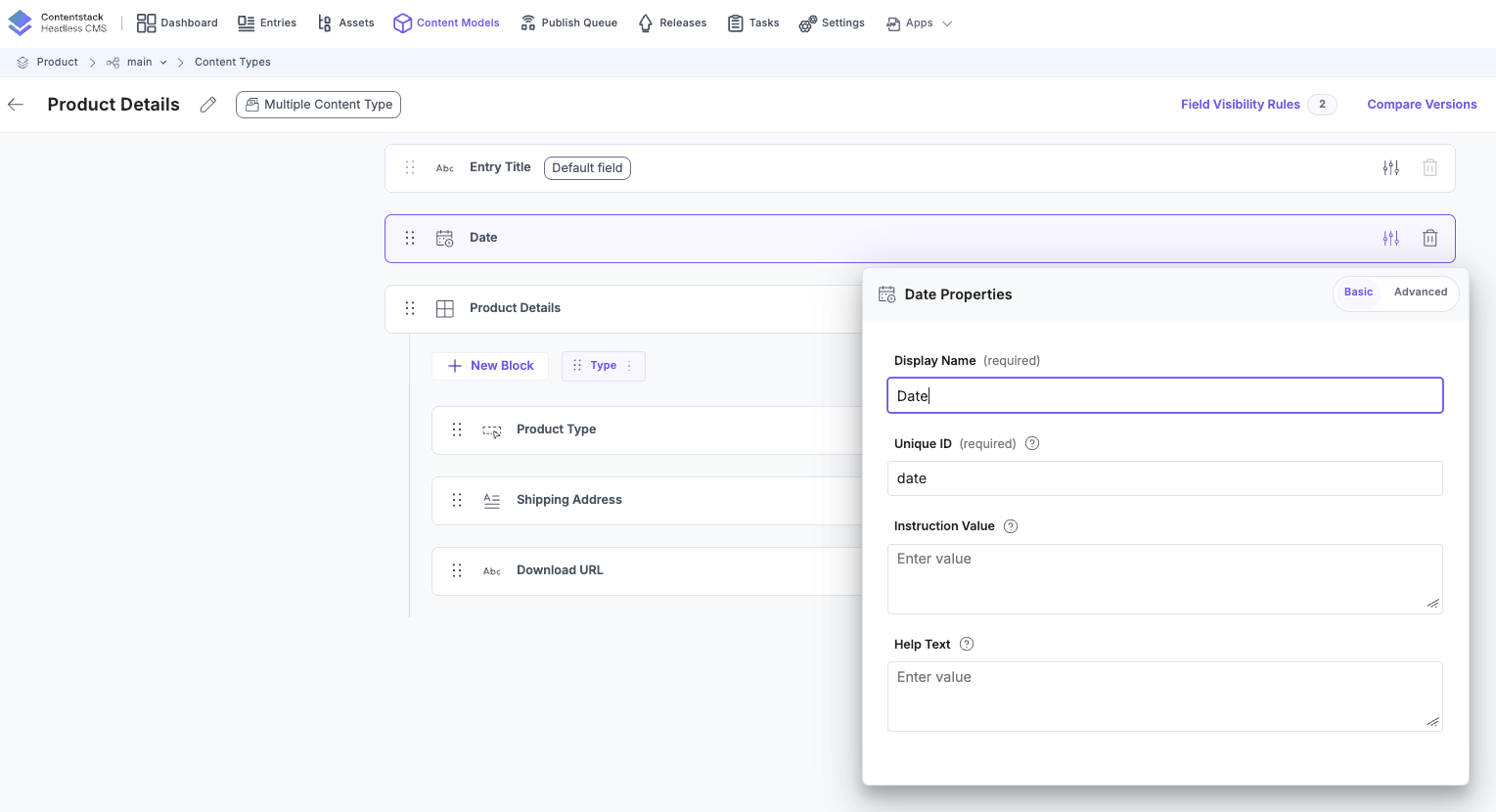
Setting Date and Time
After adding the Date field to your Content Type, open Date Properties and select the Custom Date option to configure your preferred date and time format.
Tip: Consider the target audience's local time zones when configuring default values. This ensures accurate content scheduling across global teams.
Additional Resource:
- To dynamically show or hide this field based on user input, use the Field Visibility Rule feature.
- To add a Date field using the Content Management API, refer to the JSON payload example in our CMA request.
Best Practices
- Use the ISO format for all programmatic operations to ensure compatibility.
- Always account for the user’s time zone to prevent scheduling conflicts.
- Clearly communicate the purpose and constraints of the field in the Help Text.
Additional Resource: For broader field use cases and modeling strategies, explore our Content Modeling guide.
More articles in "Fields"
