

Set Up Content Migration Framework (Docker)
The Contentstack Migration Framework enables users to seamlessly migrate content from a legacy Content Management System (CMS) to Contentstack. The framework simplifies the migration process with an intuitive interface and step-by-step workflow for importing content, mapping content types, and migrating data into a stack within Contentstack.
This guide outlines how to install the migration framework using Docker on Windows and macOS systems.
Prerequisites
Before you begin the installation process, ensure the following requirements are met:
- Latest version of Docker and Docker Compose
- Latest version of Bash for macOS/Linux or Git Bash or Windows Subsystem for Linux (WSL) for Windows
An IDE of your choice, such as Visual Studio Code
- Content exported from your legacy CMS in a supported format (e.g., ZIP, JSON)
Installing the Migration Framework
Follow the steps below to install the migration framework on your system:
- Open a terminal and run the following command to clone the repository and navigate to the folder:
git clone https://github.com/contentstack/migration-v2 && cd migration-v2 Run the following command:
For macOS/Linux:
chmod +x setup-docker.sh && ./setup-docker.sh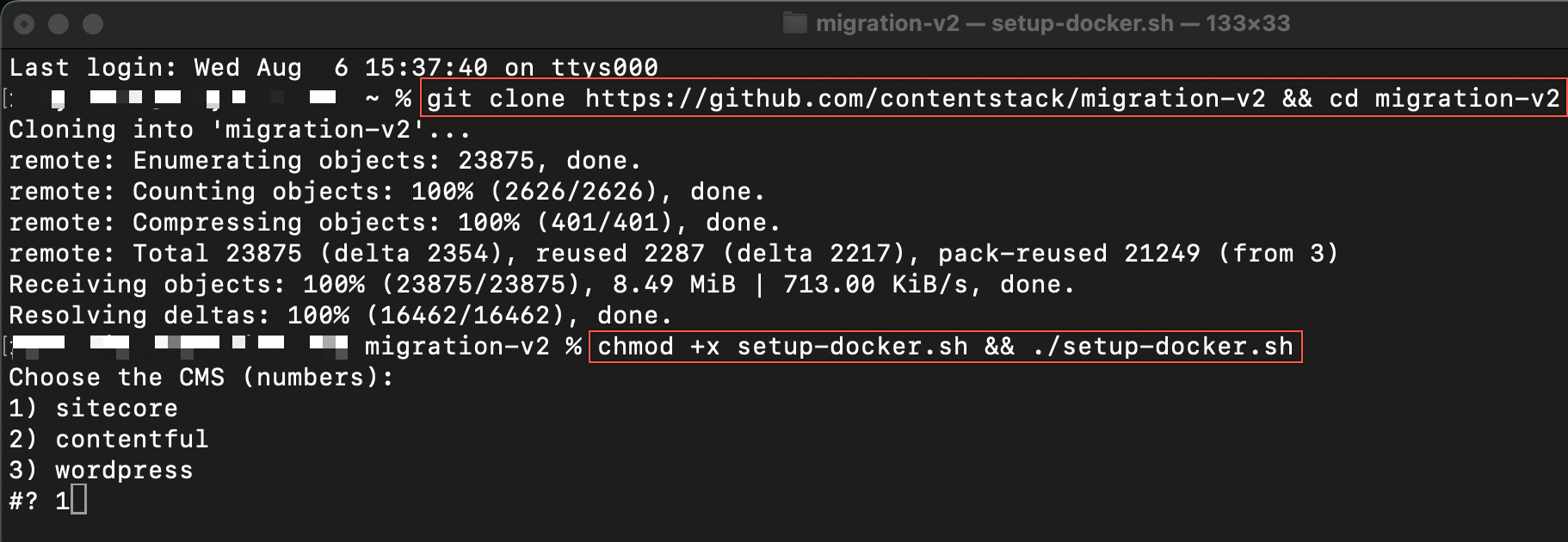
For Windows, use Git Bash or WSL for better compatibility.
Set line endings to LF in /upload-api/docker-entrypoint.sh to avoid setup errors. CRLF endings may result in error during setup.
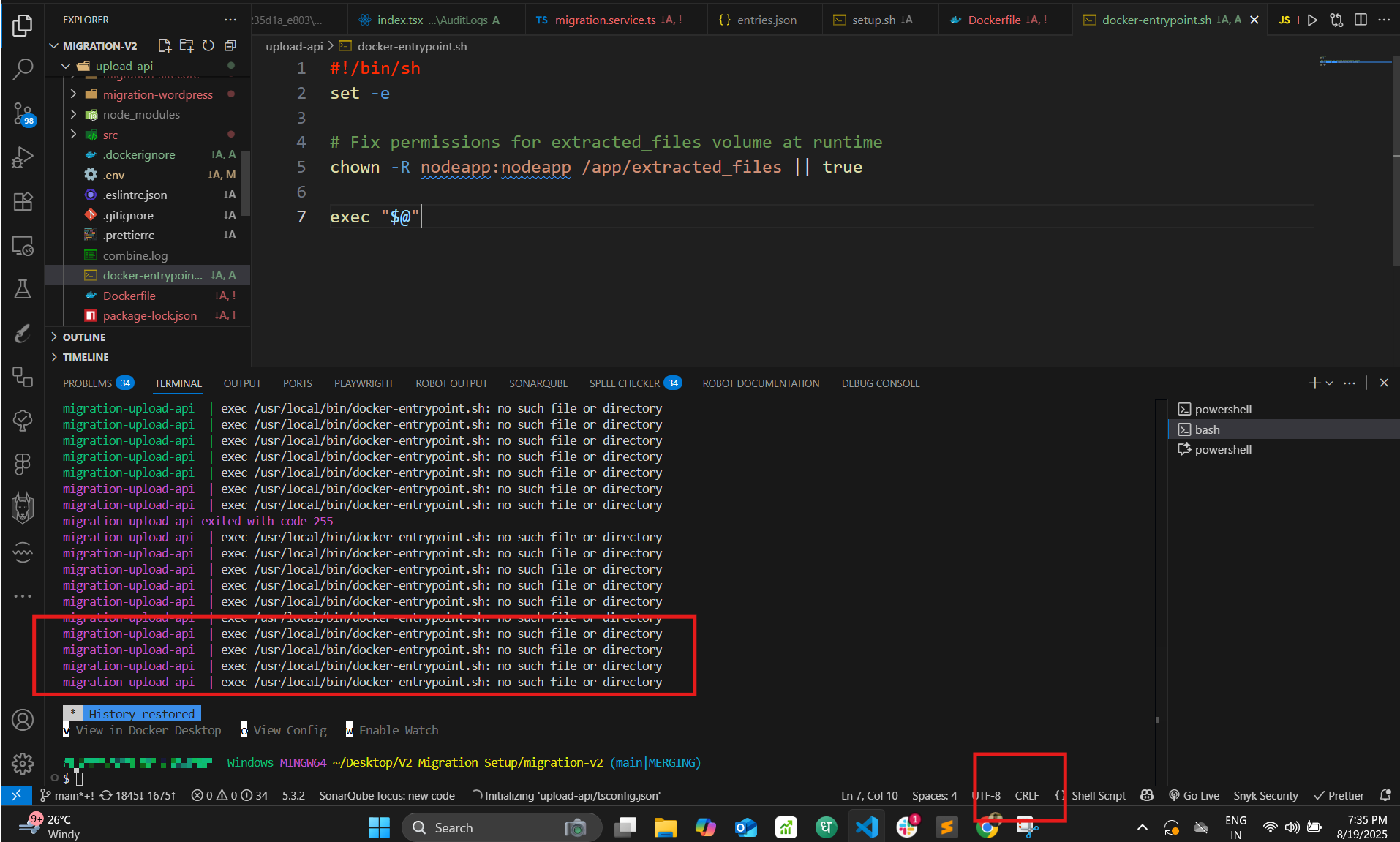
Run the following command:
chmod +x setup-docker.sh && ./setup-docker.sh- Choose the legacy CMS you are migrating content from.
Warning: Ensure you select the correct legacy CMS to avoid any errors during the migration.
- Enter the file path of the exported content you wish to migrate.
For macOS/Linux:
/Users/{{username}}/Downloads/{{sitecore_export}}.zipFor Windows:
C:\\Users\\{{username}}\\data\\{{sitecore_export}}.zip
Note: The file type may vary depending on your legacy CMS. For example, Sitecore data is exported in ZIP format, whereas Contentful data is exported in JSON.
- Once the installation is complete, navigate to the http://localhost:3000 URL to access Contentstack Migration Framework.
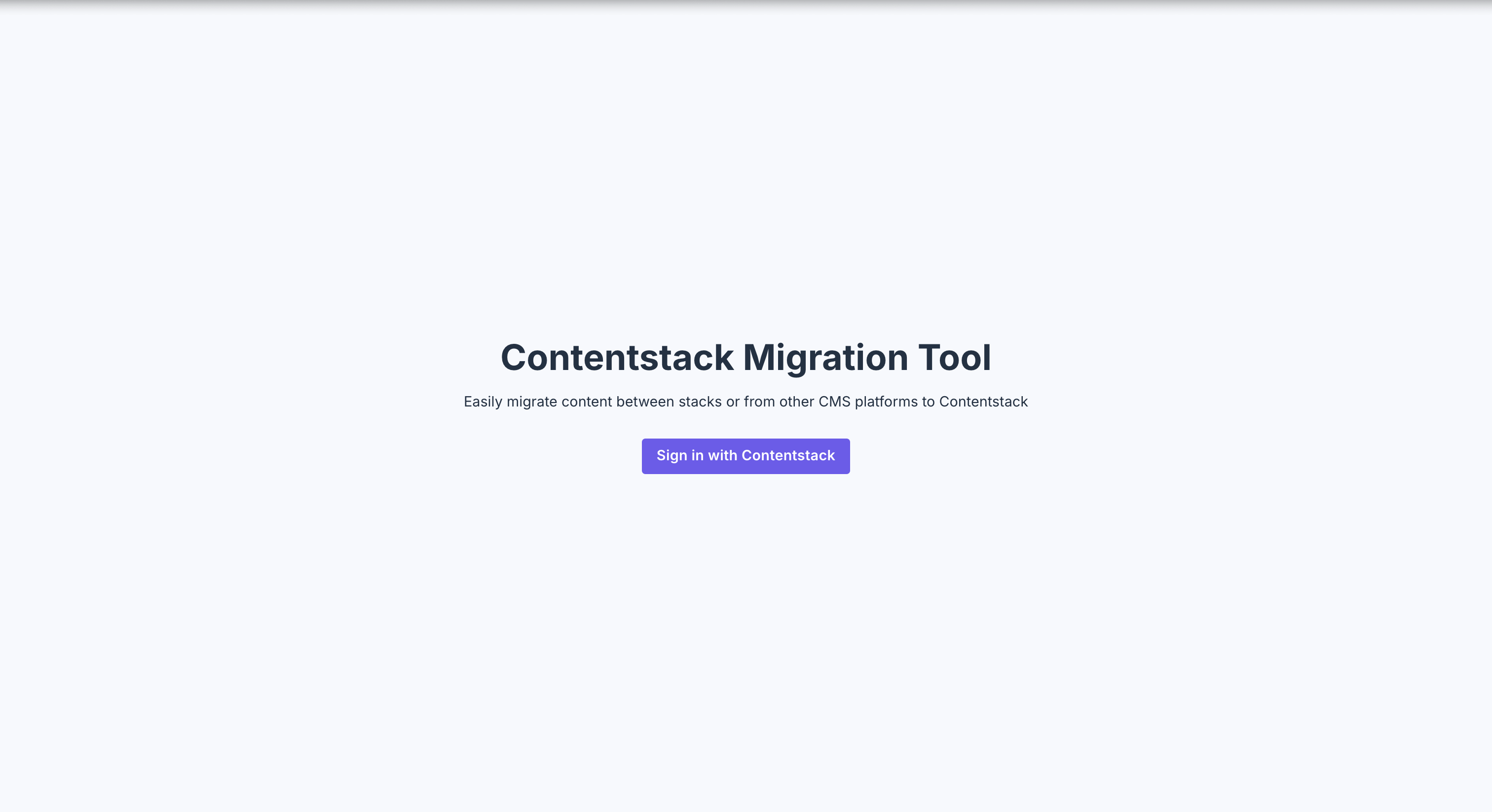
This completes the installation of Contentstack Migration Framework. Refer to the Perform Content Migration section for further steps based on your legacy CMS.
More articles in "Content Migration"
