

What is a Conditional Path?
A conditional path runs a different set of actions based on whether an expression is true or false.
For example, if you want to call someone, you can only do so if the person is available. Otherwise, you might send a voice message.
The Conditional Path feature in Automations, allows you to customize your automation paths and flows.
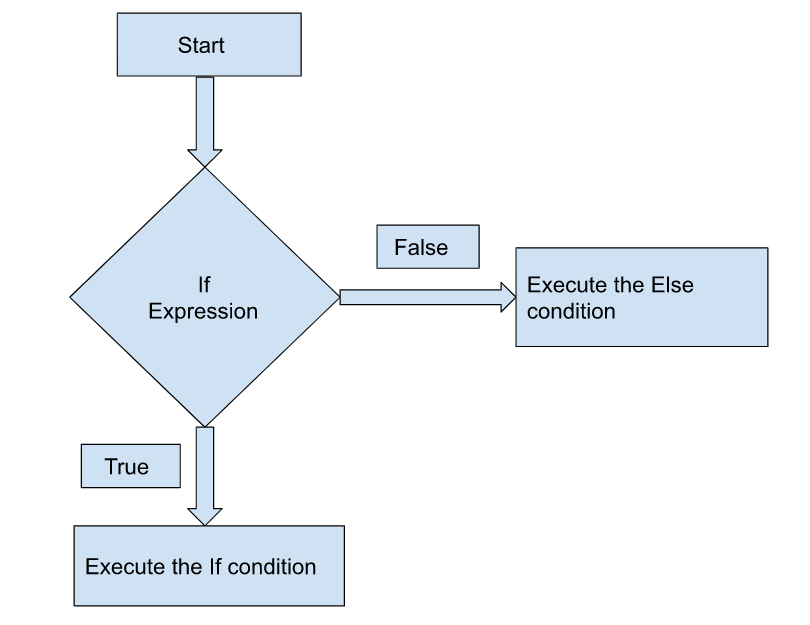
- If the conditions in the Conditional Path match, the actions in the If step are executed.
- If the conditions do not match, the actions in the Else step are executed.
Basic Flowchart of Conditional Path
When to Use the Conditional Path Statement?
With the Conditional Path feature, you can control the flow of your automation. Use a Conditional Path when you want to trigger specific actions only if a condition is met. For example, when a variable equals a specific value or exceeds a threshold.
Refer to the Using Conditional Paths to Customize Automations use case to narrow down your automation for specific tasks.
Was this article helpful?
More Articles " Conditional Paths within Automate"
