View List of Connected Apps in Automations
The Connected Apps option in the Agent OS Settings displays the list of apps you have connected with in Automations.
It also displays the Active/Inactive status that denotes if the automation using this authentication is active or inactive.
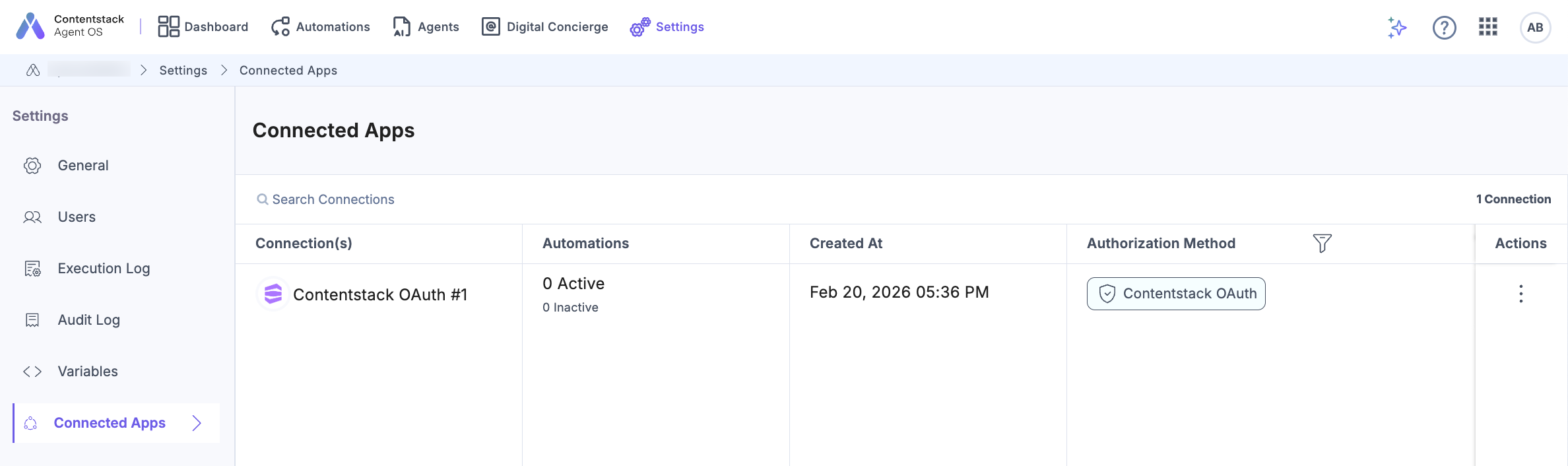
Click any of the connected apps to view its connections. Here, you can Edit the connection (click the pencil button), Reauthorize an app (the “Reauthorize” button), and even Delete a connection (the “Delete” button).
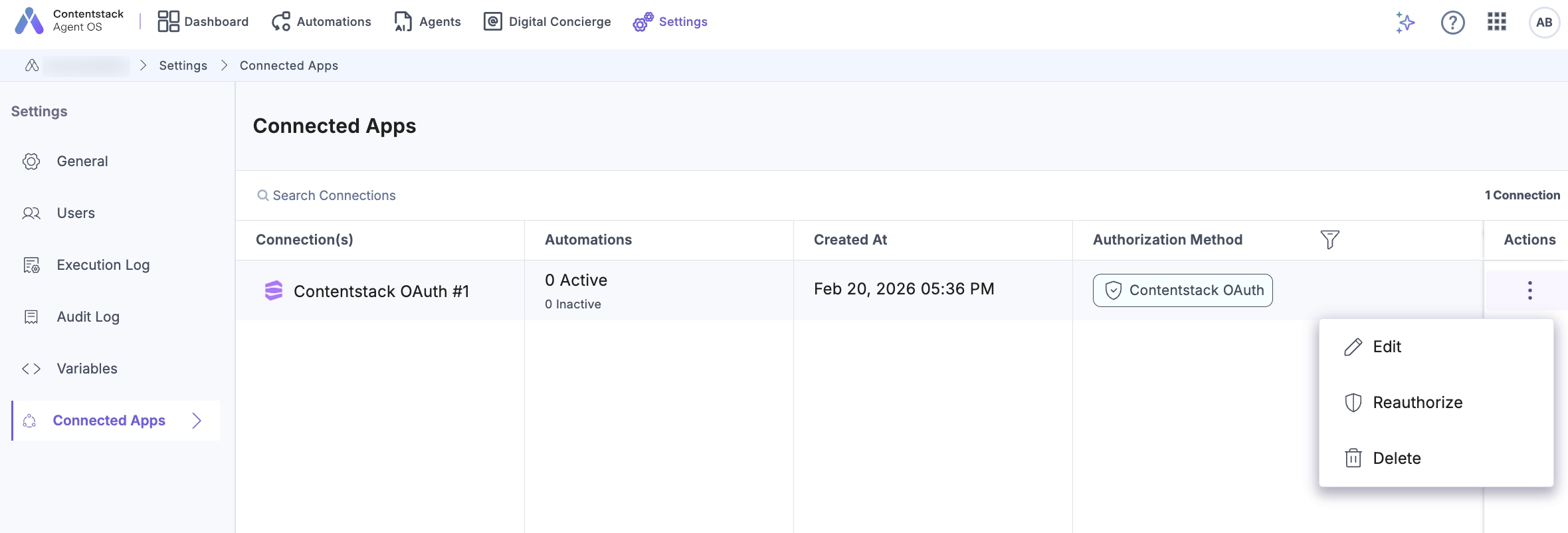
Note: For apps such as Contentstack and Slack, you can view the Edit connection name icon and Reauthorize icon. For all the other apps, you can view the Edit icon to edit the connection details. Delete icon will be visible only if the connection is not being used in any automation (active or inactive).
Let’s look at them in detail:
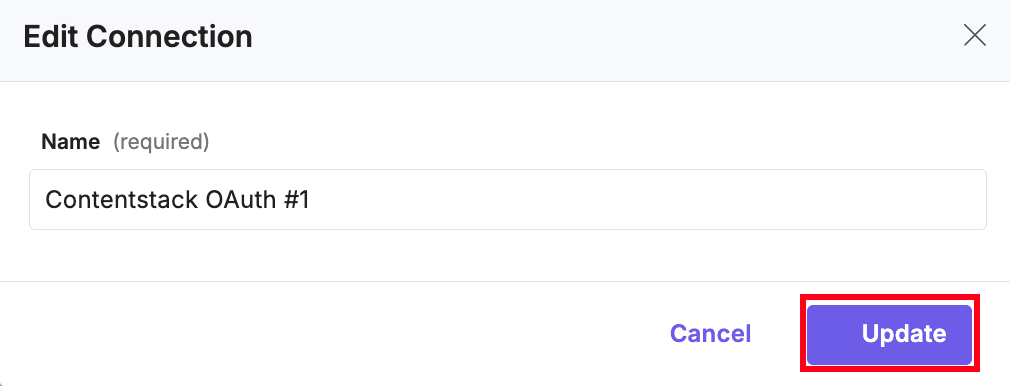
- Edit Connection: The ‘edit’ icon allows you to edit the connection name. Edit the connection name and click the Update button.
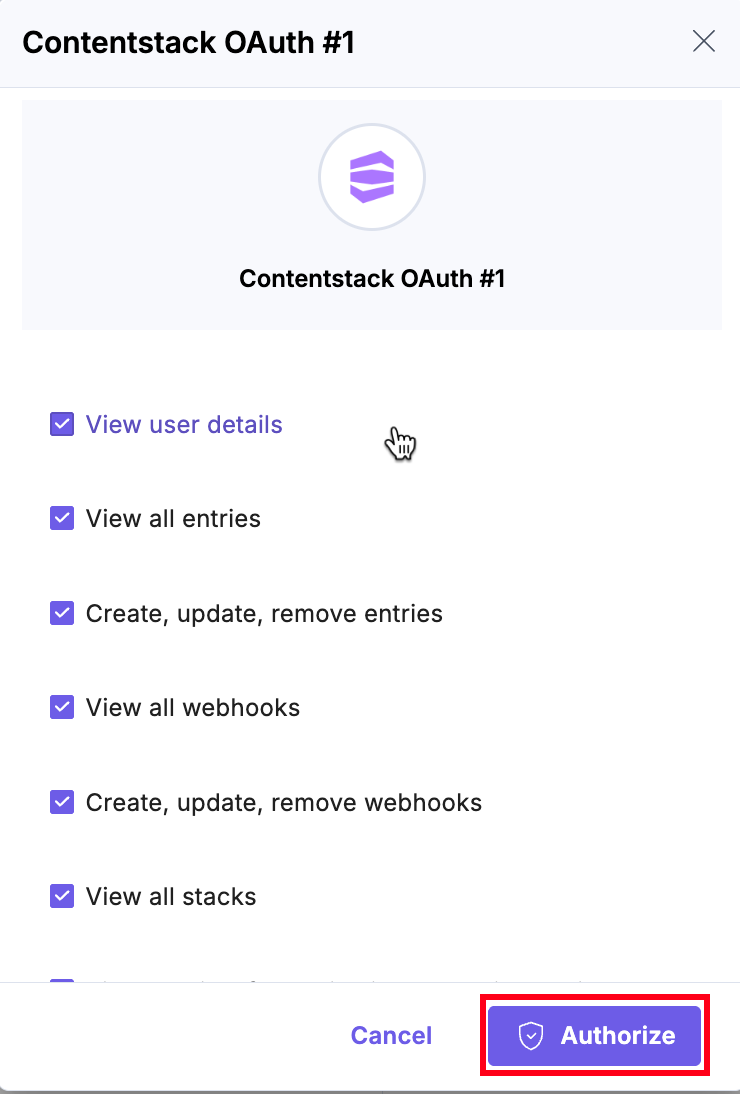
- Reauthorize: The Reauthorize button allows you to change the authorizations/permissions assigned to the application. For Slack, it will be displayed as follows:
For other authentications, where you enter credentials (access key), you will only view the edit icon, and you will need to re-enter the credentials.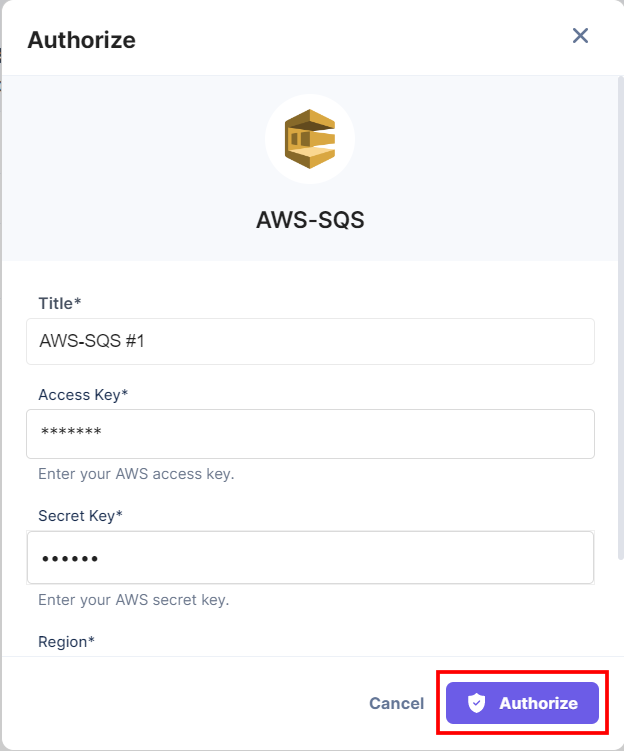
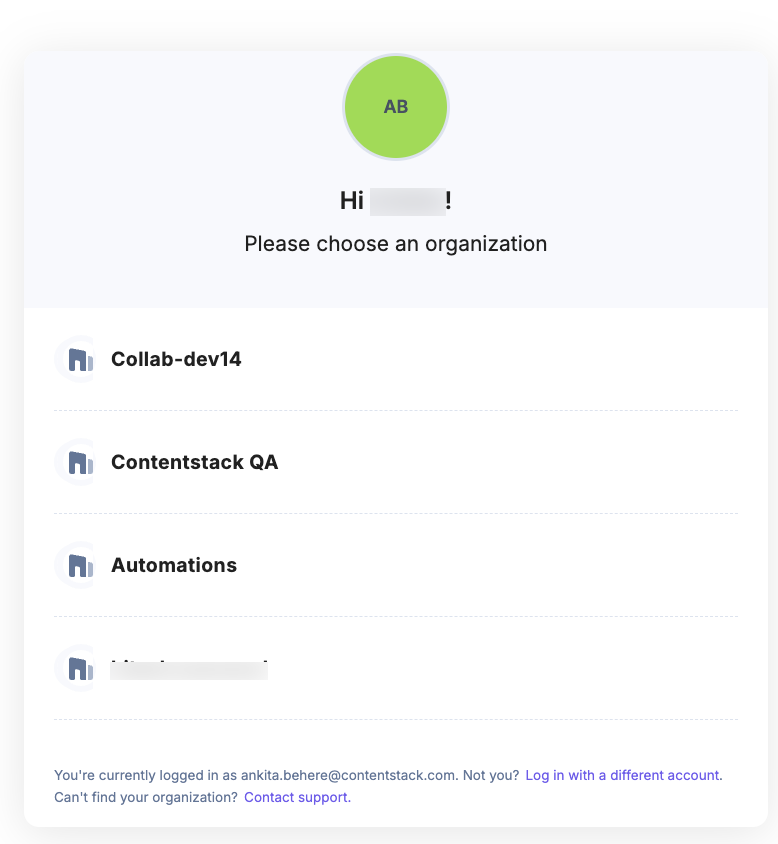
- For some apps, you must select the organization as shown below:
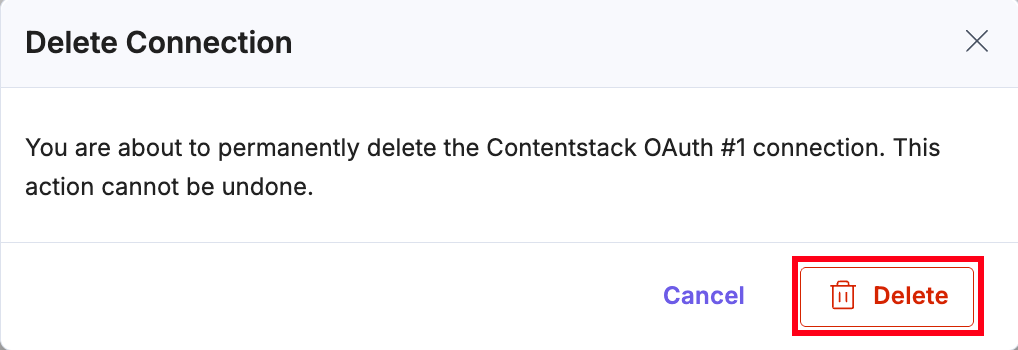
- Delete Connection: You can delete your connection by clicking the Delete button. Confirm your action by clicking Delete again in the Delete Connection modal.