

Managing Projects
In Agent OS, Projects help you manage and organize automations and agents efficiently. Learn how to create, edit, delete, and favorite projects to optimize workflow and team productivity within Agent OS.
Create a Project
To create a project, perform the steps given below:
- Log in to your Contentstack account.
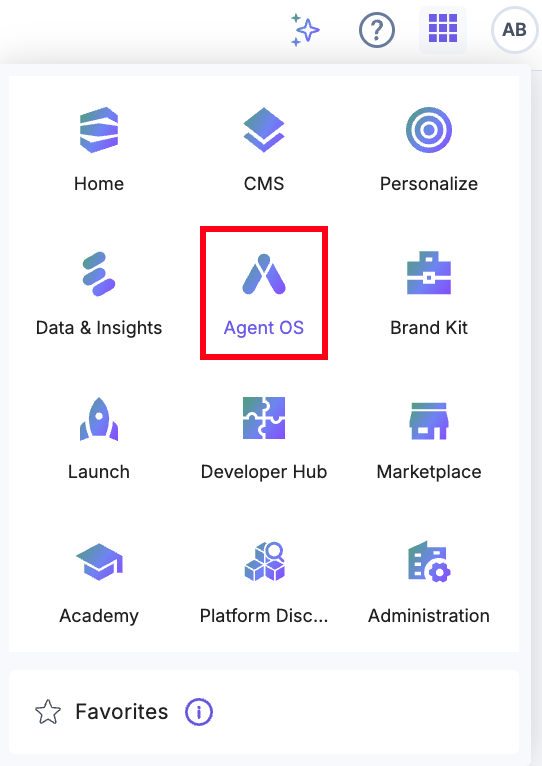
- After logging in, click the App Switcher icon, then select Agent OS from the list.
- Click + New Project.

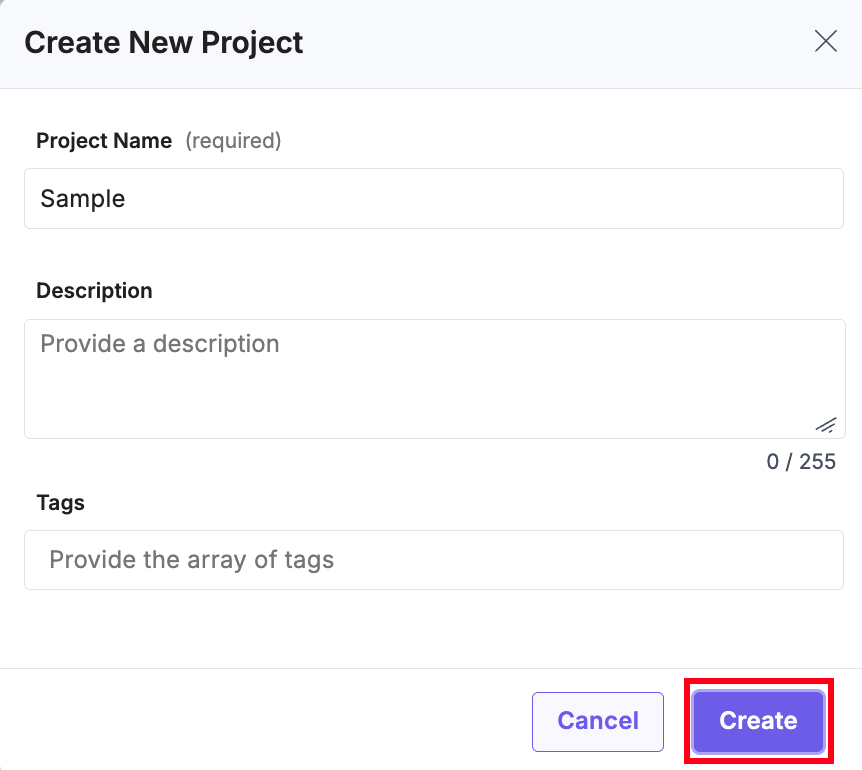
- In the Create New project modal, enter the Project Name (for example, Slack-automation), an optional Description, add Tags, and click Create.
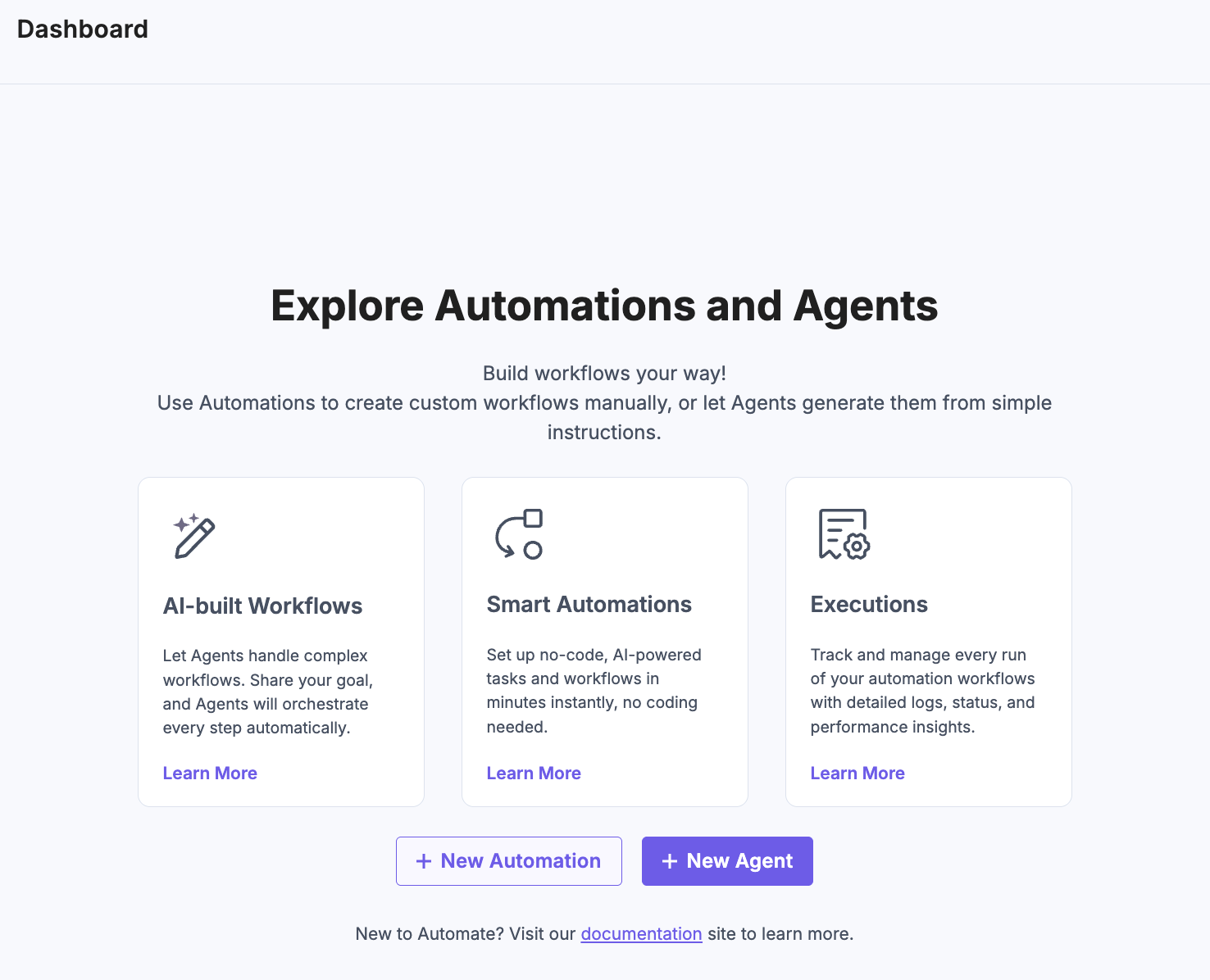
- After successfully creating the project, you can start building different automations and agents.
Note: The maximum number of projects allowed per organization is 50.
Edit a Project
You can edit the primary details of a Project, that is, its Project Name and Description, from the Agent OS settings page.
To edit a project, perform the steps given below:
- Navigate inside a project and from the top navigation panel, click Settings.
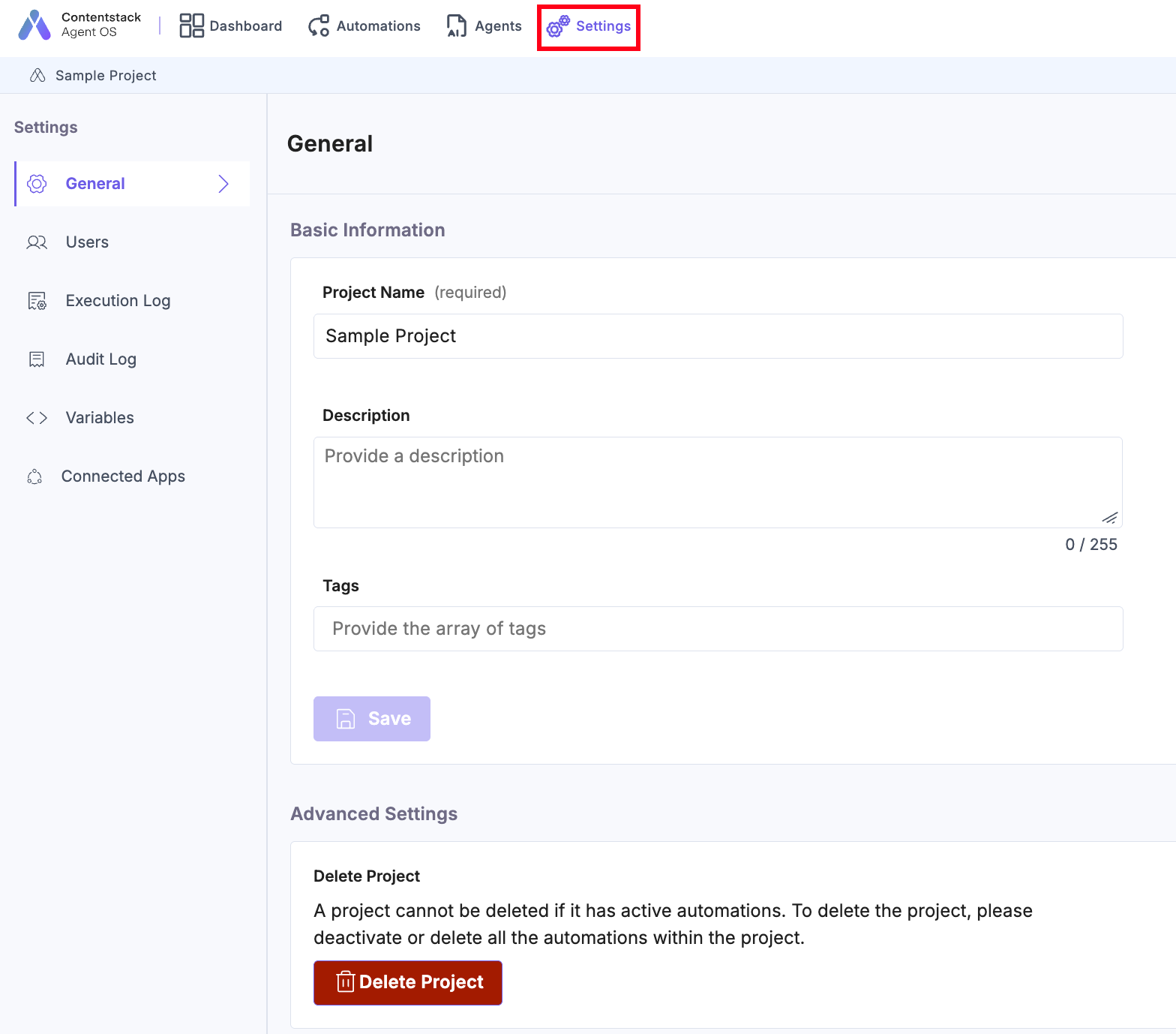
- Enter the Project Name and Description that you want to edit and then click the Save Changes button.
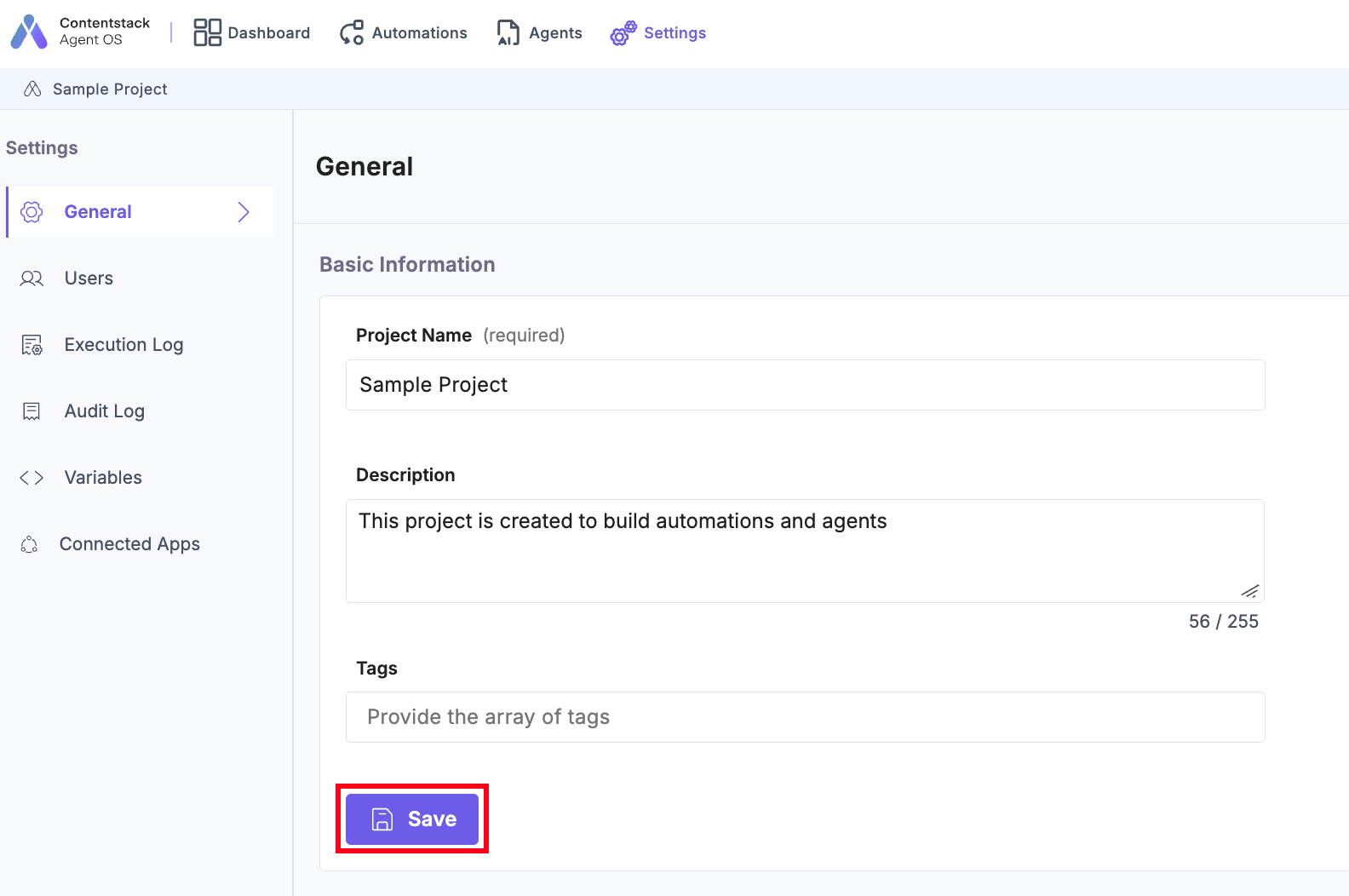
Note: An organization owner and admin can edit and view all projects within Agent OS, while organization members can only view and edit their projects.
Delete a Project
You can delete a project, its agents, automations, connected apps, and logs from Agent OS.
Note: Only organization owner, admin, and the project owner can delete a project.
To delete a project, perform the steps given below:
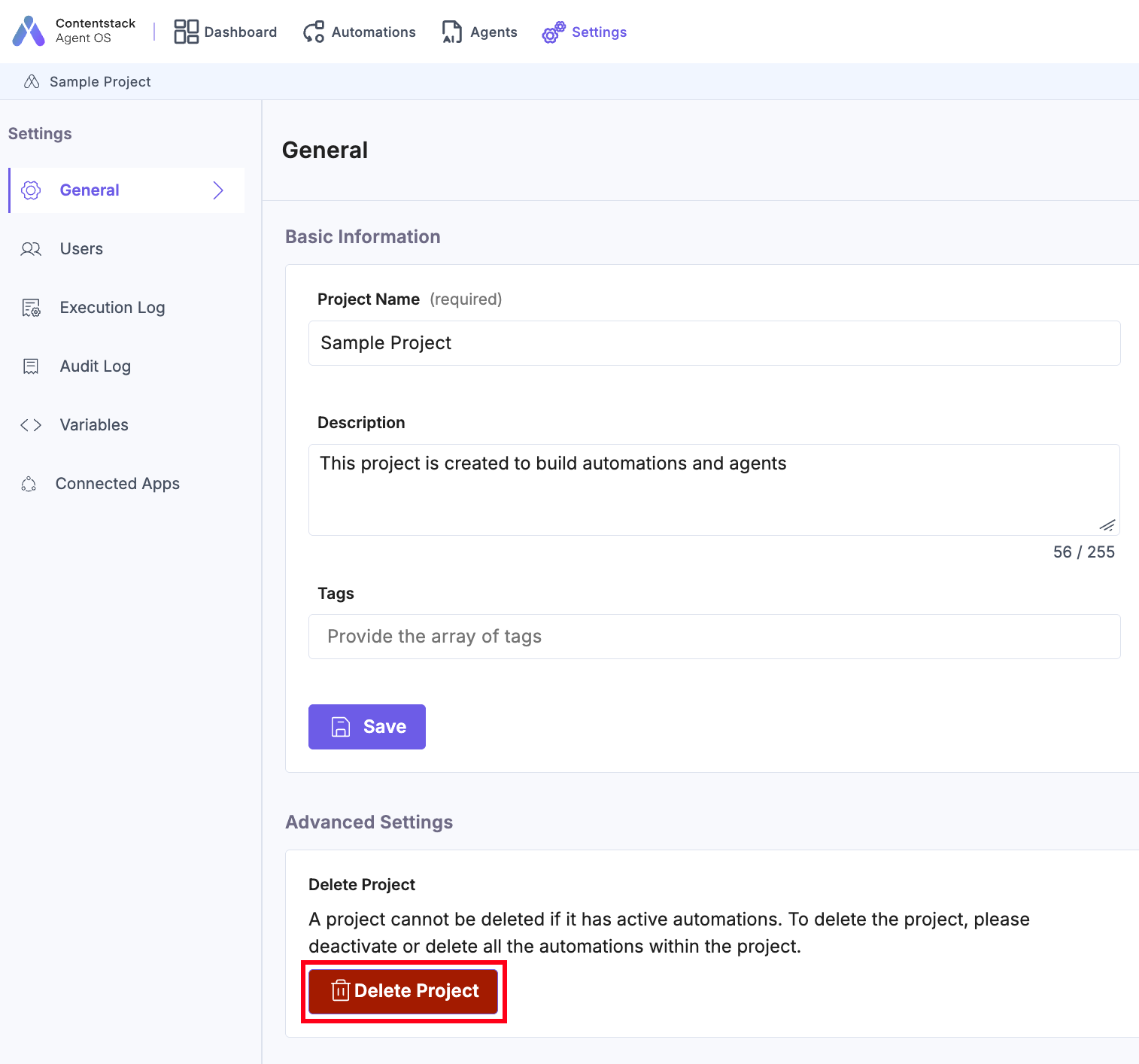
- Navigate inside a project. From the top navigation panel, click Settings.
- Click General. Under the Advanced Settings section, click the Delete Project button to delete the project.
Note: The Delete button is disabled if there are any active automations and connected apps for the project. All the automations and agents must be deactivated or deleted to enable the Delete button.
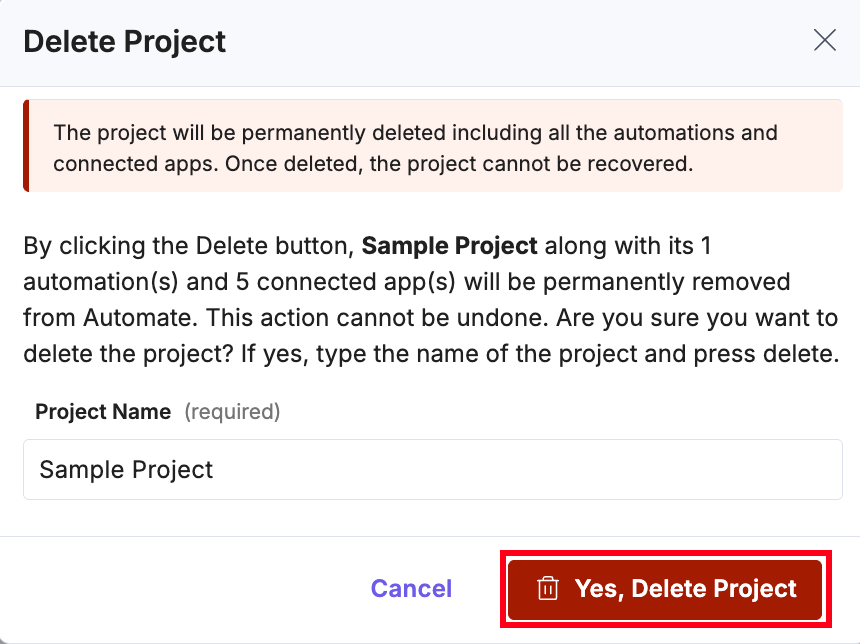
- In the Delete Project modal, enter the Project Name and click the Delete Project button to delete the project permanently.
Warning: Clicking the Delete button permanently deletes the project, including all the agents, automations, connected apps, and logs. You cannot recover a deleted project.
You will get a notification after the project is deleted.
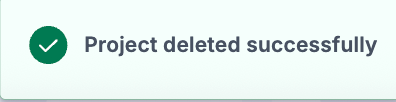
Note: No email notification is triggered after deleting the project.
Mark a Project as Favorite
You can pin your preferred project at the top by marking it as your favorite project.
To mark a project as a favorite, follow the steps below:
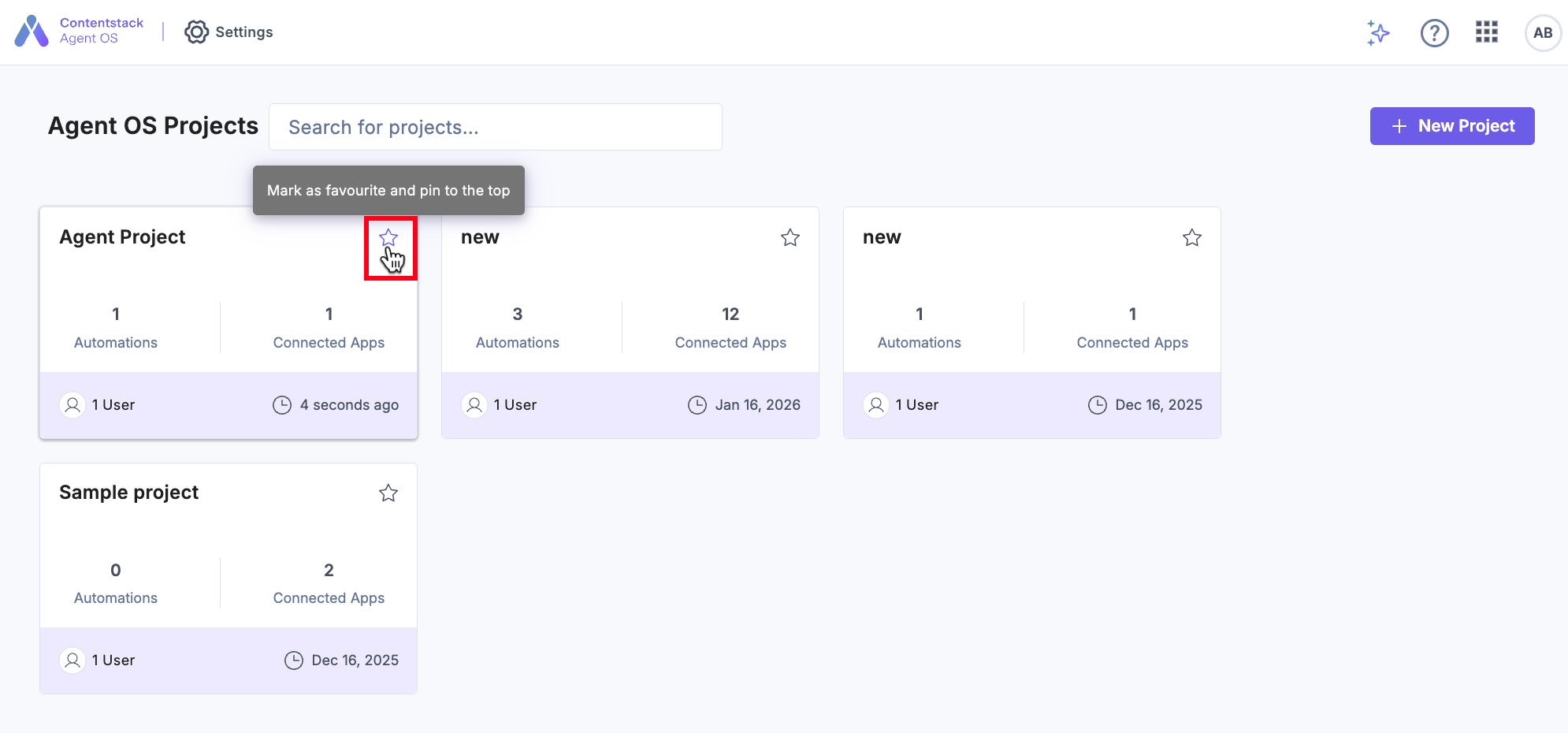
- Navigate to the Projects landing page.
- Click the star icon present in the top right corner of your project card to mark it as favorite.
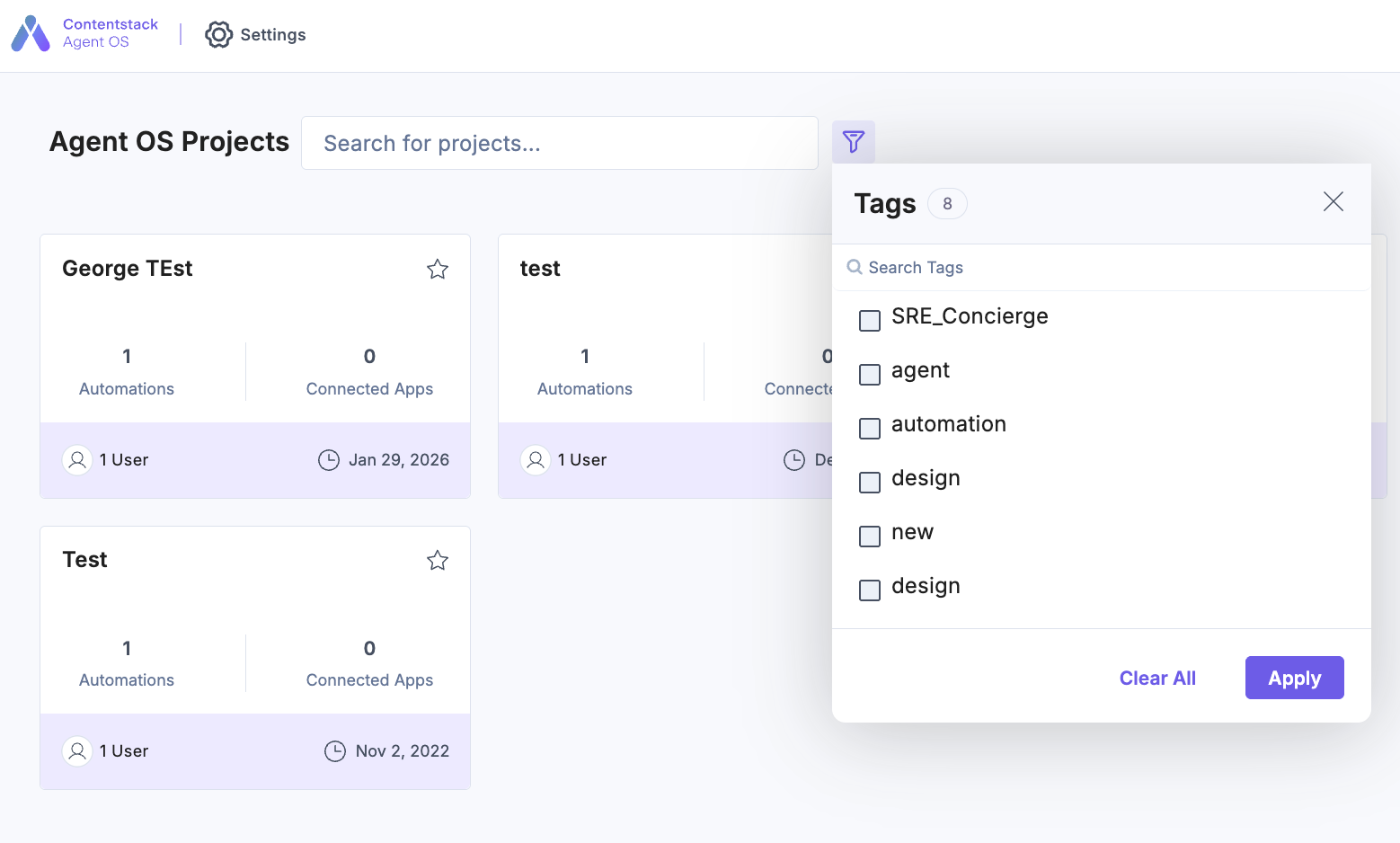
You can also filter projects using tags.
These filters help narrow down the project list in search results. If you use both; a tag filter and the Project Search, then it gives a consolidated list of projects based on the search and tags.
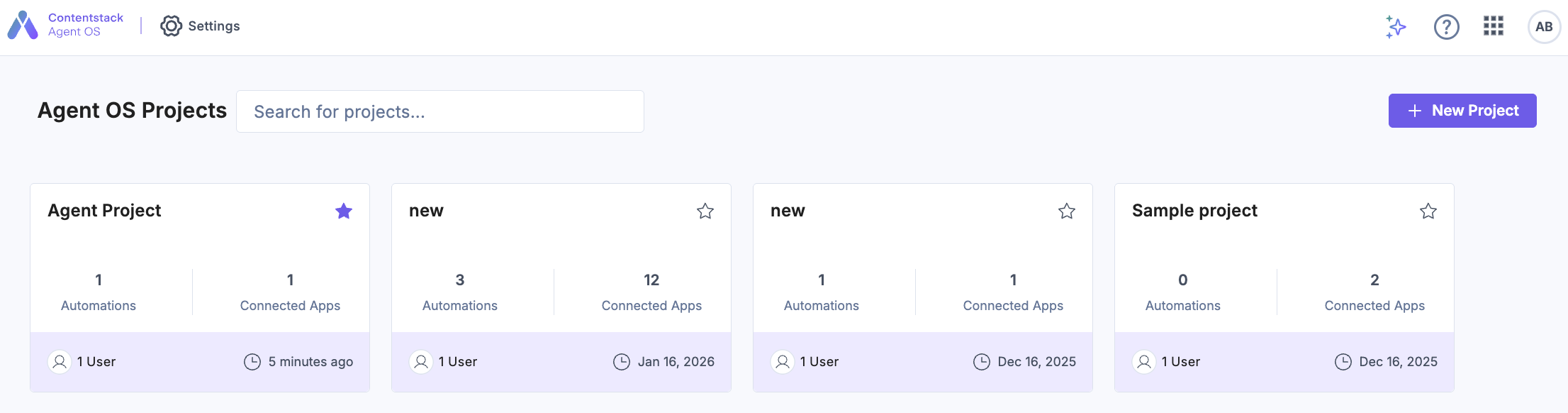
- Refresh the page to view your favorite project(s) at the top.
More articles in "Working with Automate"
