

Box Trigger
Box is a cloud content management and file sharing service. The platform lets you store, share, collaborate on, and manage files and documents securely on the cloud.
The Automate Box trigger lets you add Box-specific trigger events, such as File Uploaded, in your automation.
Note: After successfully configuring a trigger, if you re-configure any other trigger you will be prompted to revert to the previously configured trigger. You can revert back to the last trigger configurations by clicking the Revert Changes button.
Set up the Box Trigger
Perform the following steps to set up the Box trigger:
- Click Configure Trigger from the left navigation panel.
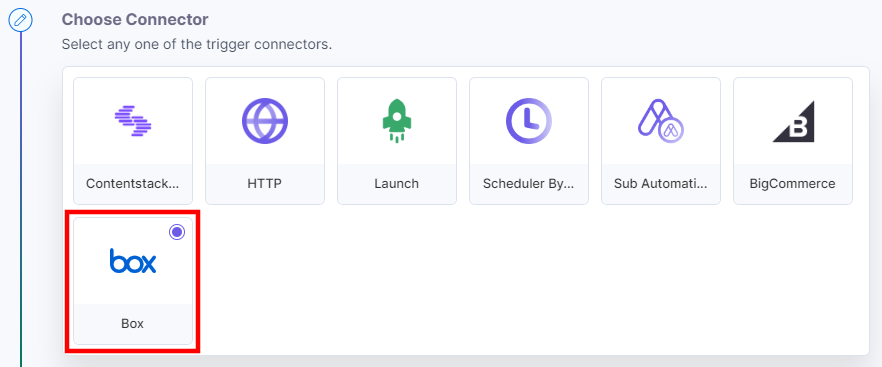
- Within the Configure Trigger step, click the Box connector.
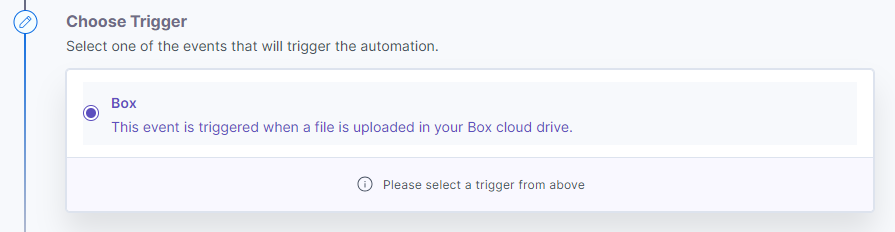
- Under Choose Trigger tab, select the Box trigger.
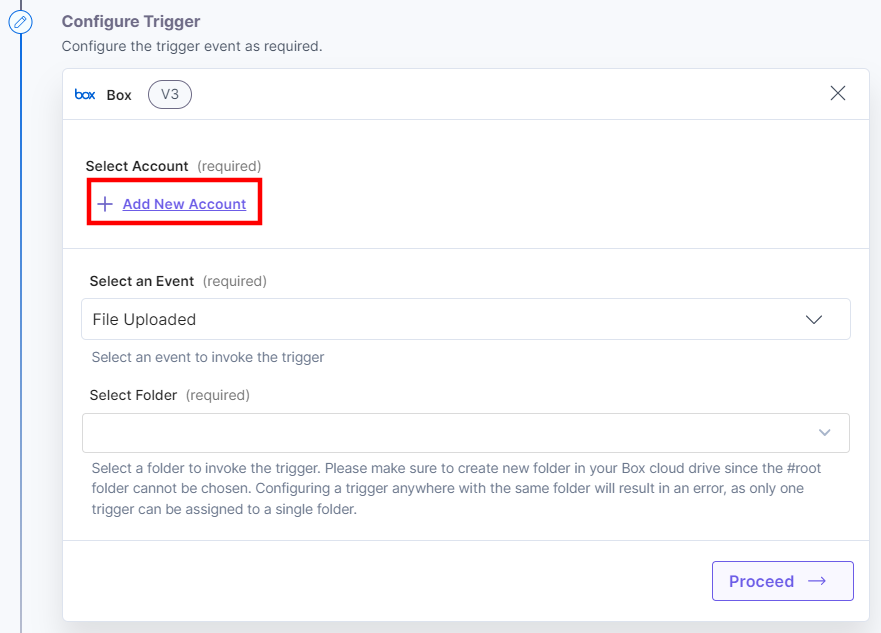
- In the Configure Trigger tab, click + Add New Account to add your Box account.
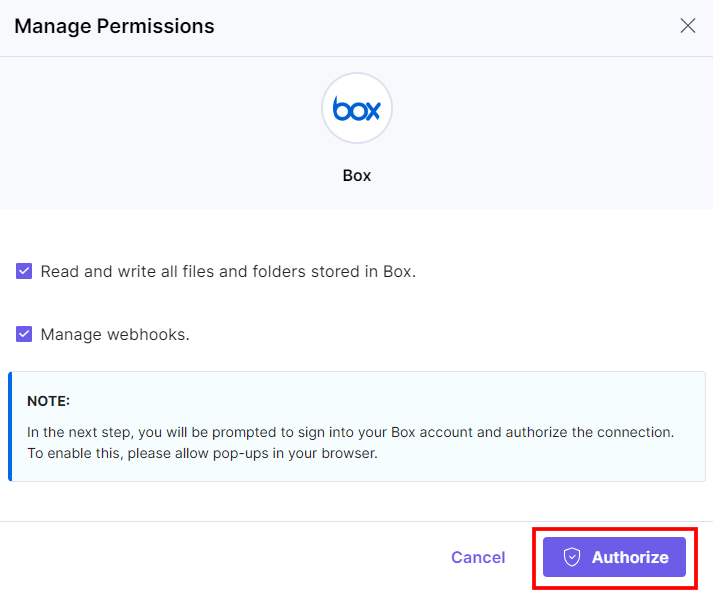
- For Box OAuth, provide the OAuth permissions for all the values by checking the boxes, and click Authorize.
- In the pop-up that appears, log into your Box account. Once done, click the Grant access to Box button.
- Provide an Account Name and then click Save.
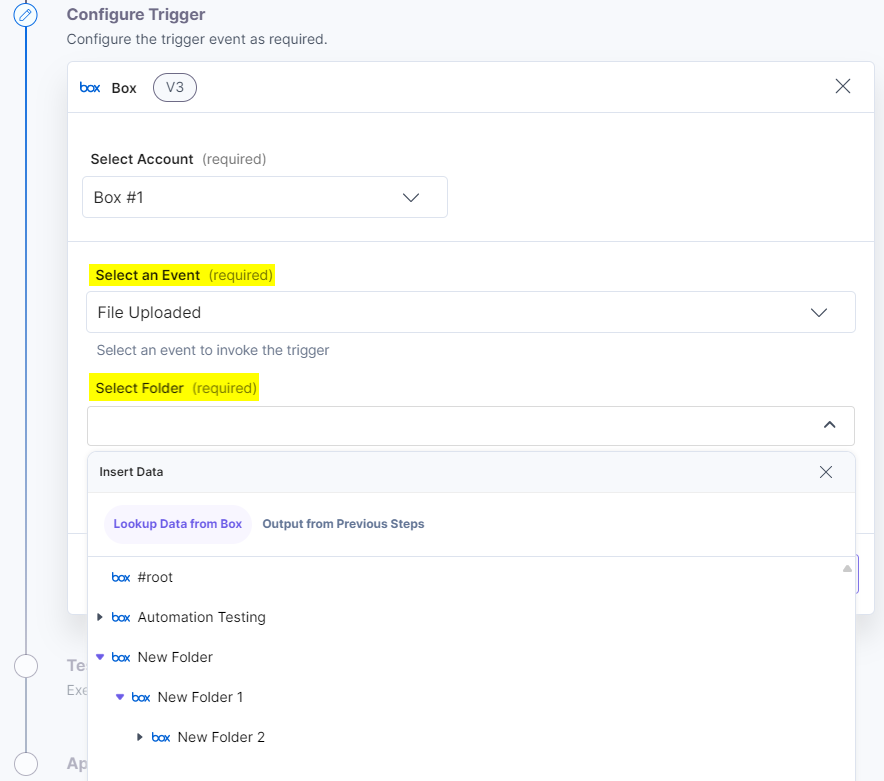
- Select an Event from the drop-down. In the Select Folder drop-down, select a folder to invoke the trigger.
You can select nested folders created in your Box account.
Note: You must create a new folder within your Box cloud drive, as the #root folder cannot be selected for a trigger. Additionally, you can only assign a single folder to a trigger.
- Click the Proceed button.
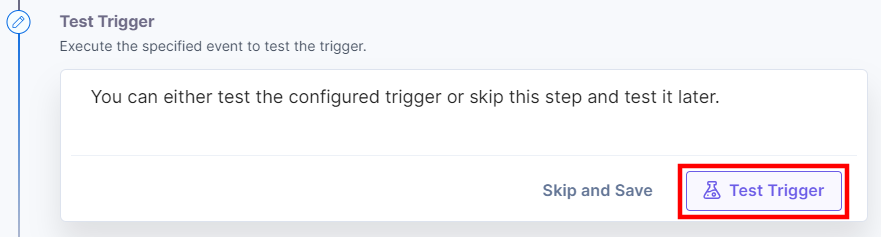
- To execute and test the configured trigger, click the Test Trigger button.
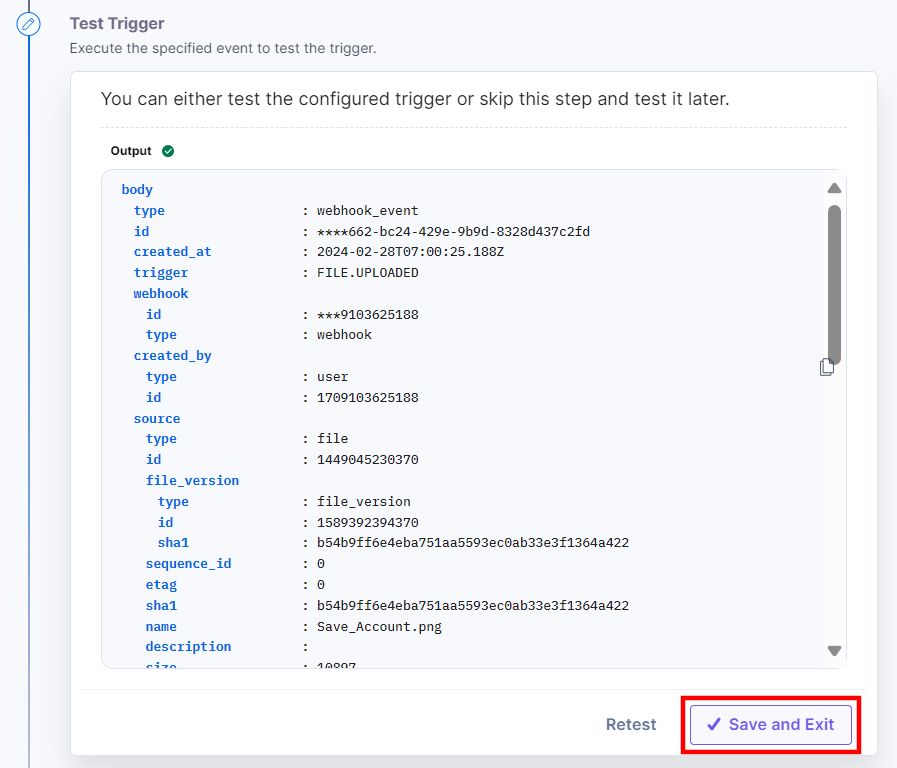
- On successful configuration, you can see the below output. Click the Save and Exit button.
Additionally, you can use the Box trigger with the Box Connector to generate the file download URL. For example, select the “File Uploaded” event in the Box trigger and configure the Box action to fetch the file download URL.
This sets the Box trigger connector.
More articles in "Triggers"
