

Drafts
The Drafts panel allows you to track and manage unsaved content changes before publishing. It helps you compare versions, highlight differences, and restore saved content when needed.
To access the Drafts panel, log in to your Contentstack account, and perform the following steps:
- Navigate to your stack and select Visual Experience.
- Click Editor in the bottom pill menu.
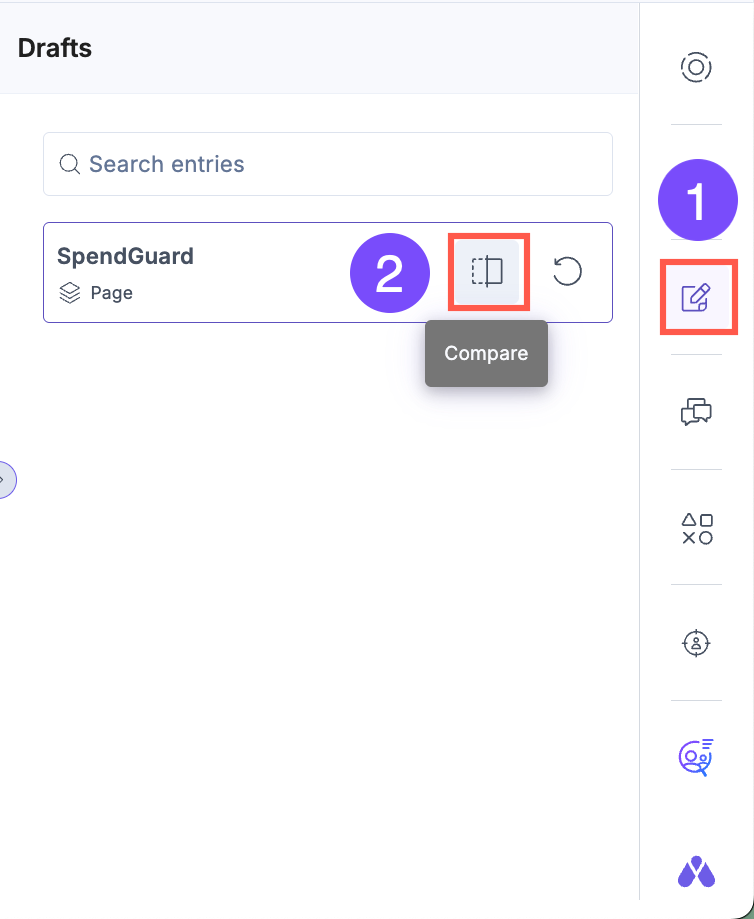
- In the right sidebar, click the Drafts icon to view the list of modified fields.
- Click “Compare” next to an entry. A side-by-side view opens, showing the saved version and the current draft. Draft changes appear in red for quick identification.
Tip: Modified fields are outlined in red on the canvas to help you quickly identify changes.
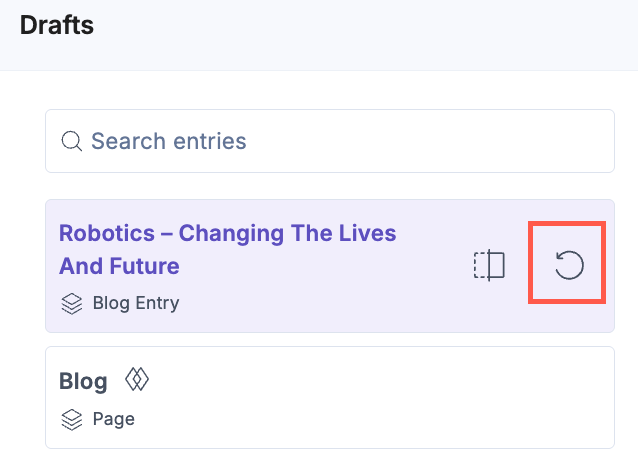
To remove all unsaved updates and restore the last saved version of the entry, click the Revert icon.
The Drafts panel helps you maintain full control over your content before publishing.
Was this article helpful?
More articles in "Visual Editor Tools"
