

Partial Search
Contentstack allows you to perform partial keyword search, so you can find relevant entries faster. Partial keyword search means searching by just a part of the keyword.
You can perform a simple partial keyword search by typing in the start of the keyword to get relevant results. For example, use tech to get entries that contain the terms "technology" or "technical". This is known as prefix (or start-with) partial search, which can be performed directly by entering the start of the keyword, without having to add any special character. This is supported by default in the app search.
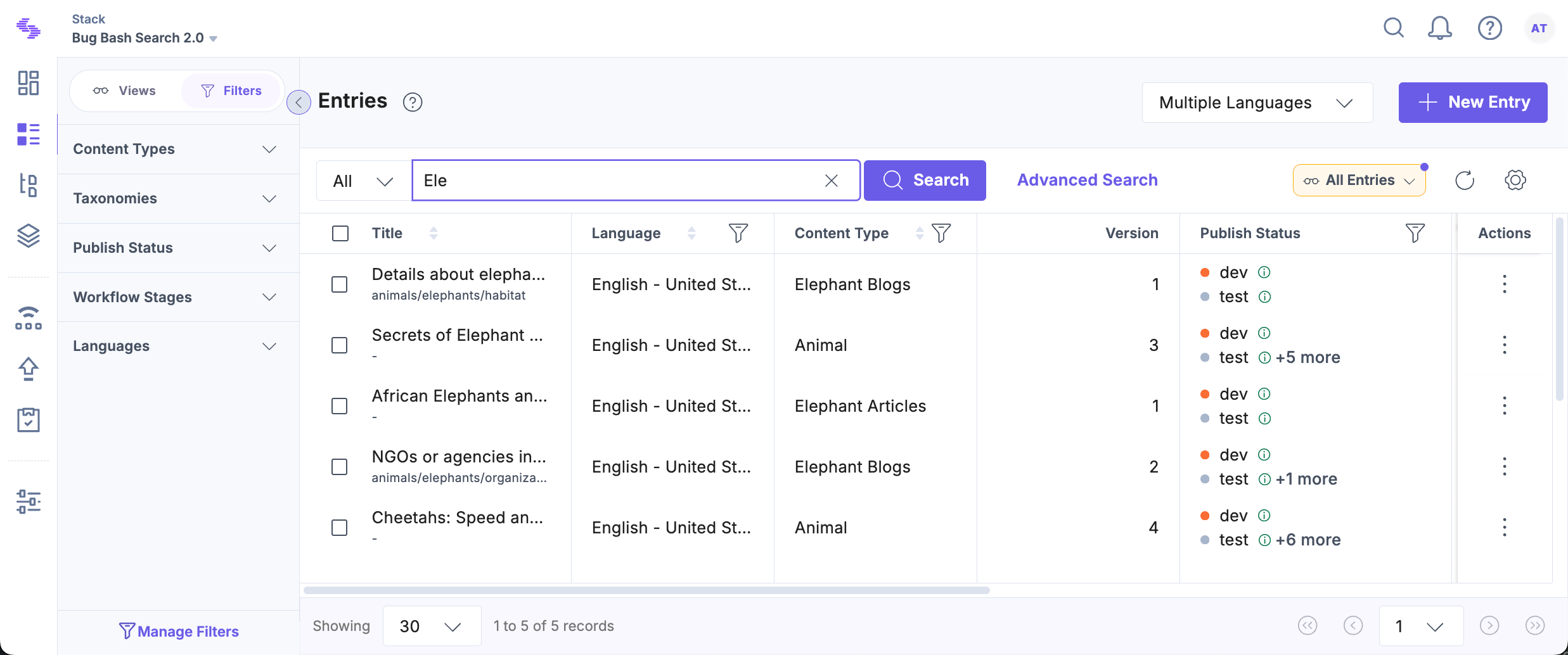
Note: The search function skips common stop words such as "and," "the," "is," and "in" to prioritize meaningful terms and deliver more relevant results.
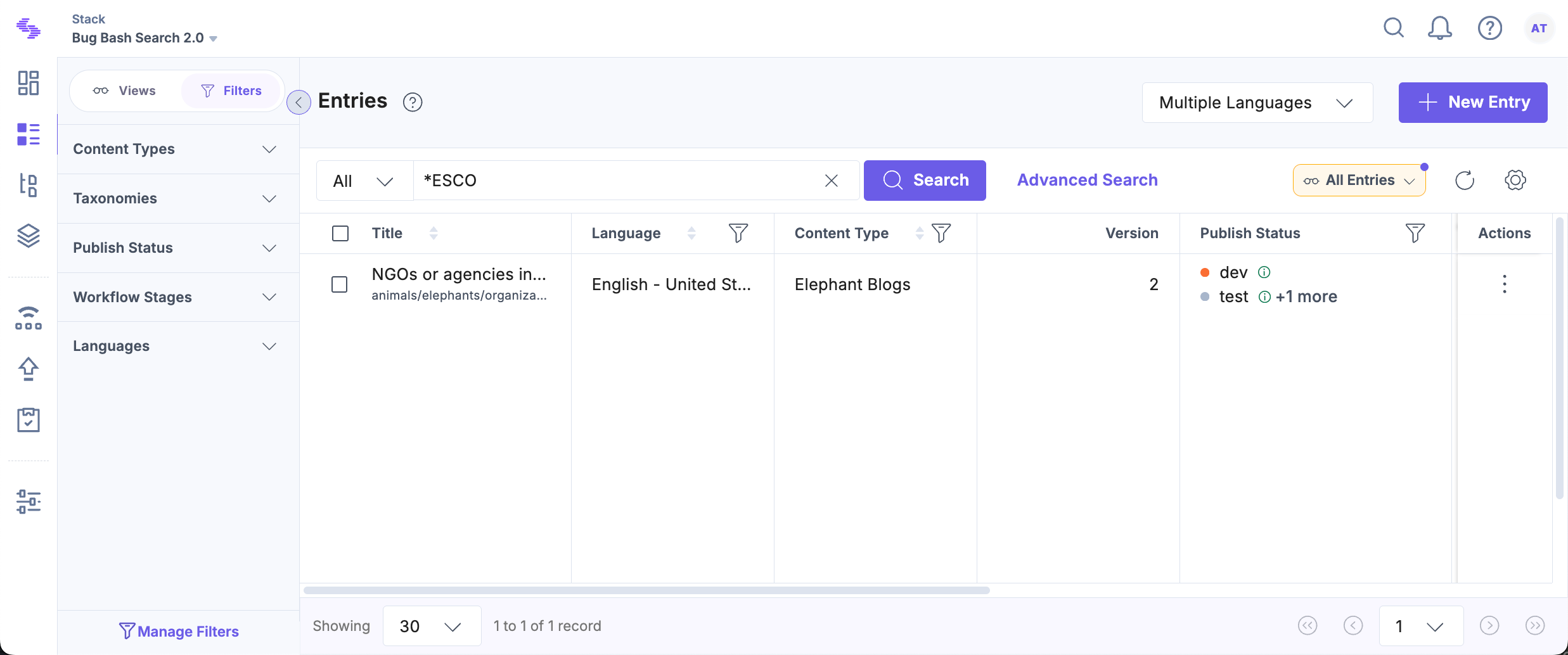
The other type of partial keyword search is suffix or infix matching that allows you to search by the middle or the end of the keyword. To perform this kind of search, you will have to prefix * to your partial keyword. For example, use *chno or *logy to look for entries containing "technology".
For proficient search results, you can:
- Use double quotes for exact match searching. For instance, searching "technology" will retrieve all entries or assets where the term "technology" is used.
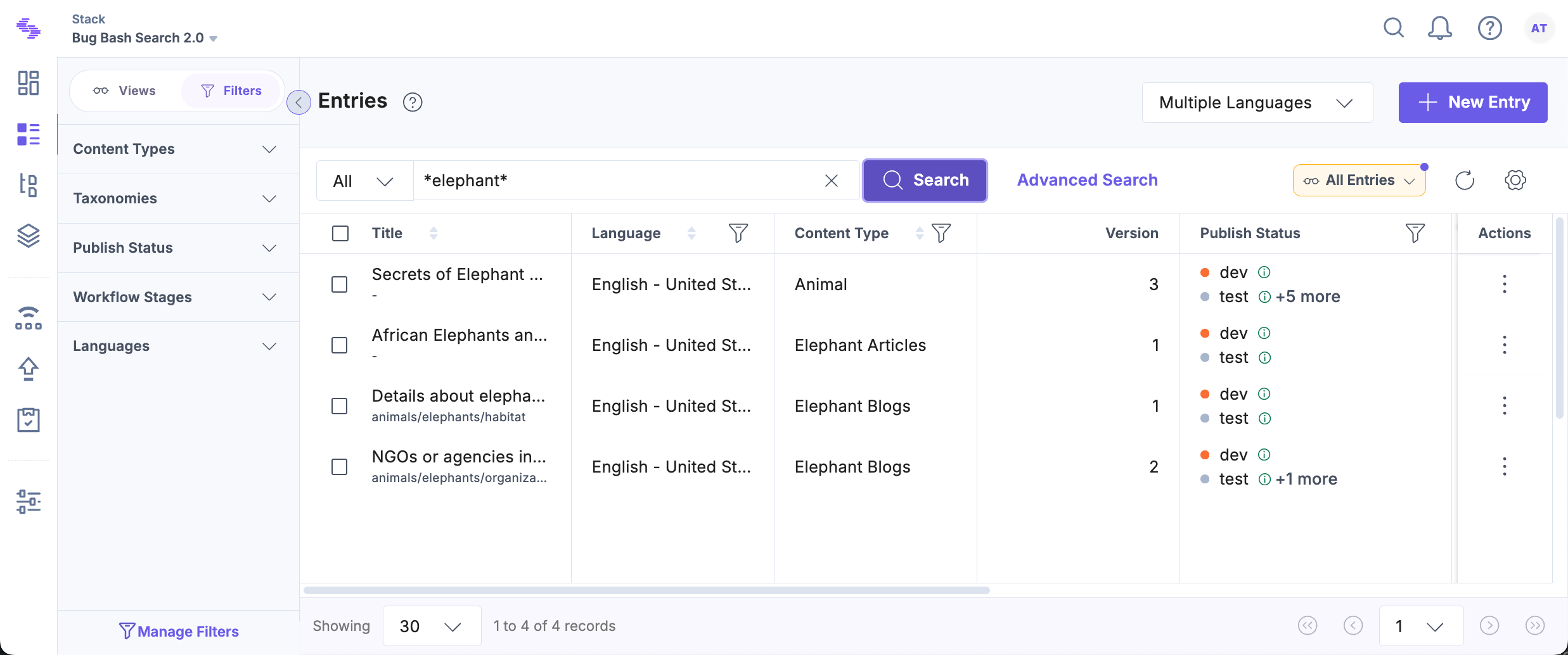
- Use prefix keywords to search for entries containing the specified partial keyword. For example, searching tec will retrieve all entries or assets where the term tec is present.
- Use an asterisk (*) to search by the middle or end of the word. For example, searching *olog will retrieve all entries or assets where the term olog is present.
Note: The search feature supports prefix search by default, allowing you to find entries or assets based on the beginning of words or phrases.
The partial search feature enhances the search experience within the application, providing you with efficient and customizable search capabilities. By leveraging partial keywords and advanced search options, you can quickly locate relevant entries and assets, increasing productivity and streamlining workflow processes.
More articles in "Working with Search"
