

Schedule Publish/Unpublish Entries
Contentstack lets you publish or unpublish entries instantly or schedule them for a specific date and time. This feature helps teams coordinate content releases.
Schedule an Entry Publish/Unpublish
To schedule an entry publish, log in to your Contentstack account and perform the following steps:
- Open the entry and click Publish/Unpublish.
- Choose one of the following options:
- Now: Publishes/unpublishes the entry immediately.
- Later: Schedules the action for a specific date and time.
- If you choose Later:
- Select the date from the calendar.
- Enter the time (hh:mm:ss) and select the time zone.
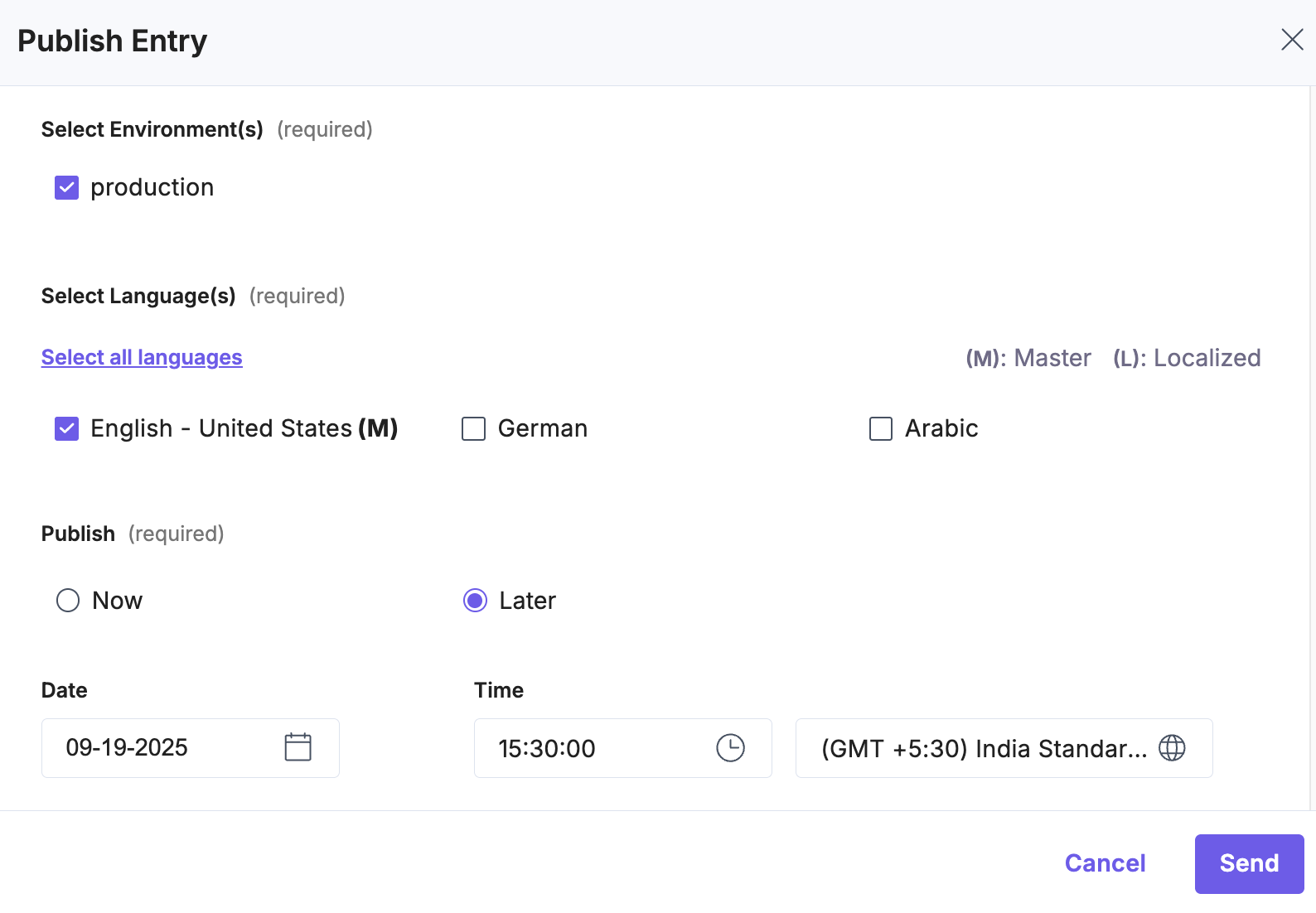
Note: The scheduled date cannot exceed 12 months from the current date.
If the selected time zone follows daylight saving time (DST), Contentstack displays a help text showing the adjusted publishing date, time, and time zone.
Note: During DST, the time differs by one hour from Standard Time. The effective publishing date reflects the local date and time of the user scheduling the entry.
Scheduled publishing and unpublishing are also available in Releases. This allows content managers to add multiple entries to a Release and schedule them for future deployment.
Reschedule a Scheduled Publish/Unpublish
If you have already scheduled an entry to be published or unpublished, you can change the date and time without cancelling the schedule.
- In the Entry Status panel, locate the scheduled publish/unpublish pill.
- Click the “Reschedule” icon.
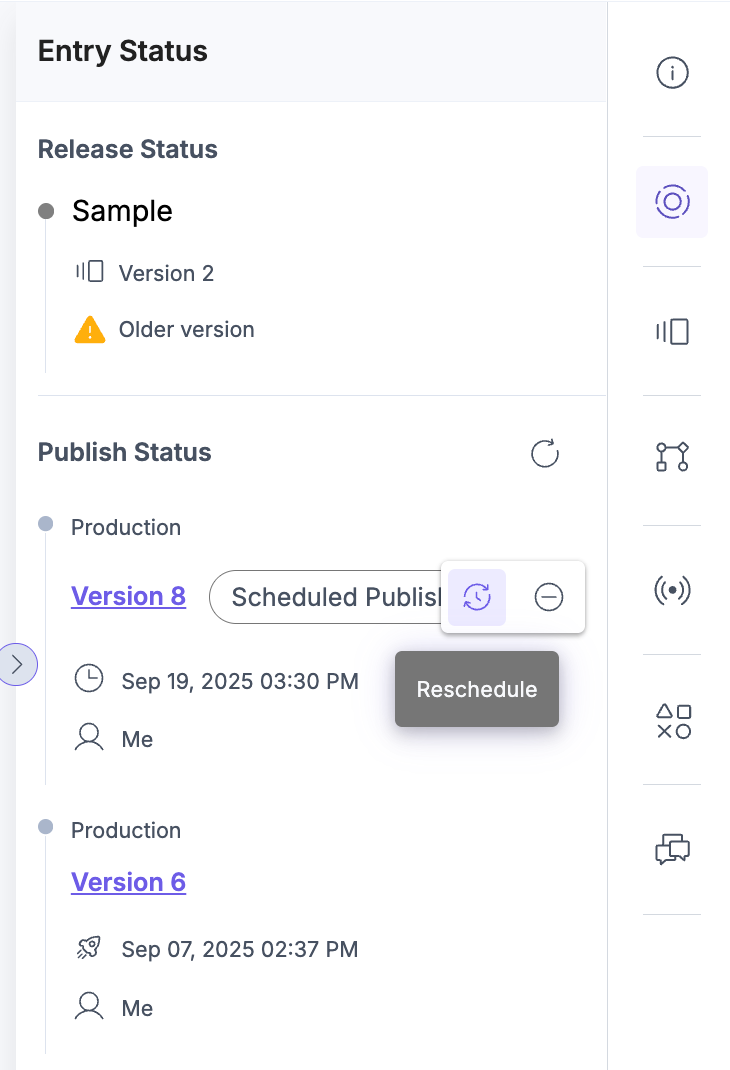
- In the Reschedule Publish/Unpublish modal, select whether you want to:
- Publish/Unpublish Now (the action will execute immediately), or
- Publish/Unpublish Later (choose a new date, time, and time zone).
- Click Reschedule (for Later) or Reschedule and Send (for Now).
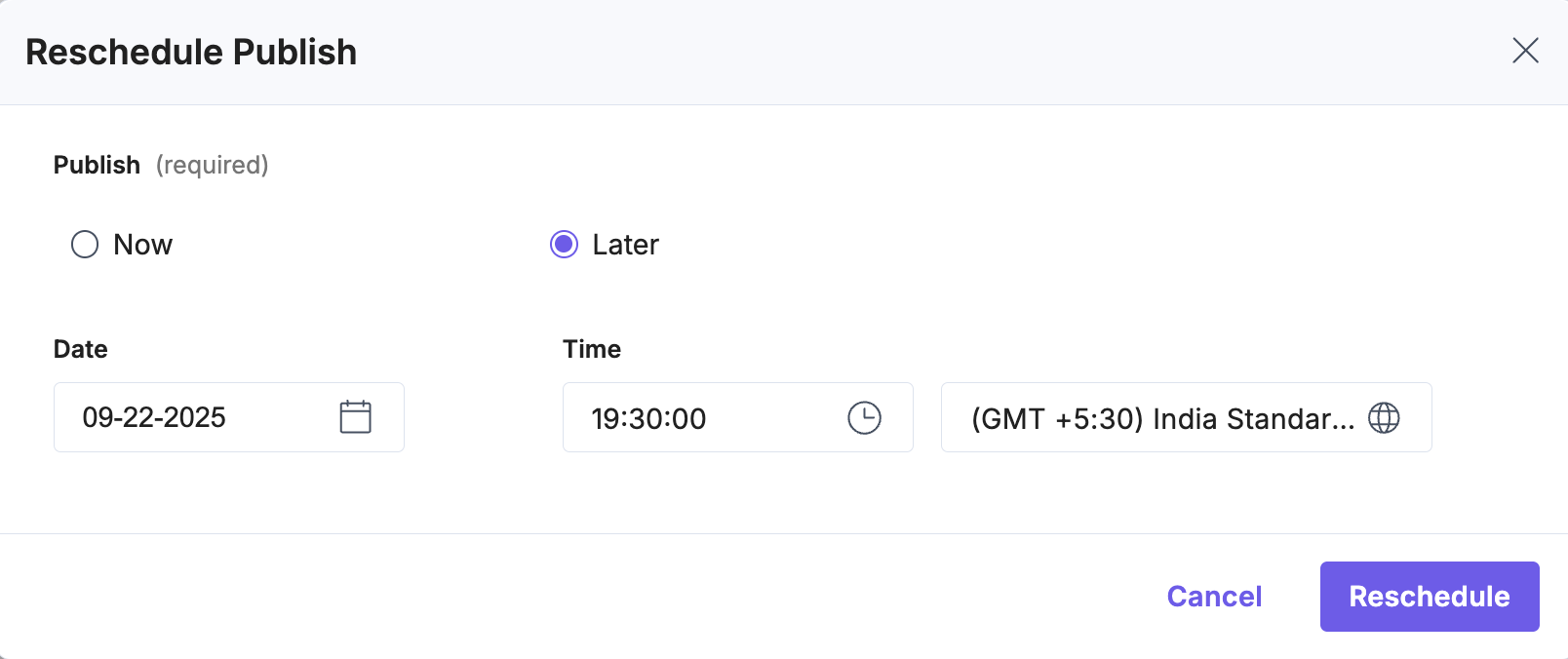
Your entry’s schedule gets updated.
Version Control in Scheduled Unpublishing
Contentstack always unpublishes the latest published version in the selected environment, even if you scheduled an earlier version.
For example:
- You schedule version 3 of an entry to unpublish in two days.
- Before that date, you create and publish newer versions, ending with version 6.
- You also schedule version 6 to unpublish in five days.
- When the unpublish action for version 3 occurs, Contentstack unpublishes version 6 instead of version 3.
This happens because the CDN stores only the latest published version of an entry.
Note: When scheduling unpublishing, Contentstack removes the latest published version, not the specific version you selected.
Scheduling publish and unpublish actions helps you manage content timelines with precision and flexibility. Use this feature to align releases with business goals, maintain control over versioning, and streamline workflows with Releases.
More articles in "Publish Entries"
