

Export Item from Knowledge Vault
You can export items from the Knowledge Vault to download a copy of the content in JSON format. This feature allows you to back up data, share configurations, or migrate items between environments readily.
Prerequisites
- Contentstack account
- Access to Organization that has Brand Kit enabled
- Access to the Contentstack Organization/Stack as the Owner/Admin
- Access to Brand Kit as an invited Collaborator
Steps for Execution
Note: For this guide, we have assumed that you have added items in the Knowledge Vault inside your Brand Kit.
To export a Knowledge Vault item, log in to your Contentstack account and perform the following steps:
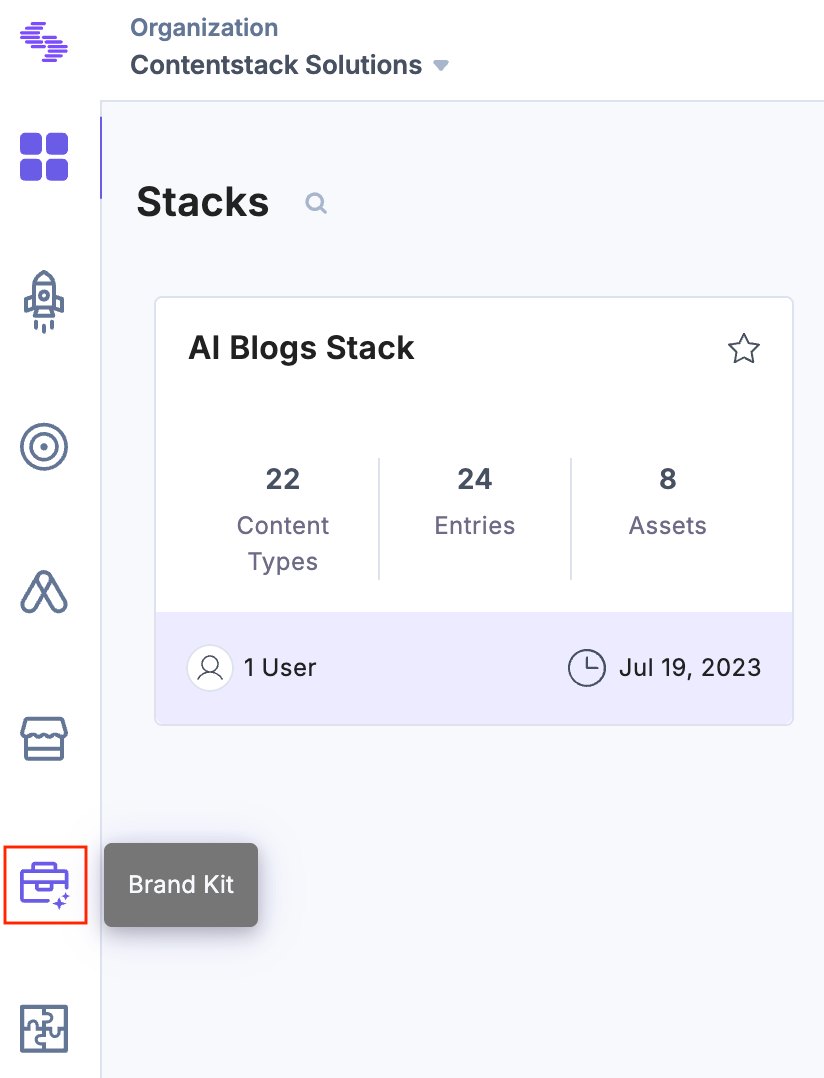
- In the left navigation panel, click the Brand Kit icon.
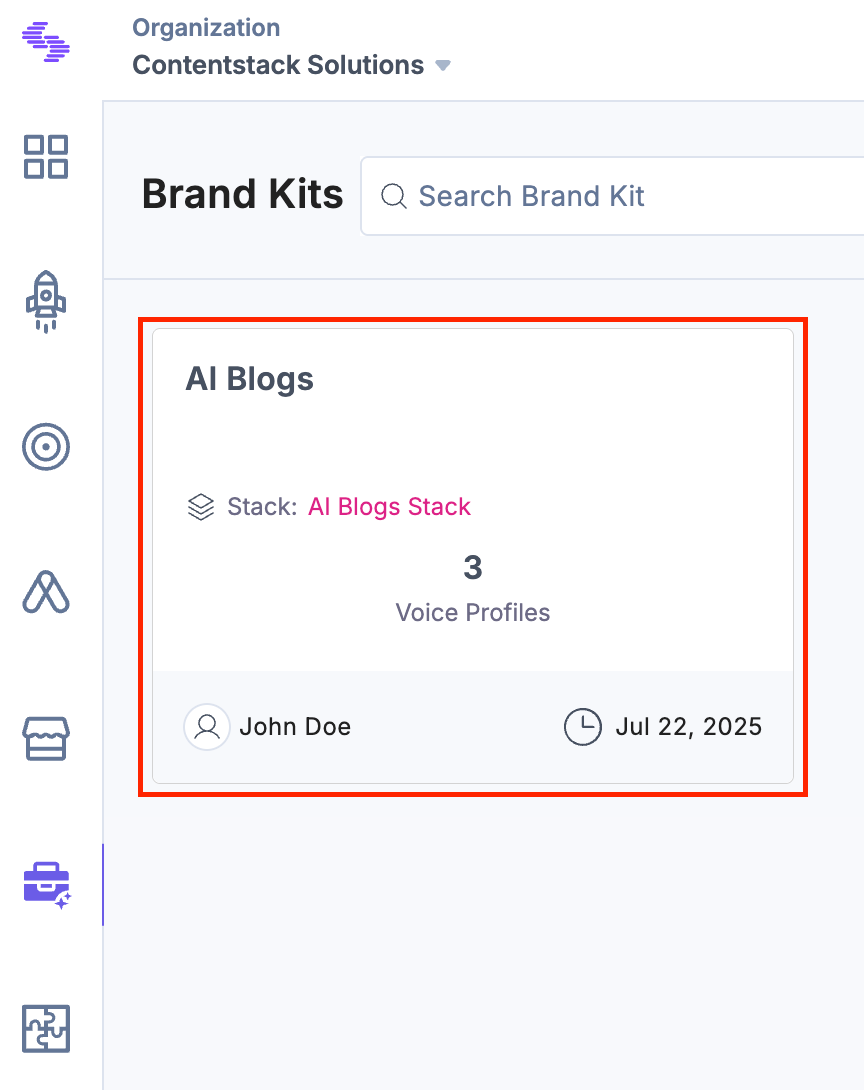
- Select the Brand Kit containing the Knowledge Vault item you want to export.
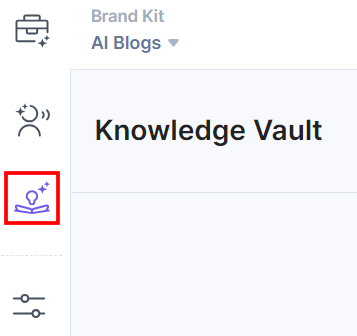
- Click Knowledge Vault from the left navigation panel.
- Under Actions, click the vertical ellipses corresponding to the Knowledge Vault item that you want to export, and then select Export.
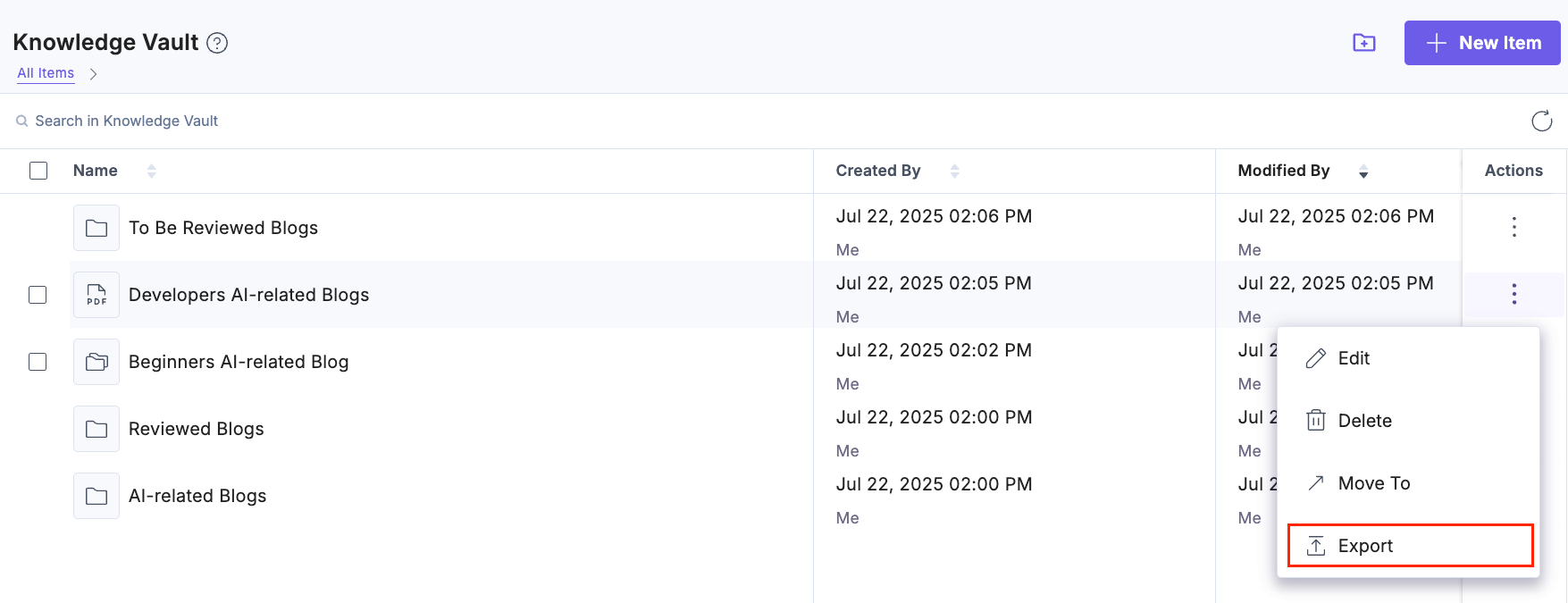
Note: Subfolders cannot be exported.
- To export multiple items, select the checkboxes for the desired Knowledge Vault Items and click Export from the floating bar.
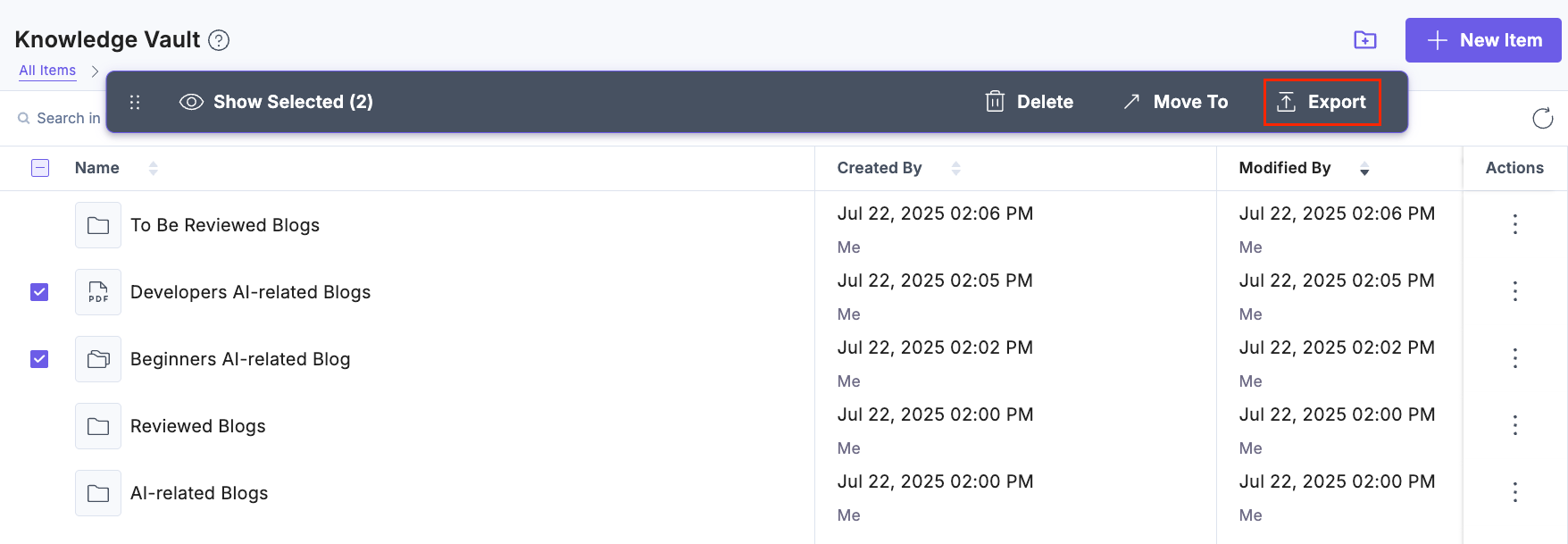
The selected items will be downloaded as .json files.
Was this article helpful?
More articles in "Understanding Knowledge Vault"
