

Edit a Voice Profile
You can edit the specifications of your Voice Profile, such as its name and description, communication style mixer, and custom details (Insights and Sample Content).
Prerequisites
- Contentstack account
- Access to Organization that has Brand Kit enabled
- Access to the Contentstack Organization/Stack as the Owner/Admin
- Access to Brand Kit as an invited Collaborator
Note: Only the respective Brand Kit Owners can edit the Voice Profiles inside it.
Steps for Execution
Note: For this guide, we have assumed that you have created a Voice Profile inside your Brand Kit.
To edit a Voice Profile, log in to your Contentstack account and perform the following steps:
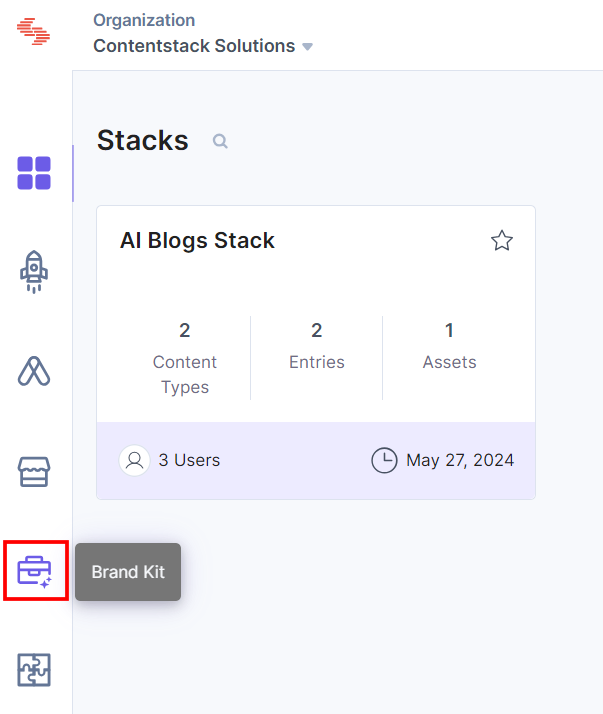
- On the left navigation panel, click the Brand Kit icon.
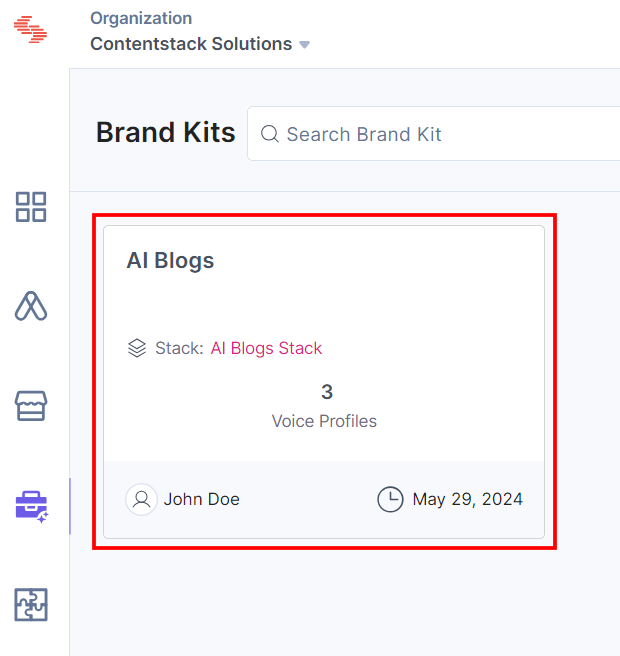
- Select the Brand Kit whose Voice Profile you want to edit.
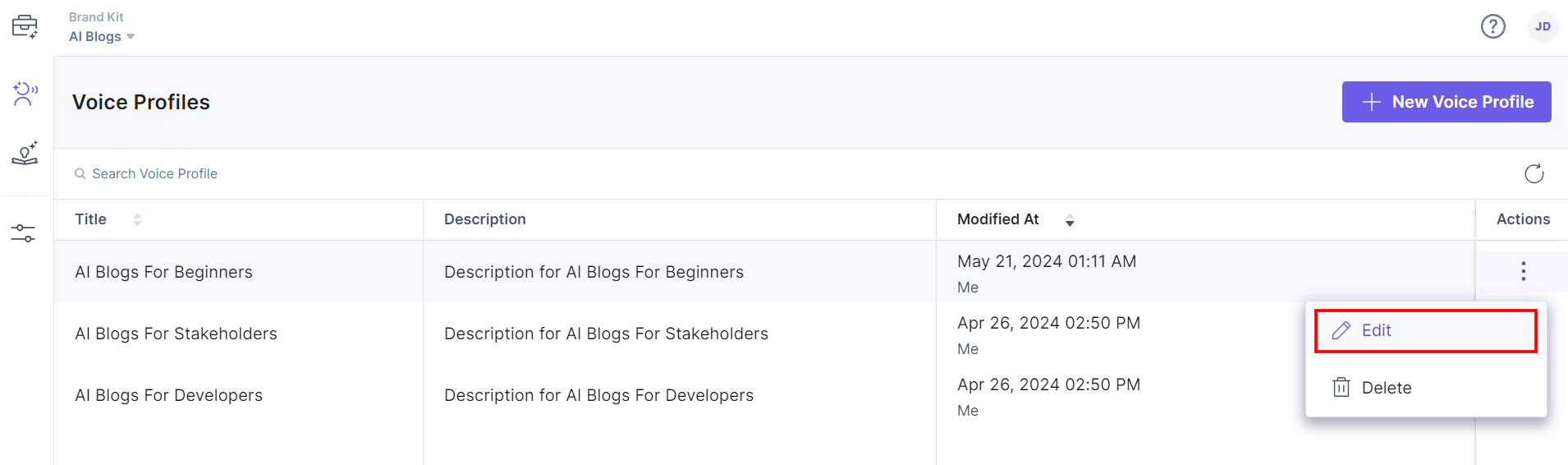
- You can edit a Voice Profile by clicking your voice profile to open it or by clicking the corresponding vertical ellipses under the Actions section and selecting Edit.
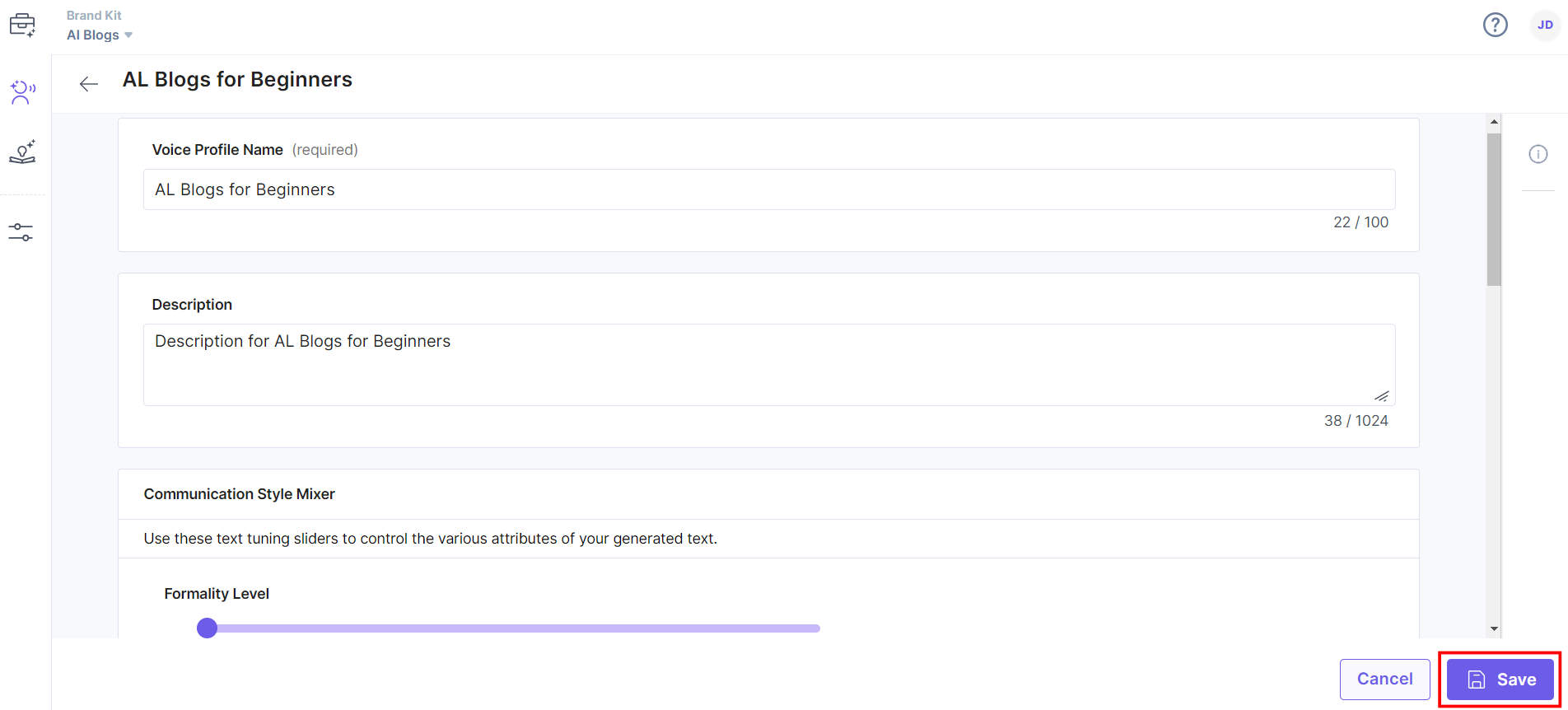
- Make changes to the Voice Profile Name and Description and update the Communication Style Mixer details, such as Formality Level, Tone Of Voice, Humor Level, and Language Complexity Level.
You can also update Custom Details, such as Insights and Sample Content as required and try generating content using Playground to refine the Voice Profiles.
- Once you have done that, click Save to save the changes.
You will get a success message after the Voice Profile is edited.
Was this article helpful?
More articles in "Working with Voice Profile"
