

Delete a Brand Kit
In this guide, we will discuss the steps required to delete a Brand Kit.
Prerequisites
- Contentstack account
- Access to Organization that has Brand Kit enabled
- Access to the Contentstack Organization/Stack as the Owner/Admin
Note: Only Organization Owners and Admins can view and edit Brand Kits, whereas Organization Members can only view their respective Brand Kits.
Steps for Execution
Warning: Deleting a Brand Kit deletes all its associated Voice Profiles as well. This action automatically unlinks the Brand Kit from its associated stacks. Once deleted, you cannot recover the Brand Kit and its Voice profiles.
To delete a Brand Kit, log in to your Contentstack account and perform the following steps:
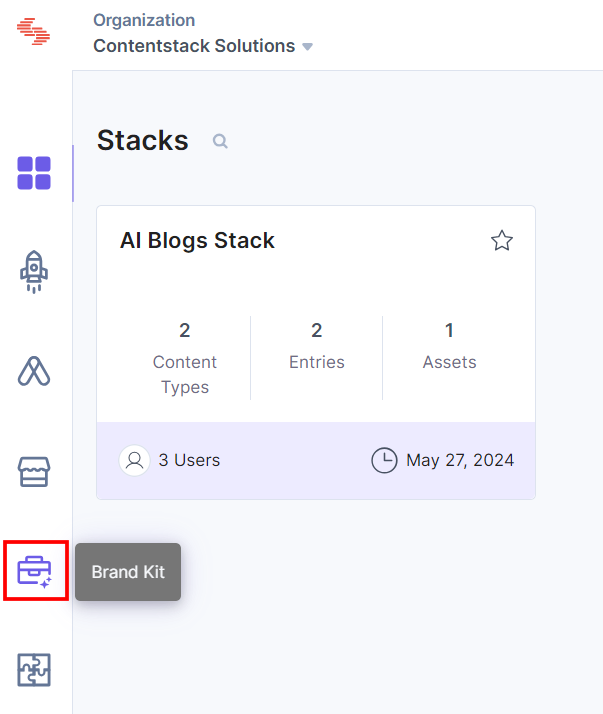
- On the left navigation panel, click the Brand Kit icon.
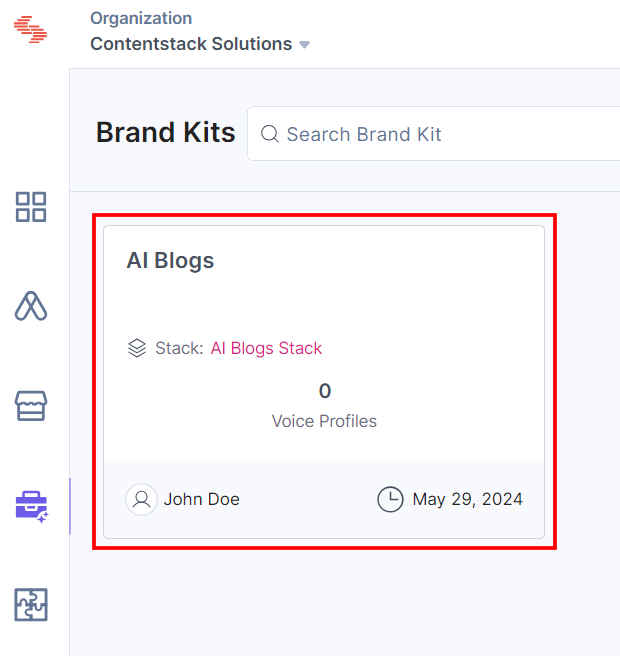
- Select the Brand Kit that you want to delete.
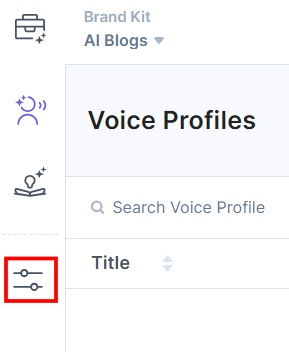
- Click Brand Kit Settings from the left navigation panel.
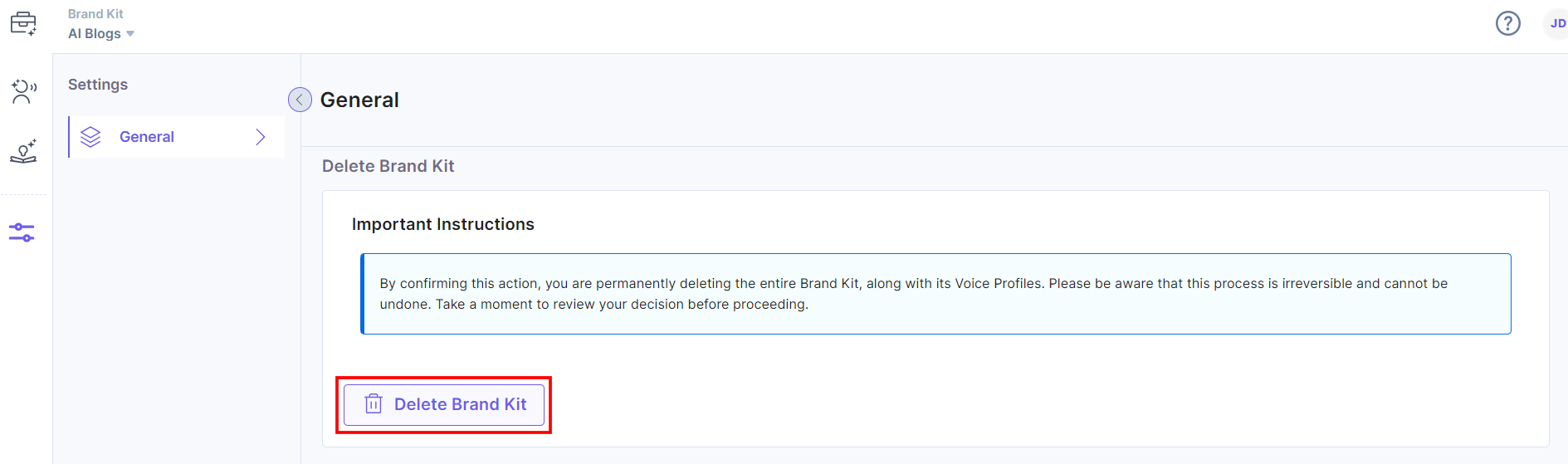
- Scroll down to the Delete Brand Kit section. Read the instructions carefully and click the Delete Brand Kit button to delete the Brand Kit.
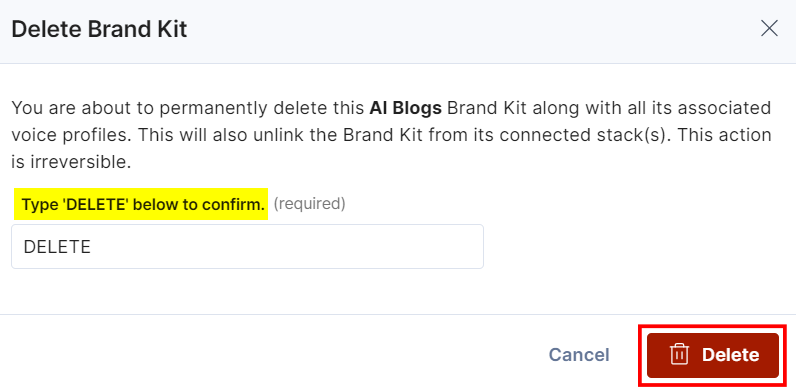
- In the Delete Brand Kit modal, type DELETE in the text field and click the Delete button to delete the Brand Kit permanently.
You will get a success message when the Brand Kit is deleted.
Note: No email notification is triggered after deleting the Brand Kit.
Was this article helpful?
More articles in "Working with Brand Kit"
