

Delete an Asset Folder
Contentstack allows you to delete asset folders that are no longer required. Deleting a folder will also delete all its contents.
To delete an asset folder, log in to your Contentstack account, and perform the following steps:
- Go to your stack and click the “Assets” icon in the left navigation panel to view the list of available assets.
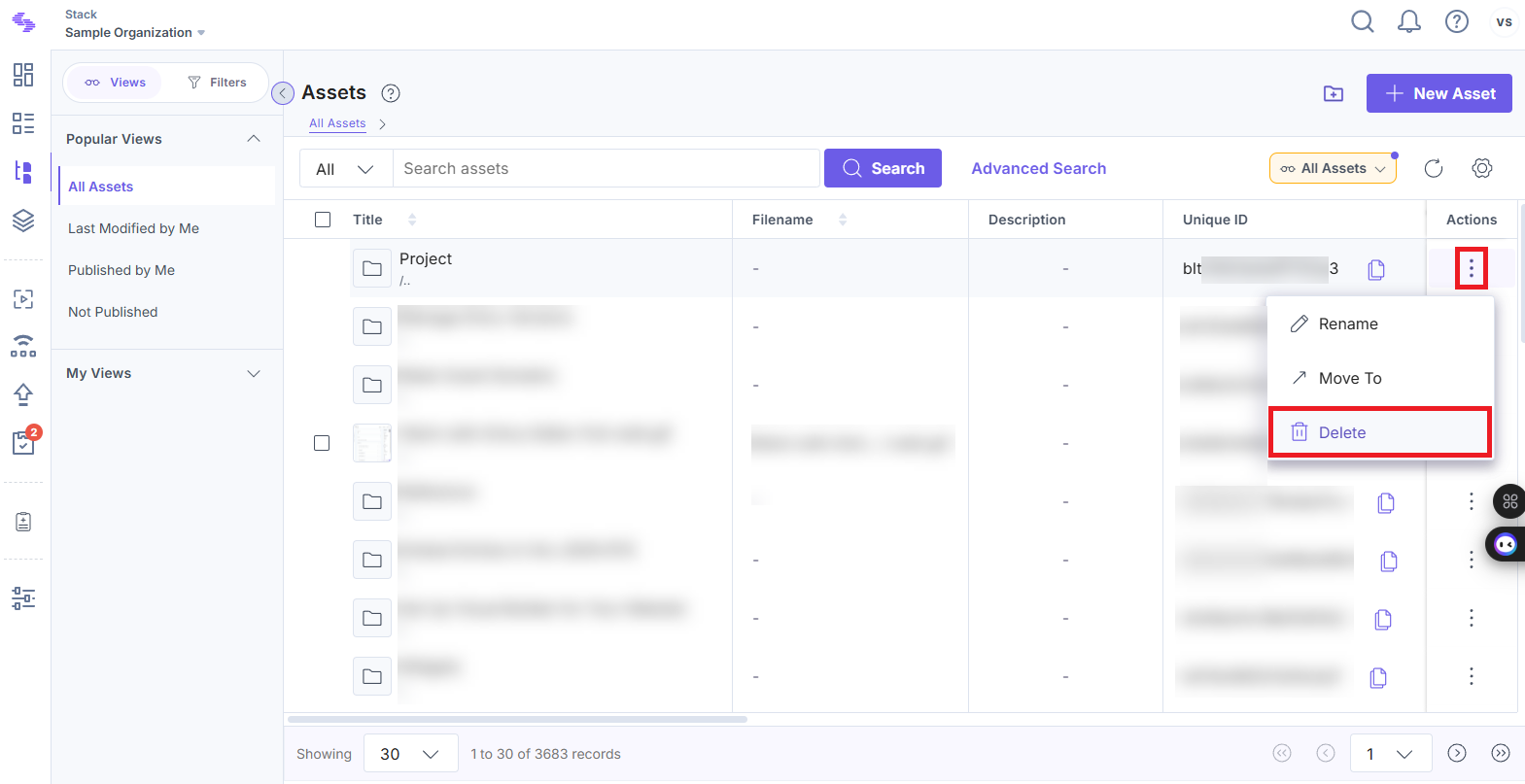
- Locate the folder you want to delete, click the vertical ellipses under Actions, and select Delete.
- In the Delete Asset Folder modal, click Delete to confirm the action.
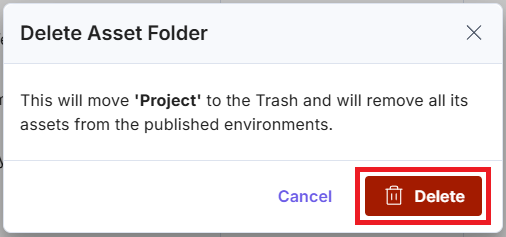
Note: Deleted asset folders, along with their contents, are moved to the Trash and can be restored within 14 days. After this timeframe, they are permanently deleted.
API Reference
To delete an asset folder via API, refer to the Delete a folder API request.
Was this article helpful?
More articles in "Create and Manage Asset Folders"
